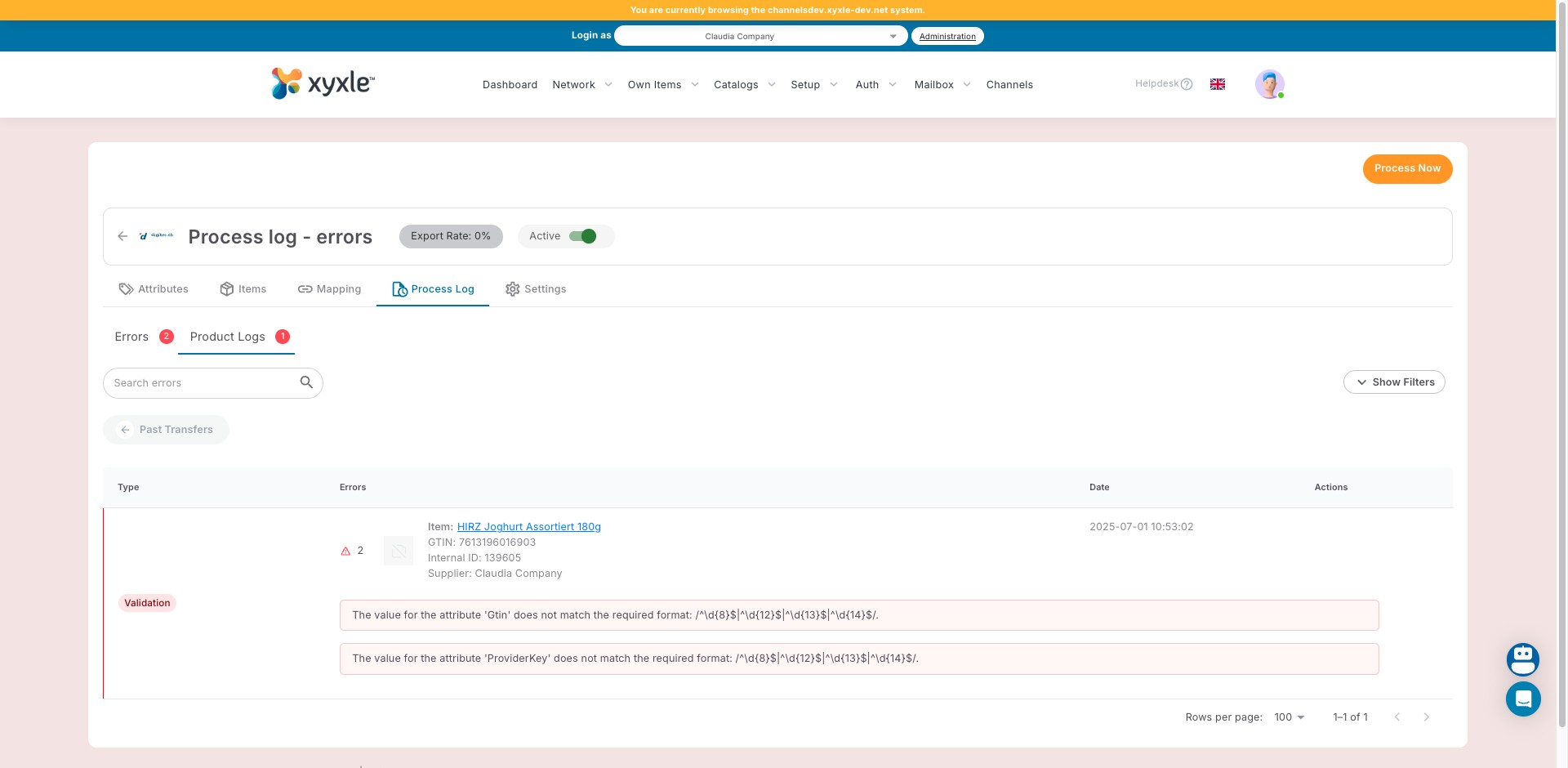
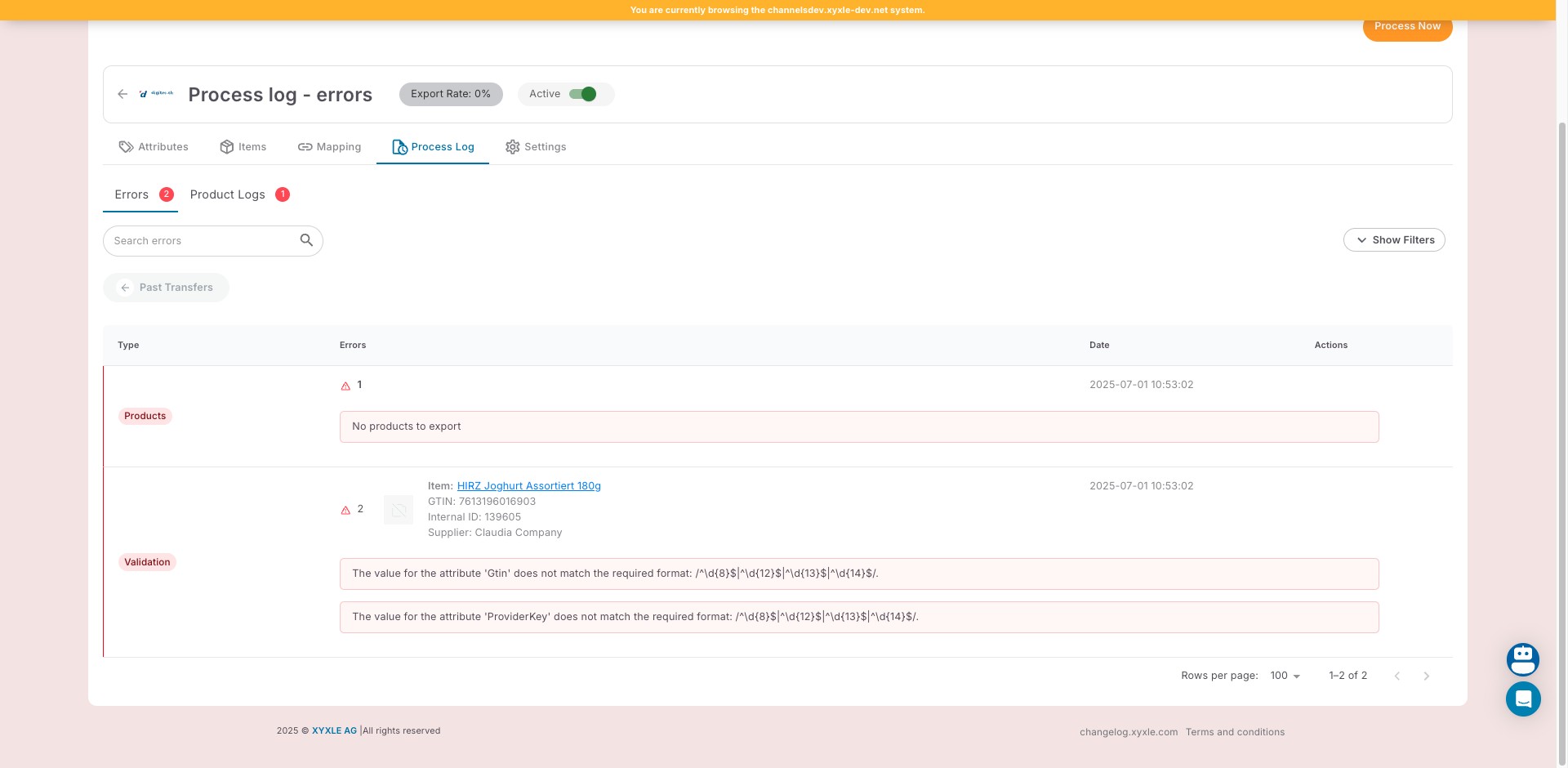
Process log - Errors
Aug 06, 2025●
1
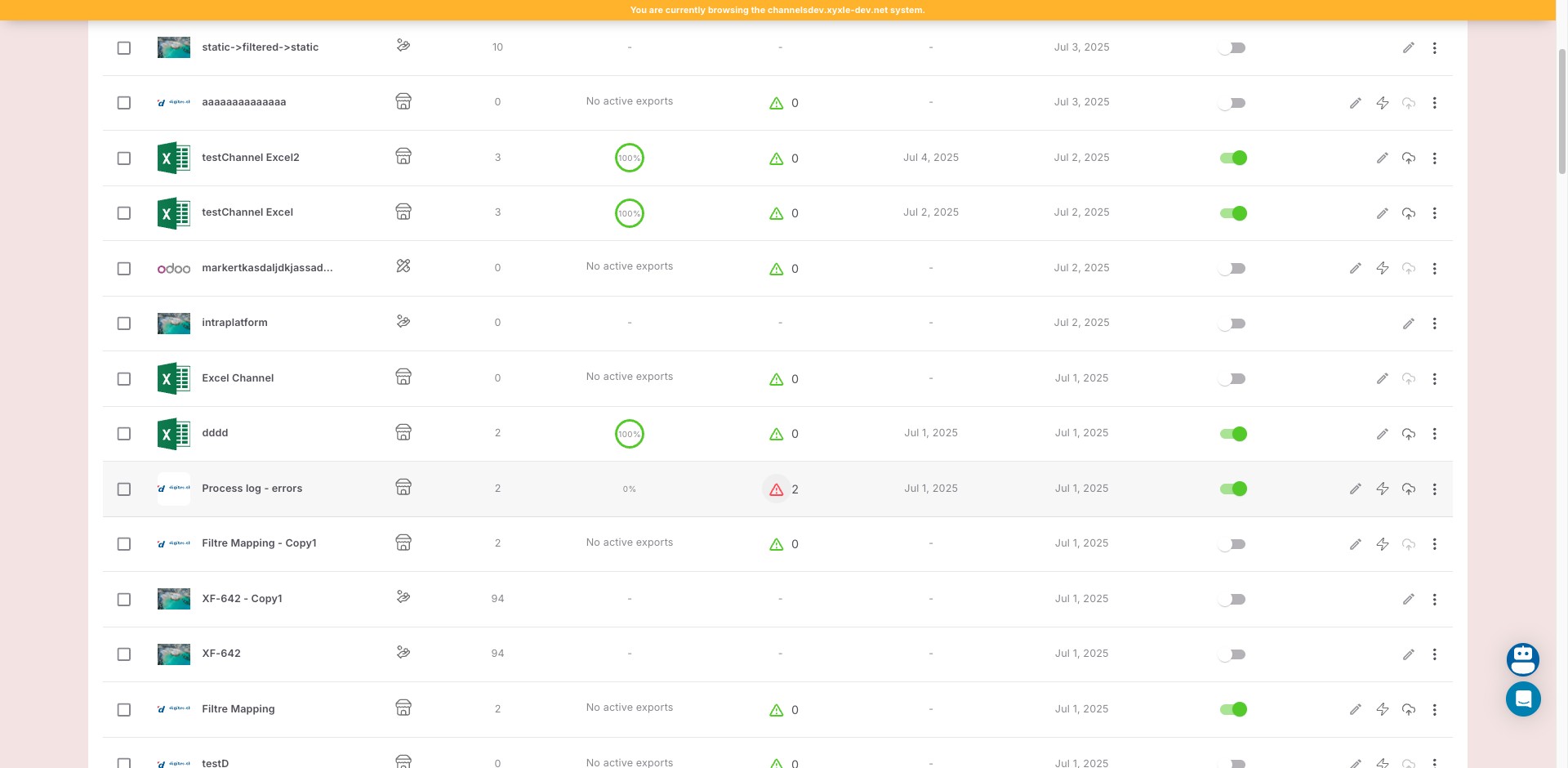
Navigate to the Channels section.
2
Click on Error log icon of an already created Channel.
3
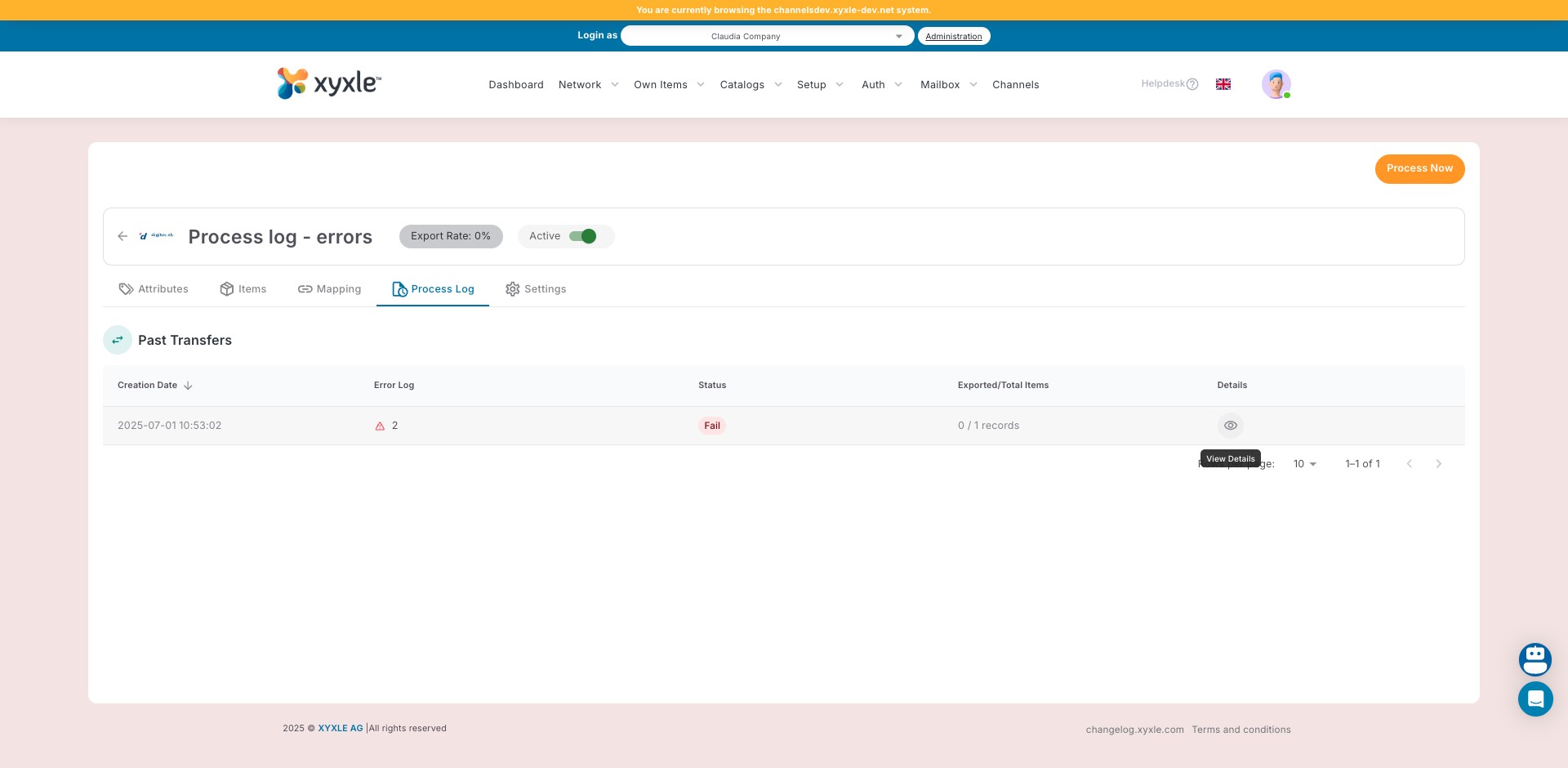
Go to the Process Log Tab and click on View Details icon.
4
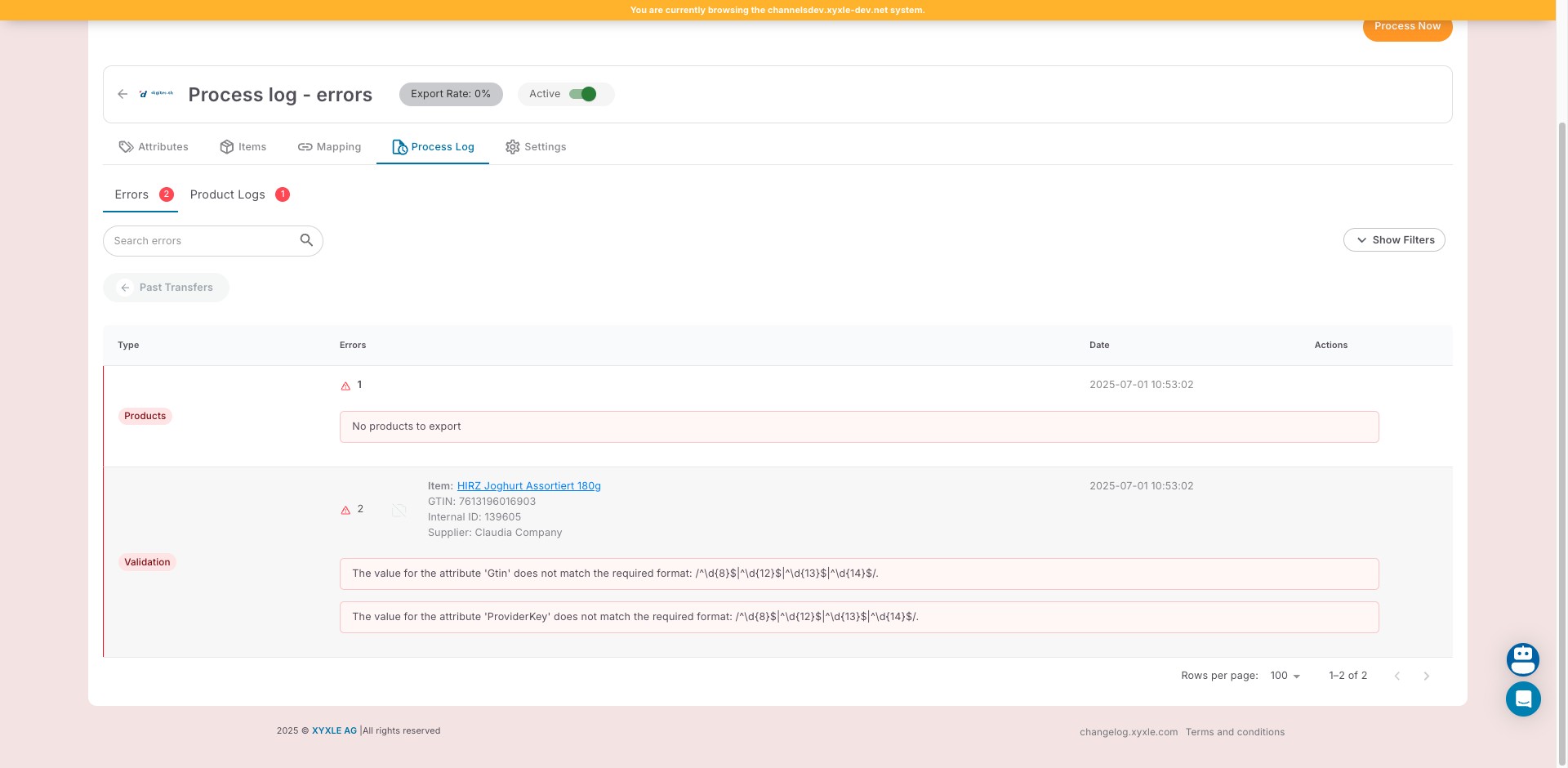
Go to Errors tab and check the errors.
5
Click on "Product Logs" and see product related error logs.
6
Done 🚀