excel-mapping-with AI
Aug 06, 2025●
1
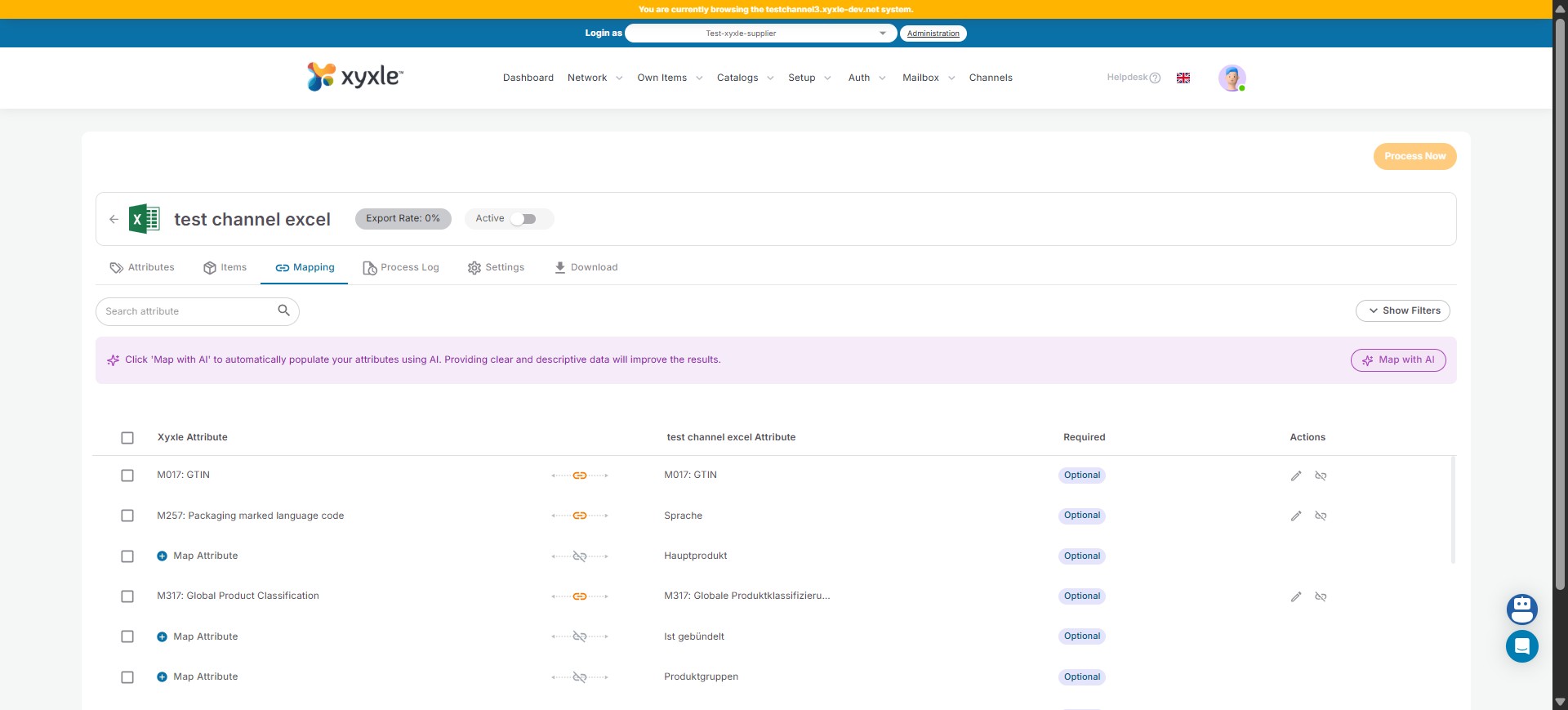
Navigate to the Channels section.
2
Click on Mapping.
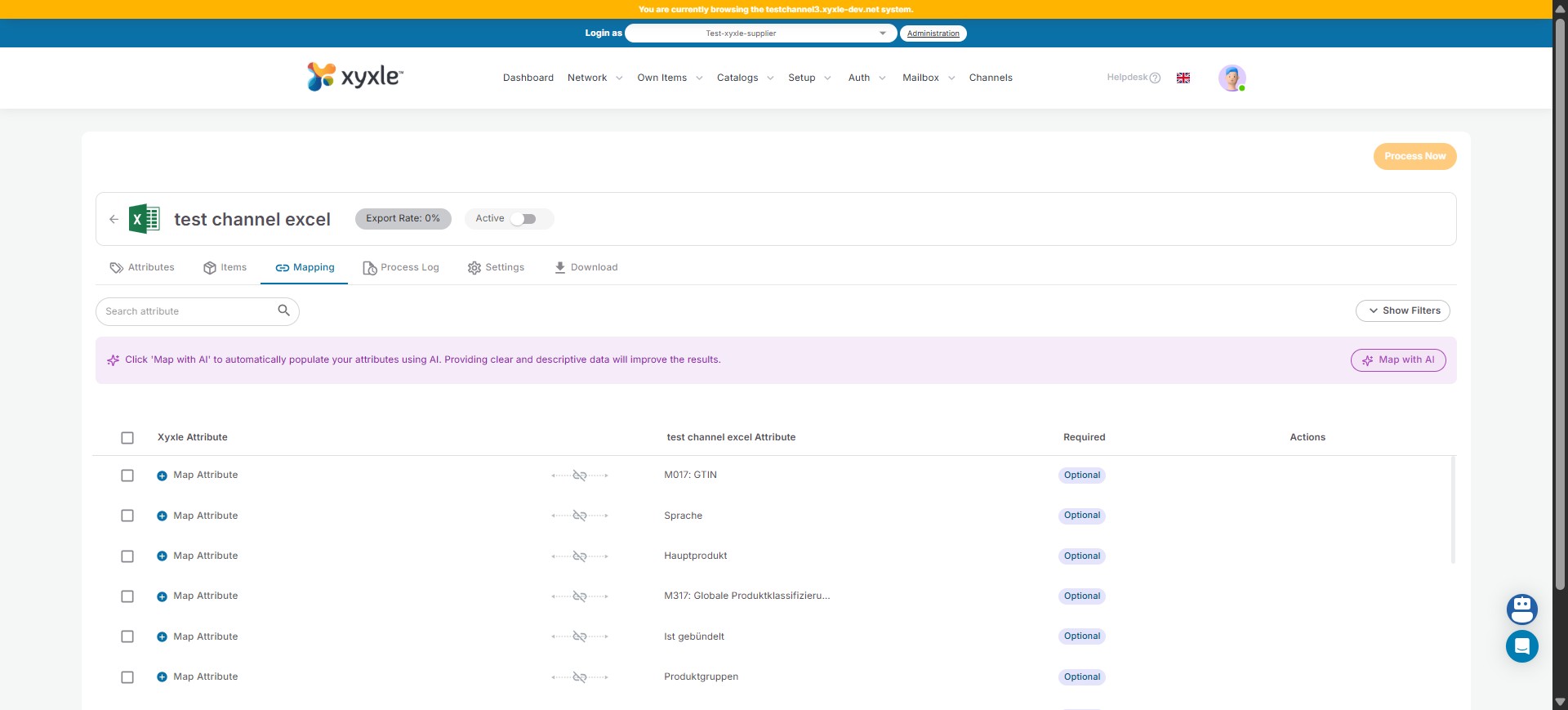
3
Click here to start mapping with AI.
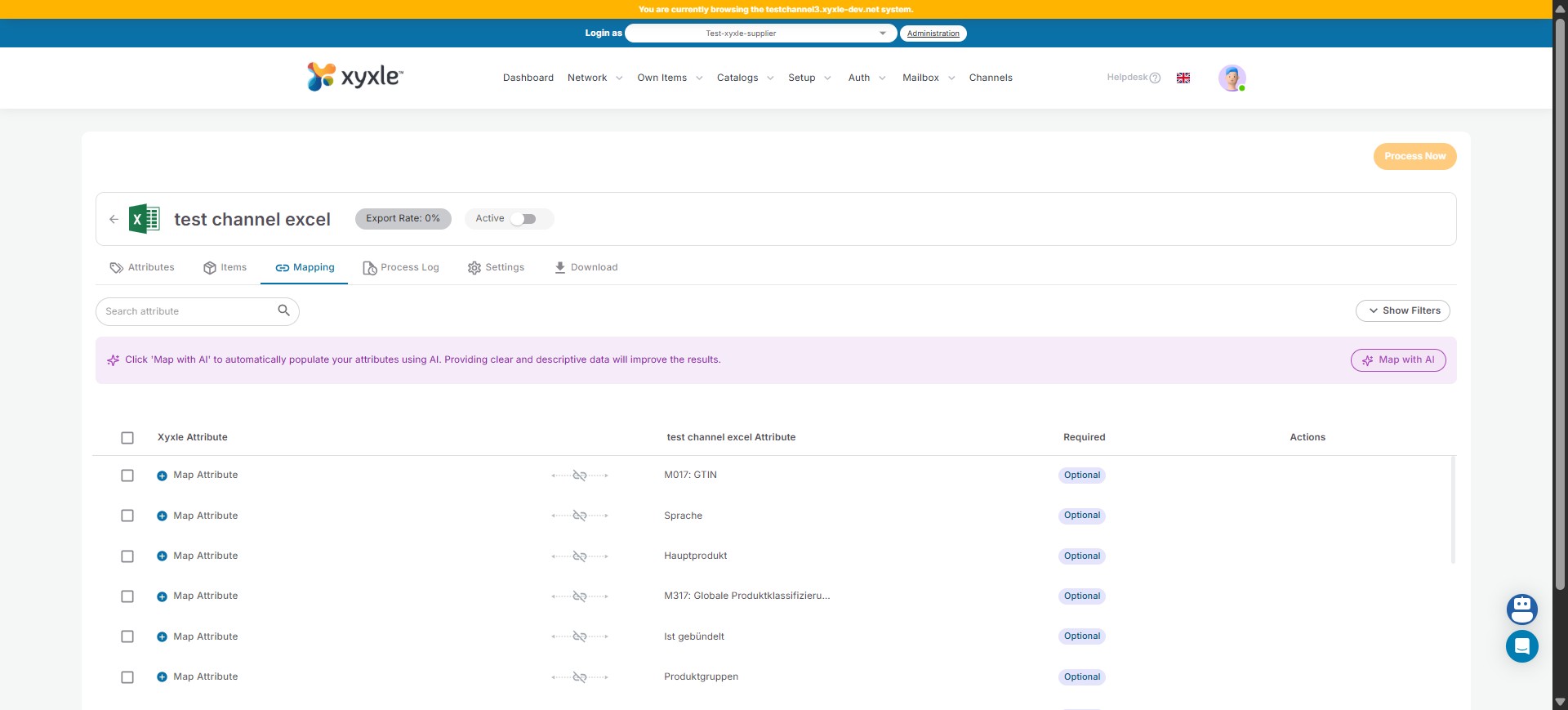
4
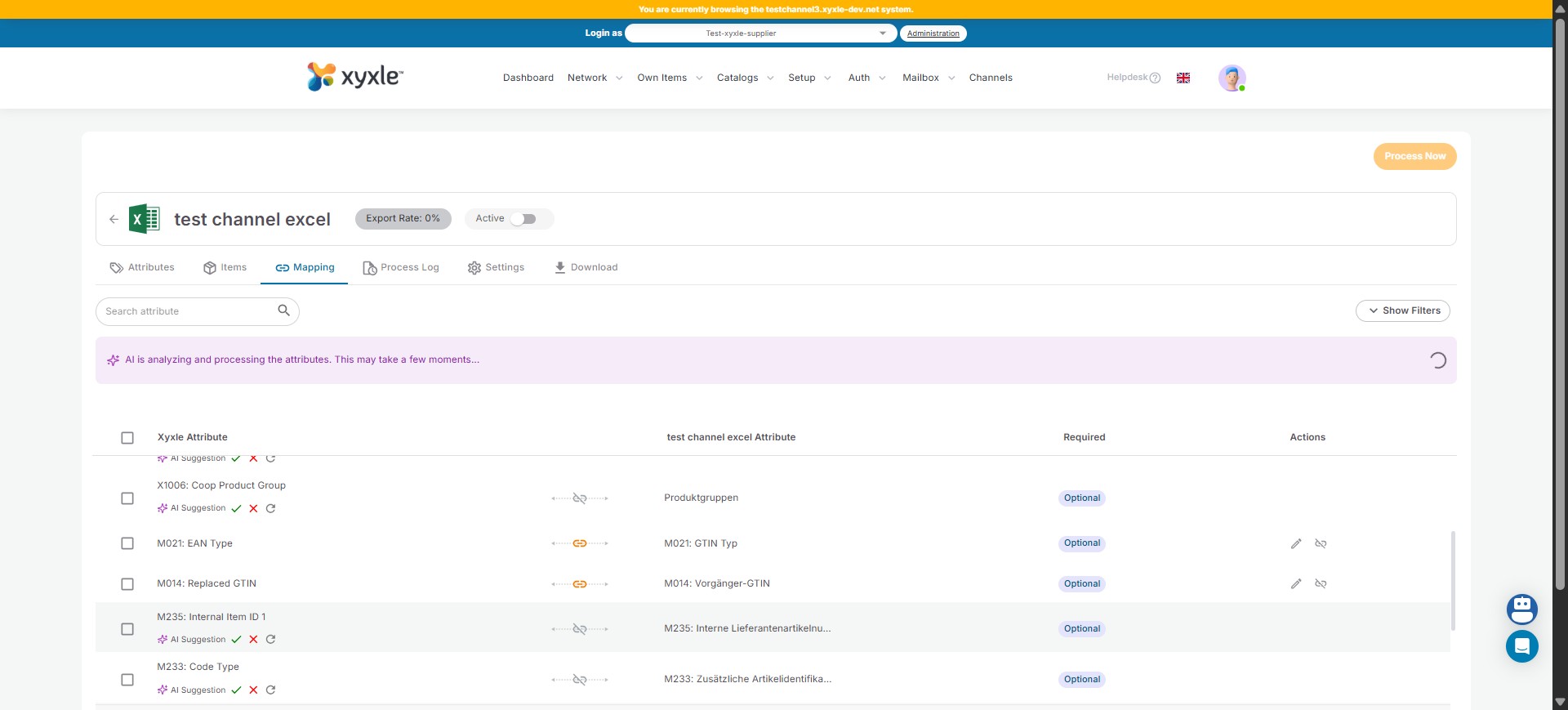
After some matches have been made you can pick which ones you need with the green arrow.
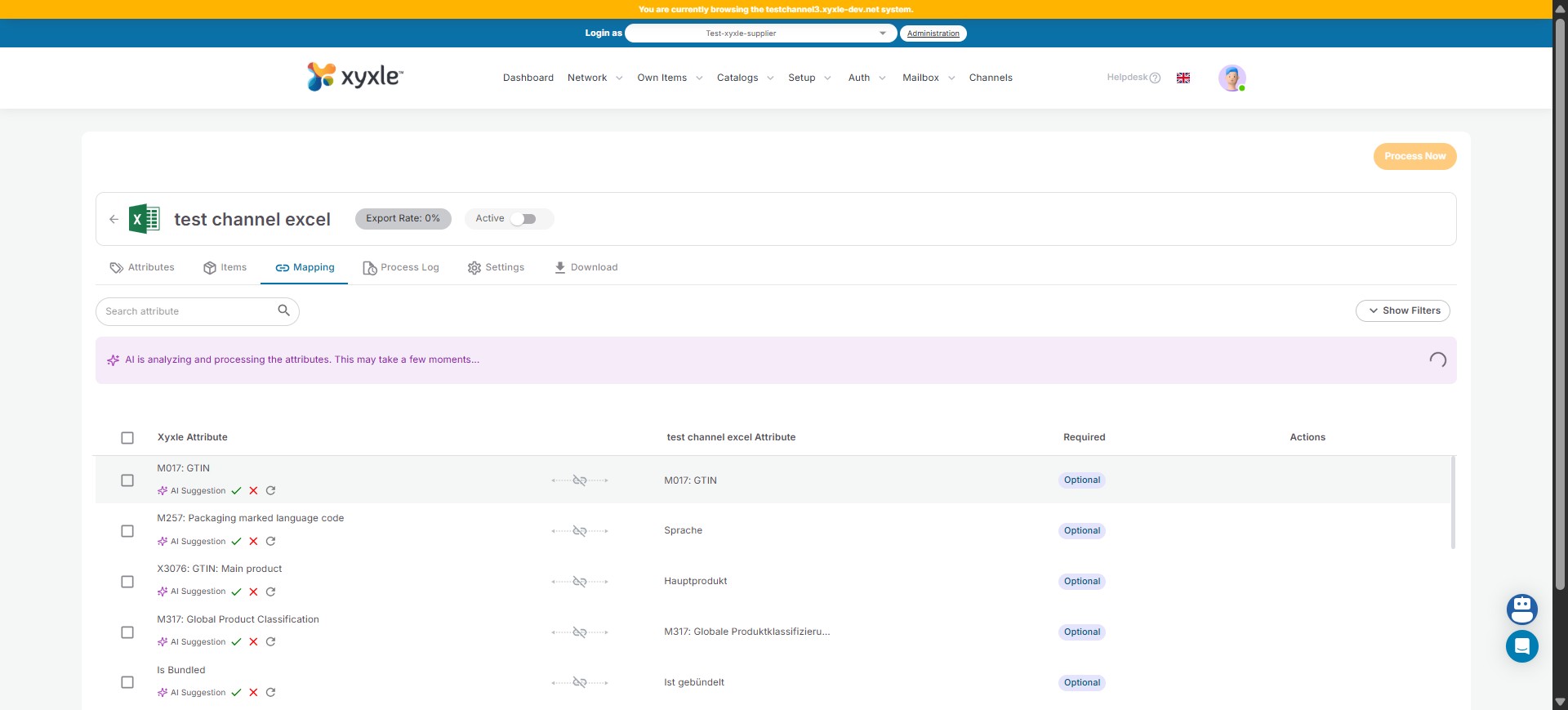
5
Click the green arrow.
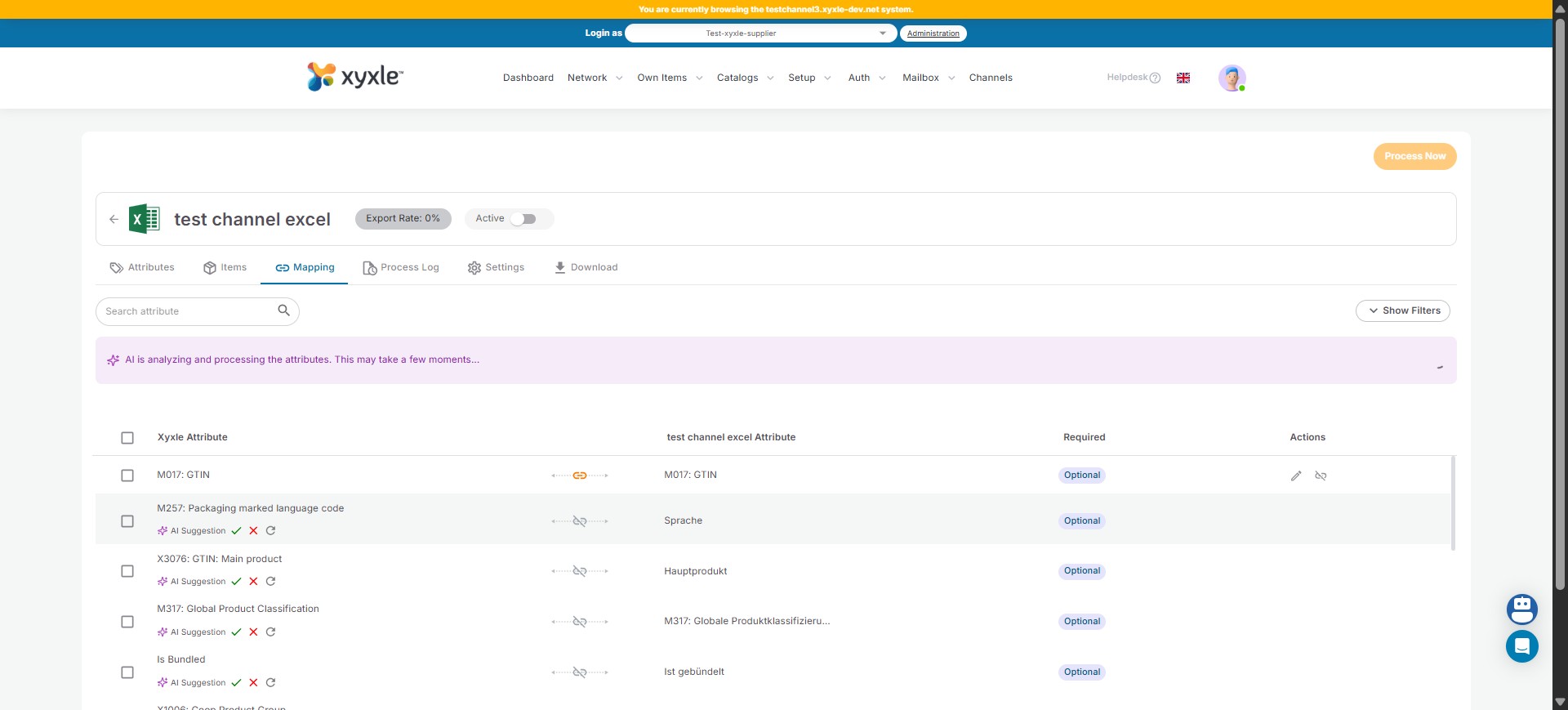
6
Click the green arrow.
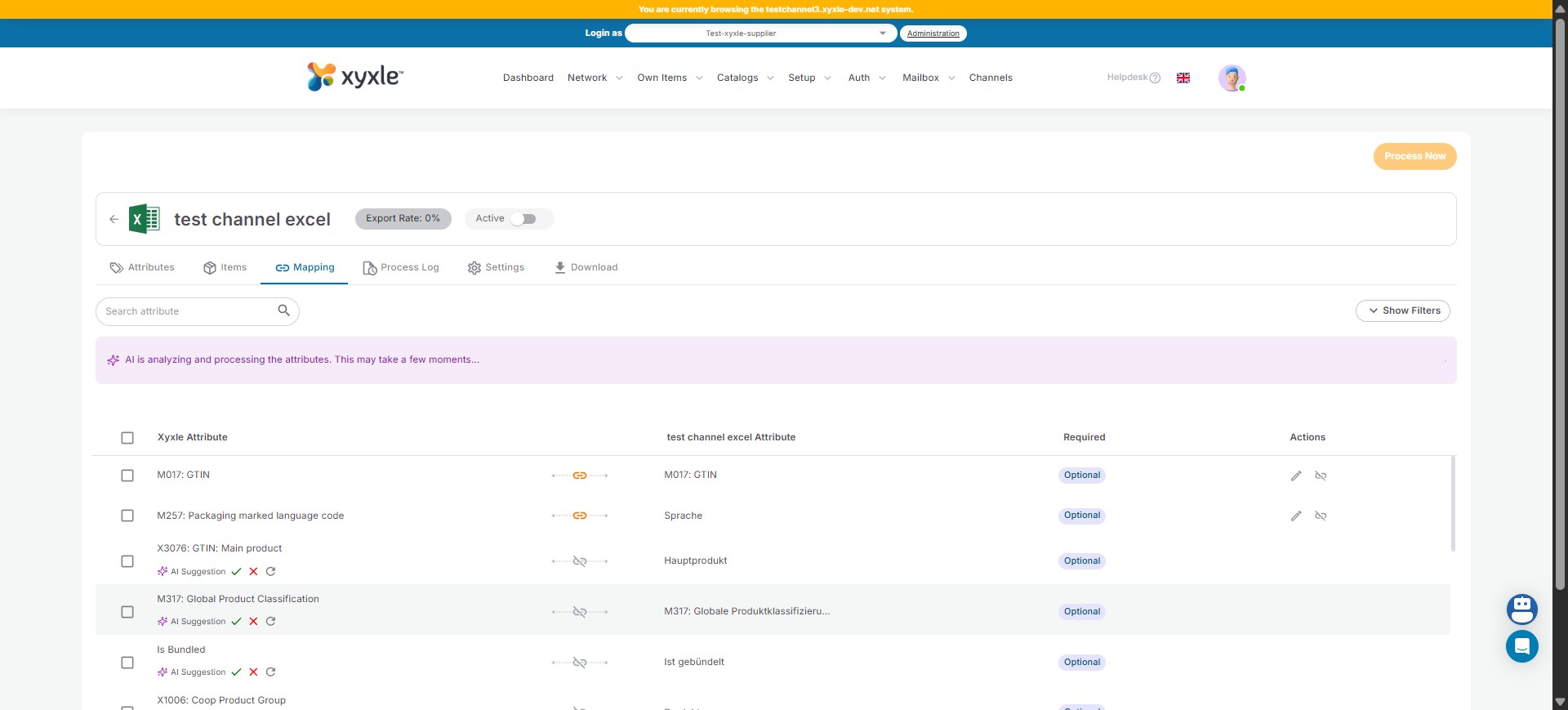
7
Click the green arrow.
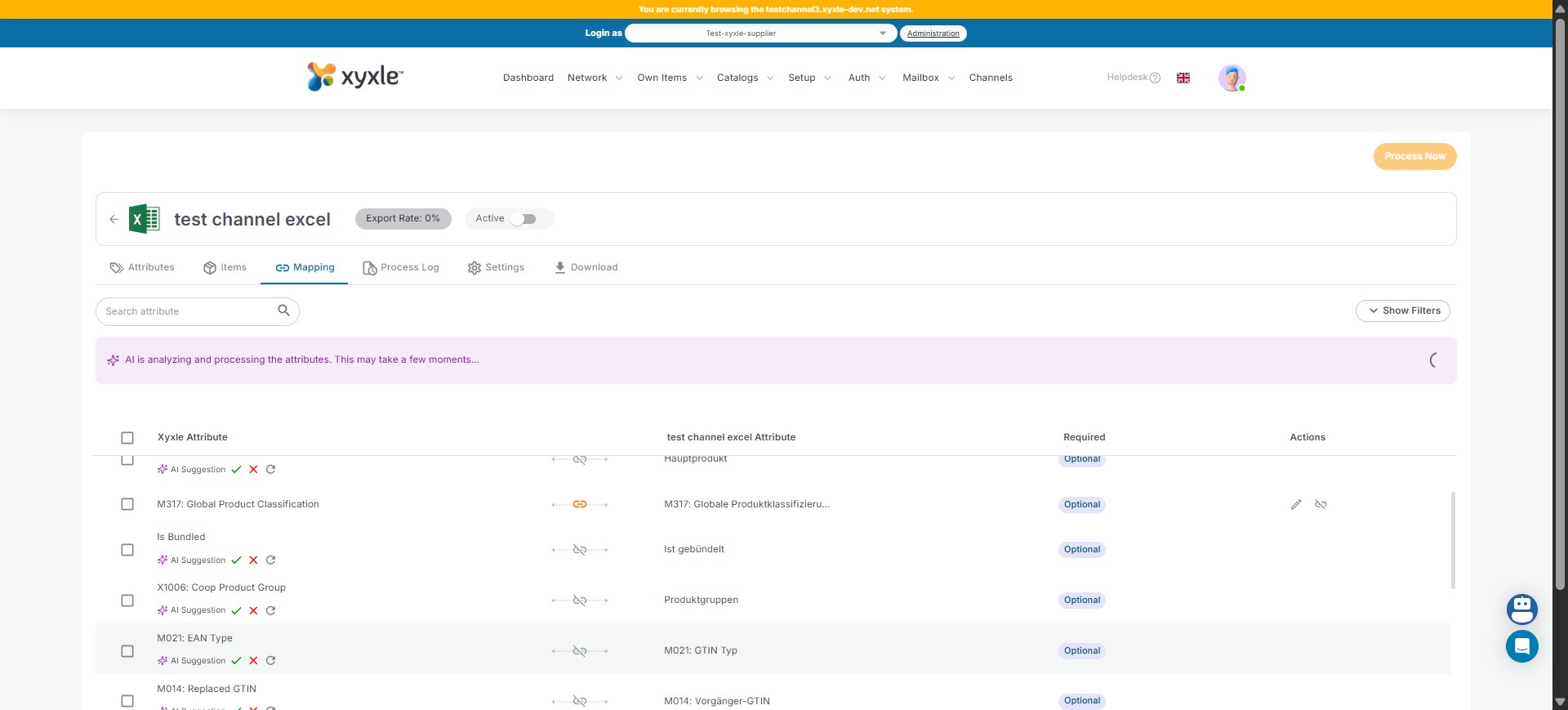
8
Click the green arrow.
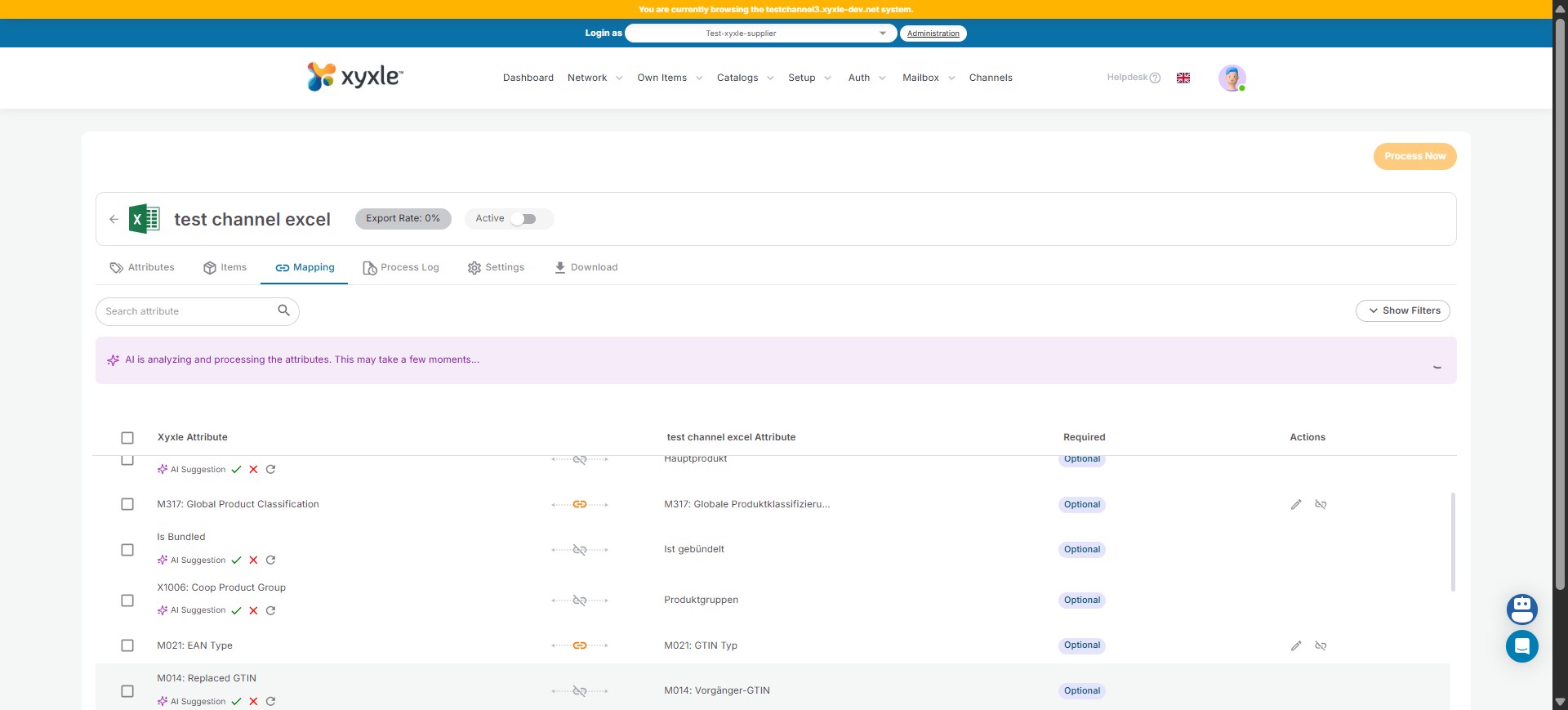
9
Click the green arrow.
10
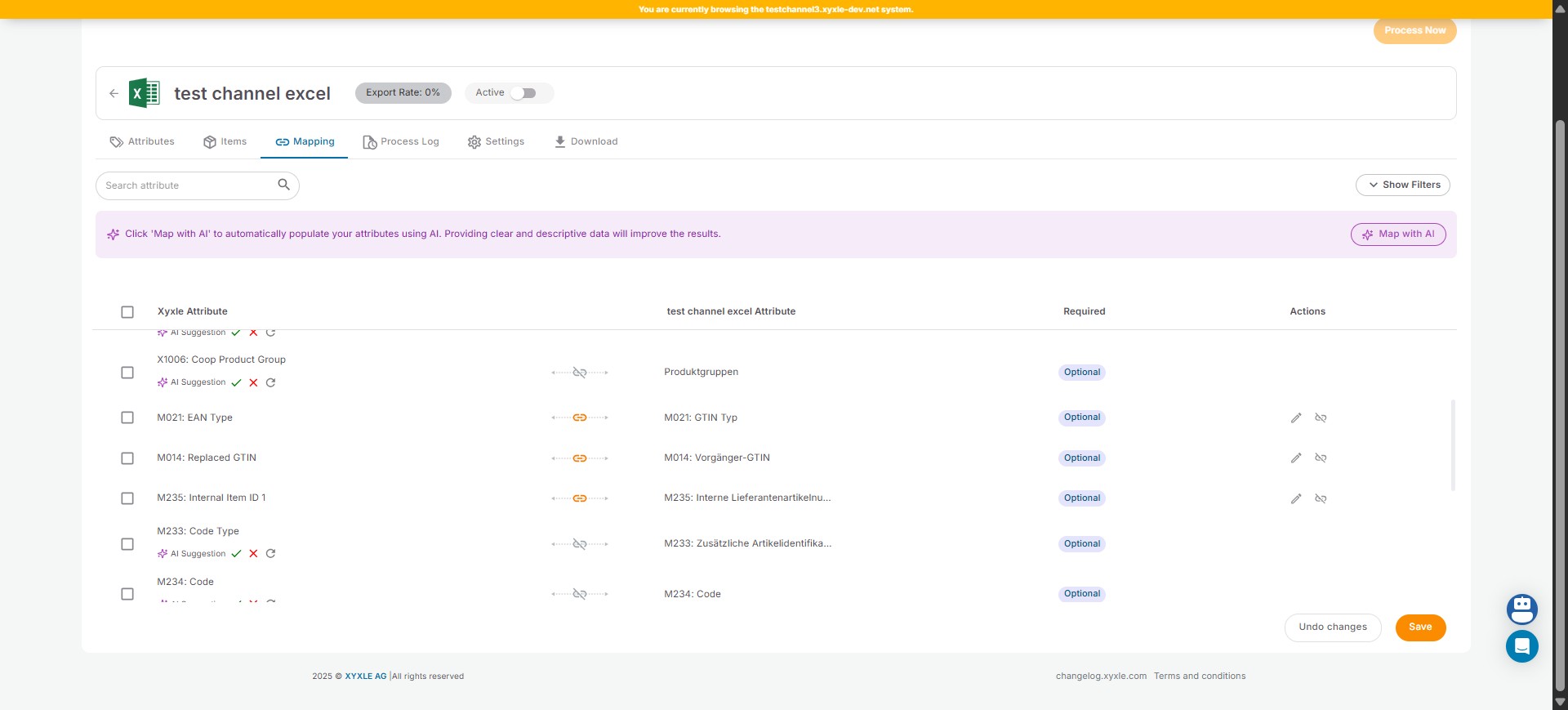
Click on "Save"
11
Done 🚀