How to publish articles articles in xyxle with the Channel function?
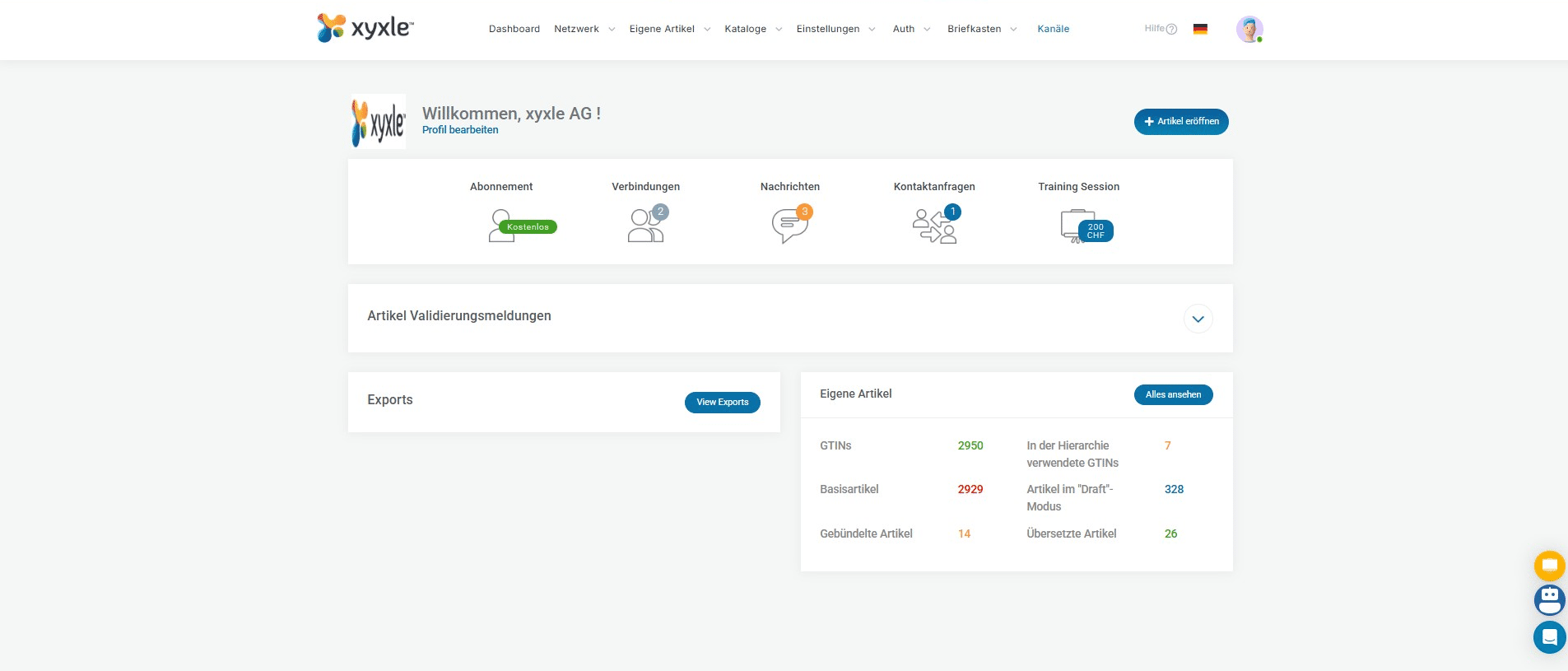
Navigate to xyxle Dashboard.
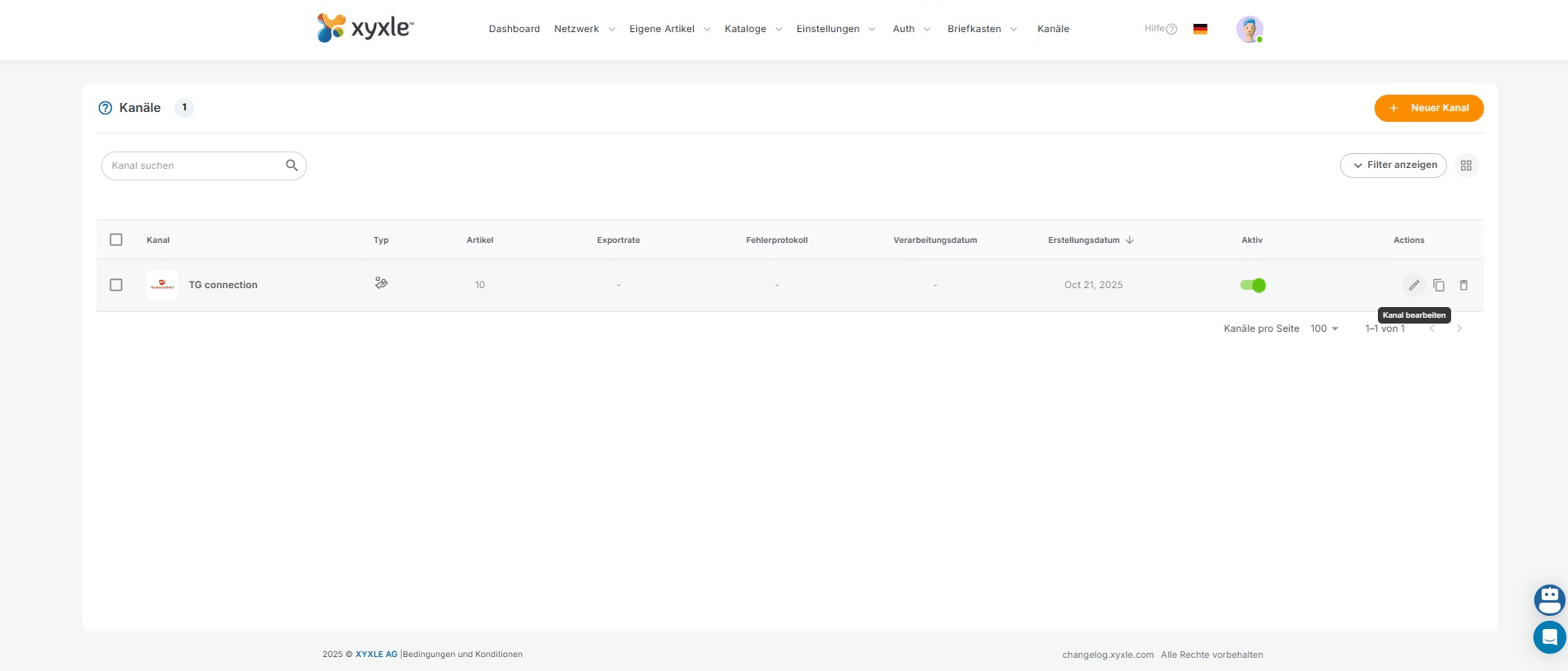
After you have added your new article/articles and already published this in your account, then click on "Kanäle".
Click this icon to modify the channel. As we can see here is a TransGourmet connection.
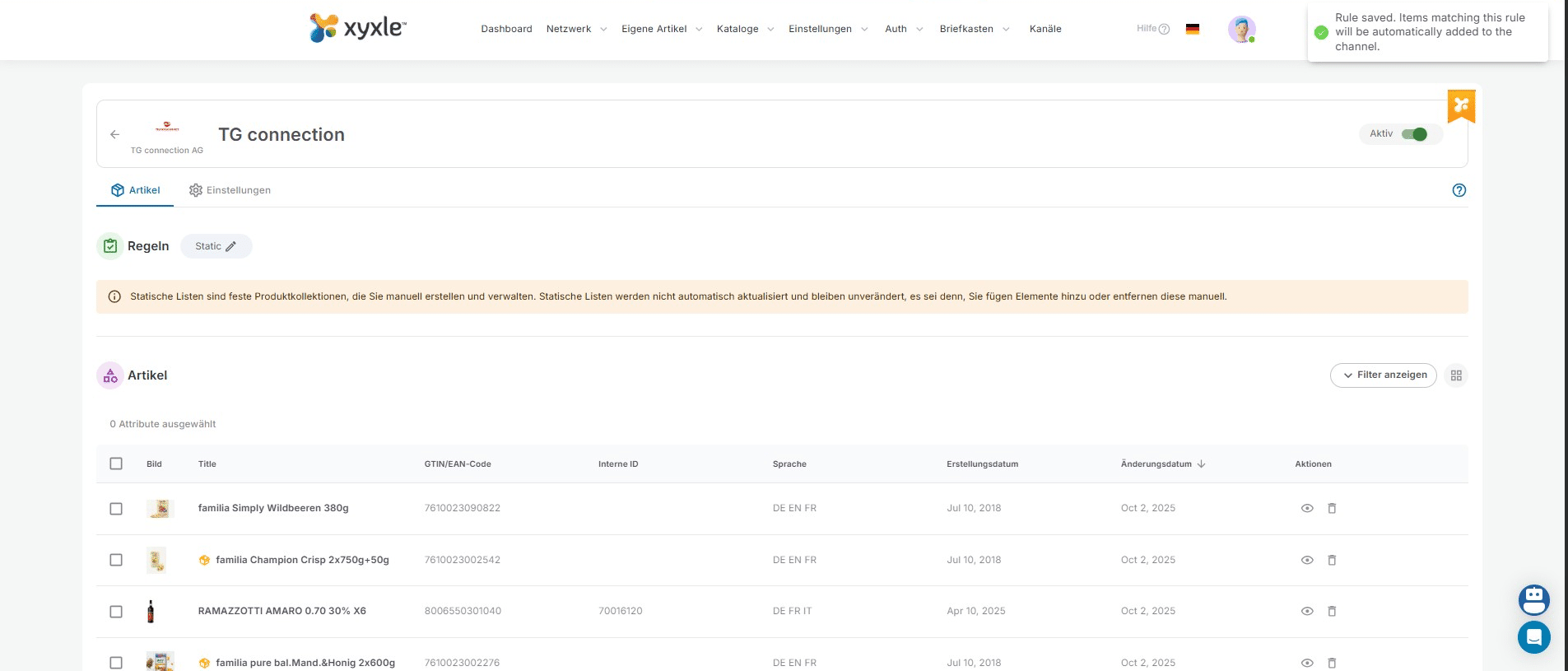
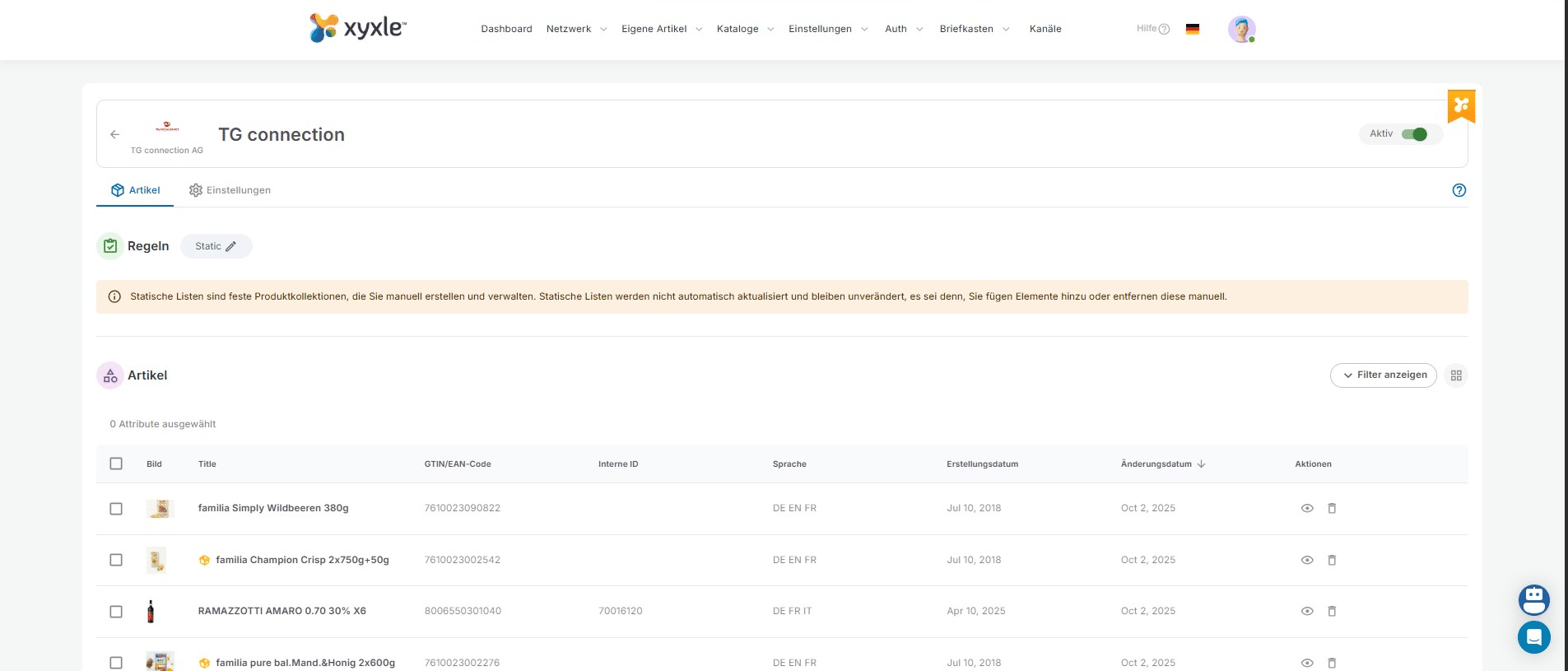
Below we can see all the articles already published in this channel for TG.
Click this icon to add and publish new articles in this channel.
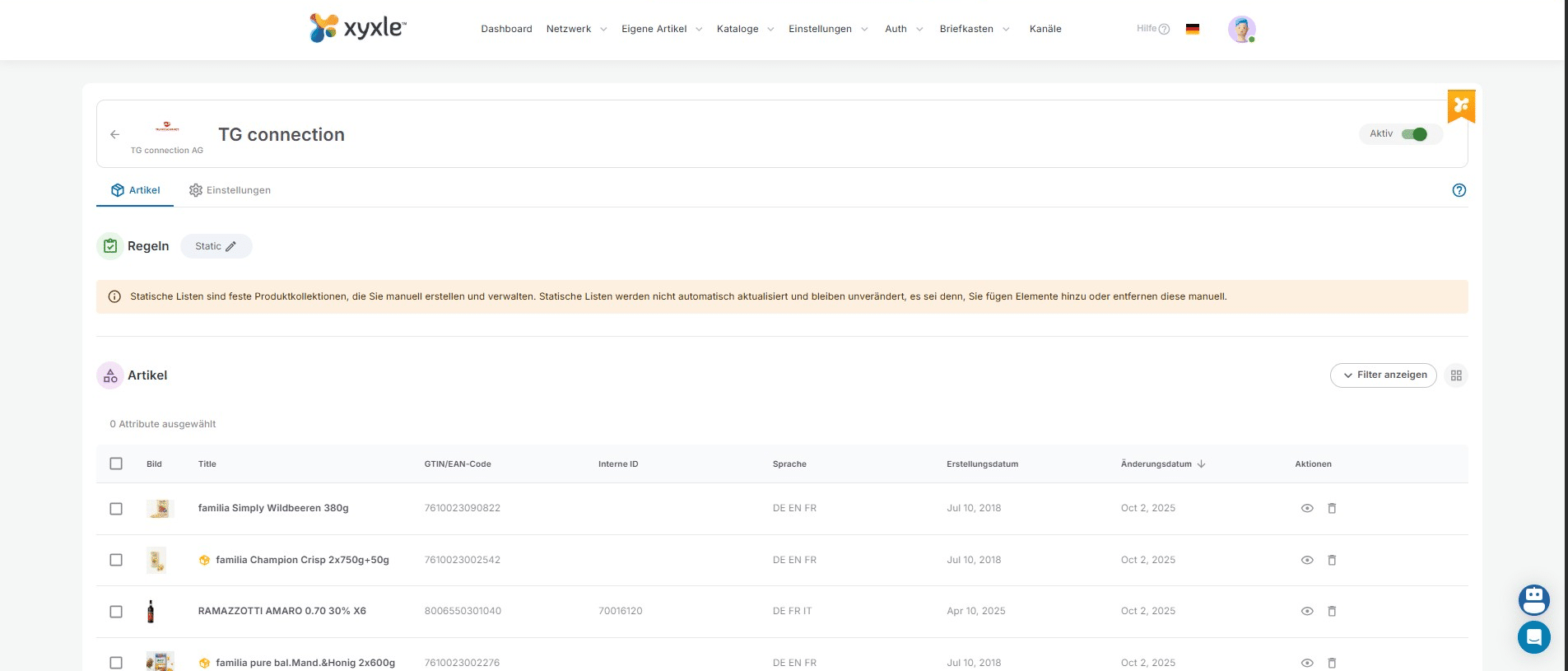
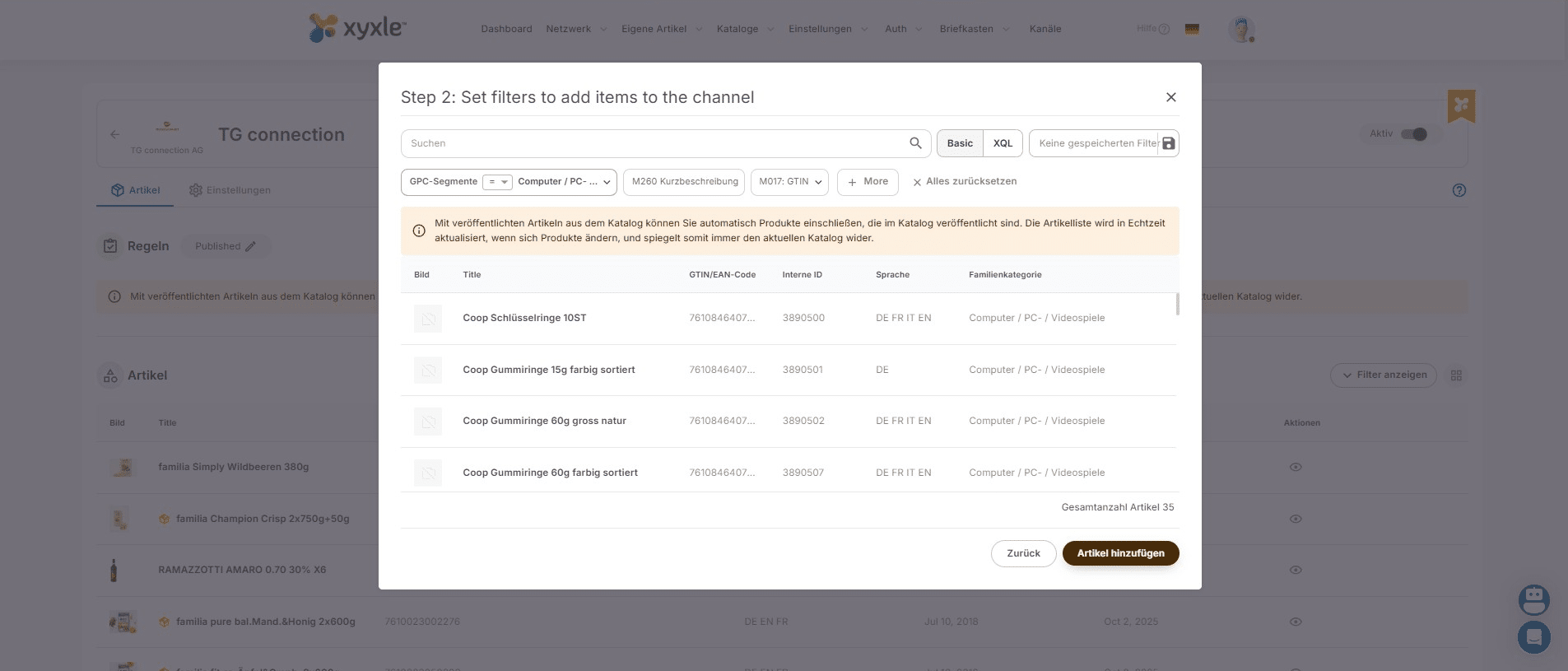
Here you have 2 options, either Static or Smart. Please read the information below each one.
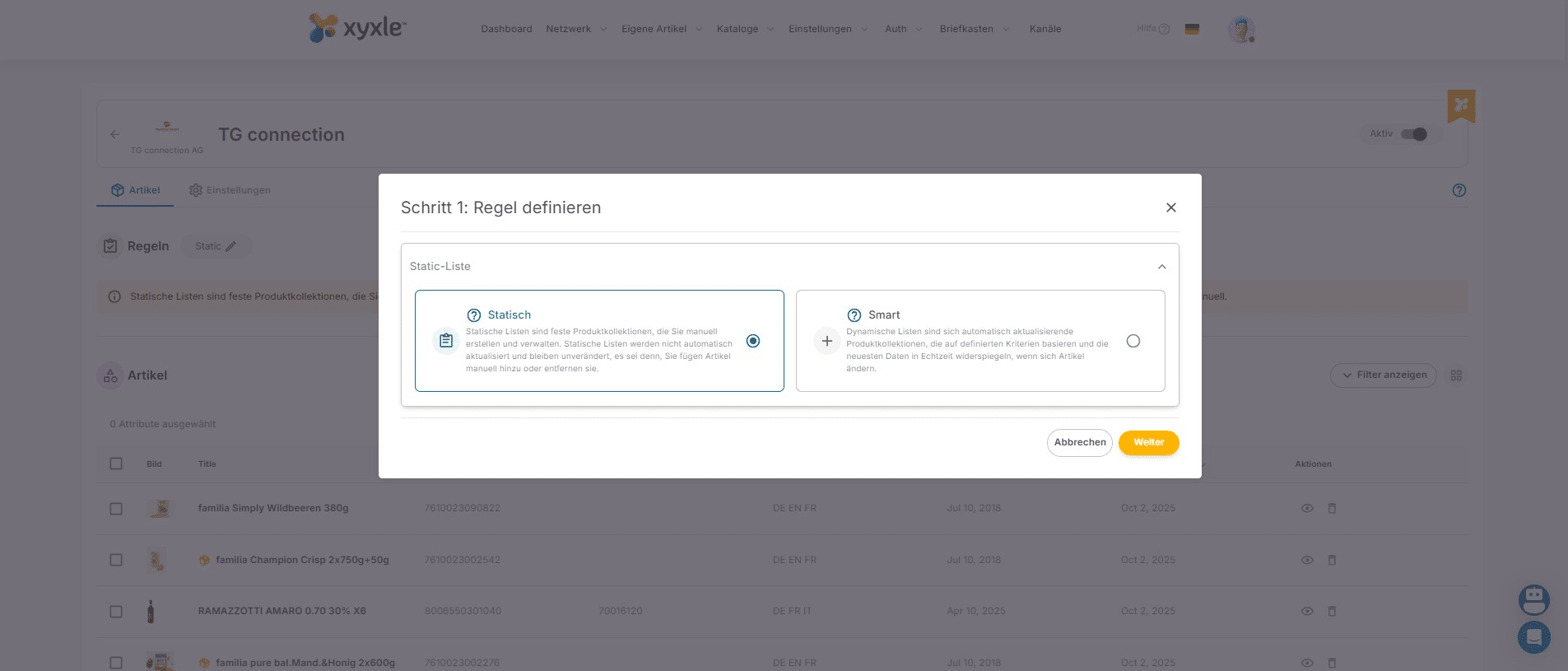
For this example we are publishing Smart lists and published articles, which means you will publish ALL articles from your "Article list" in your account. And in the future if you add articles and publish them they will be published to this receiver.
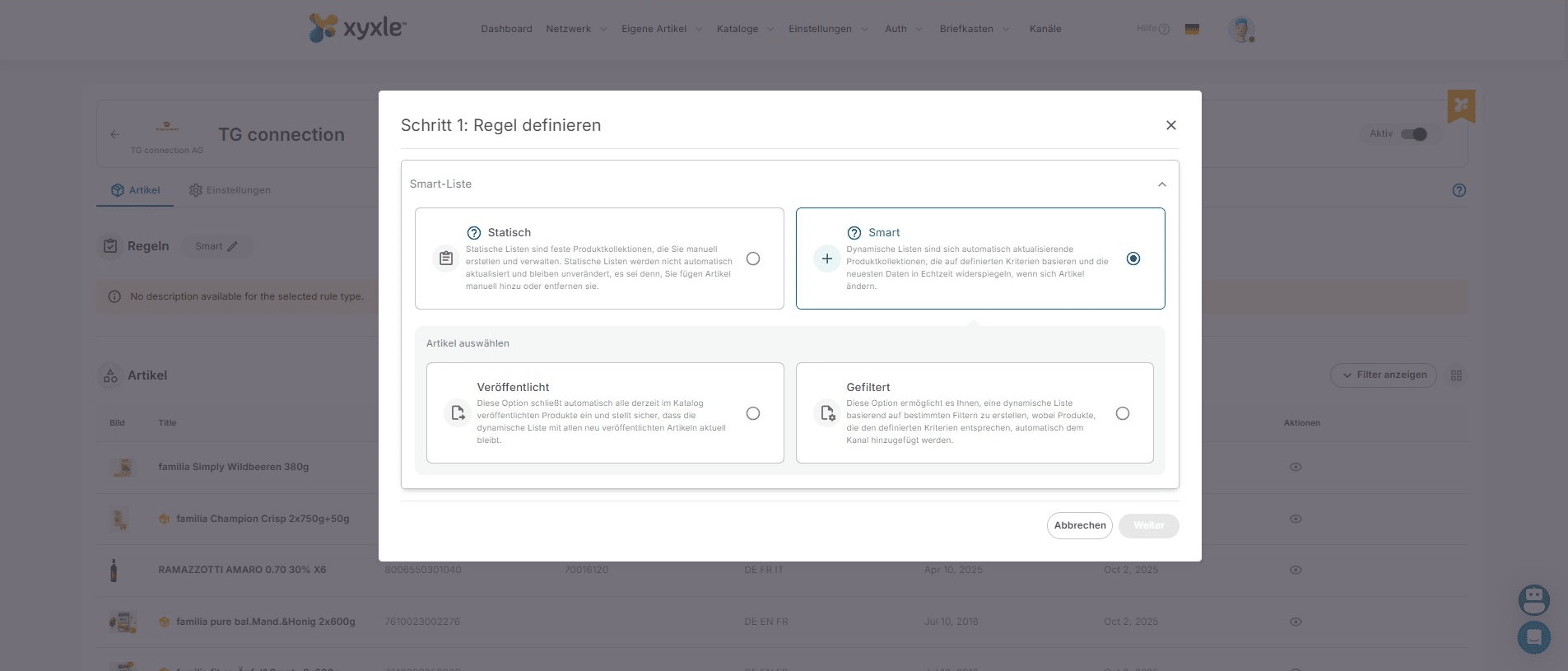
Click on "Weiter"
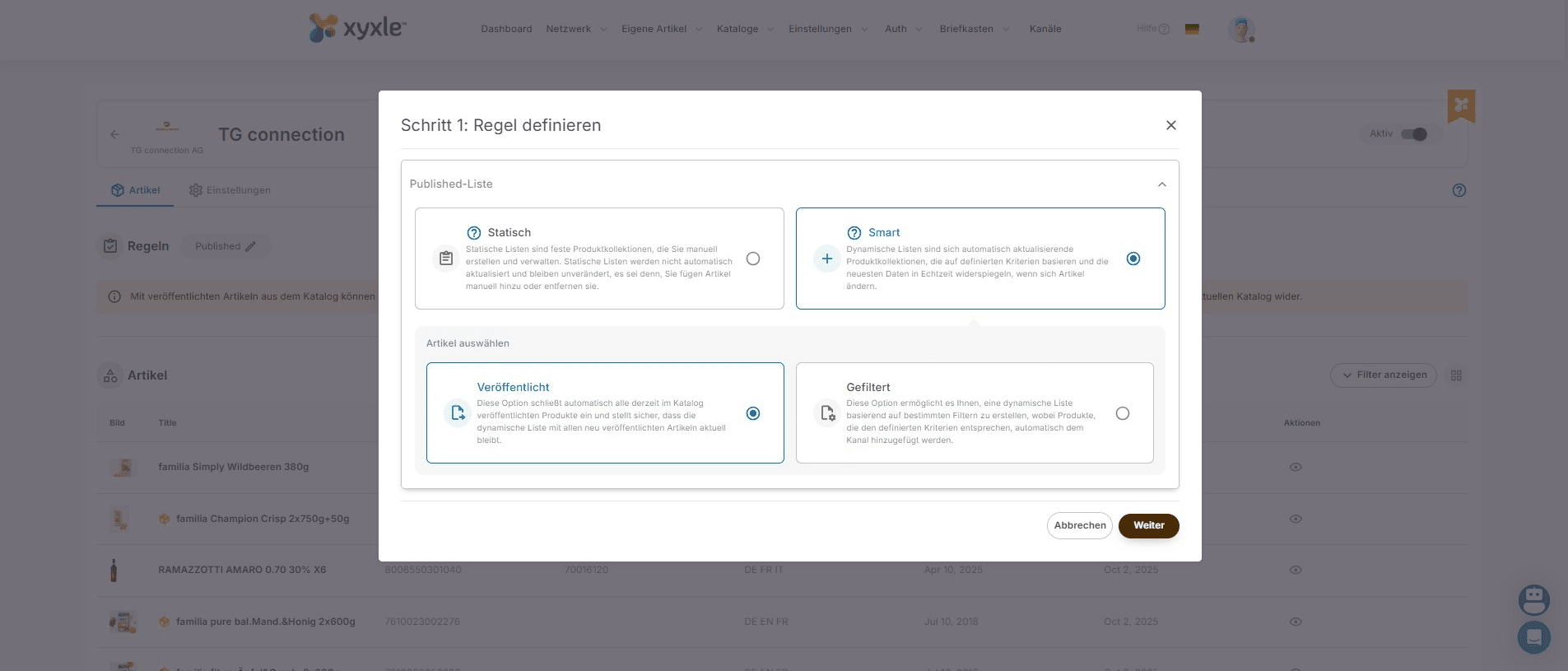
Now if you click on "Artikel hinzufüge" then all articles from your Article list will be published to this specific partner.
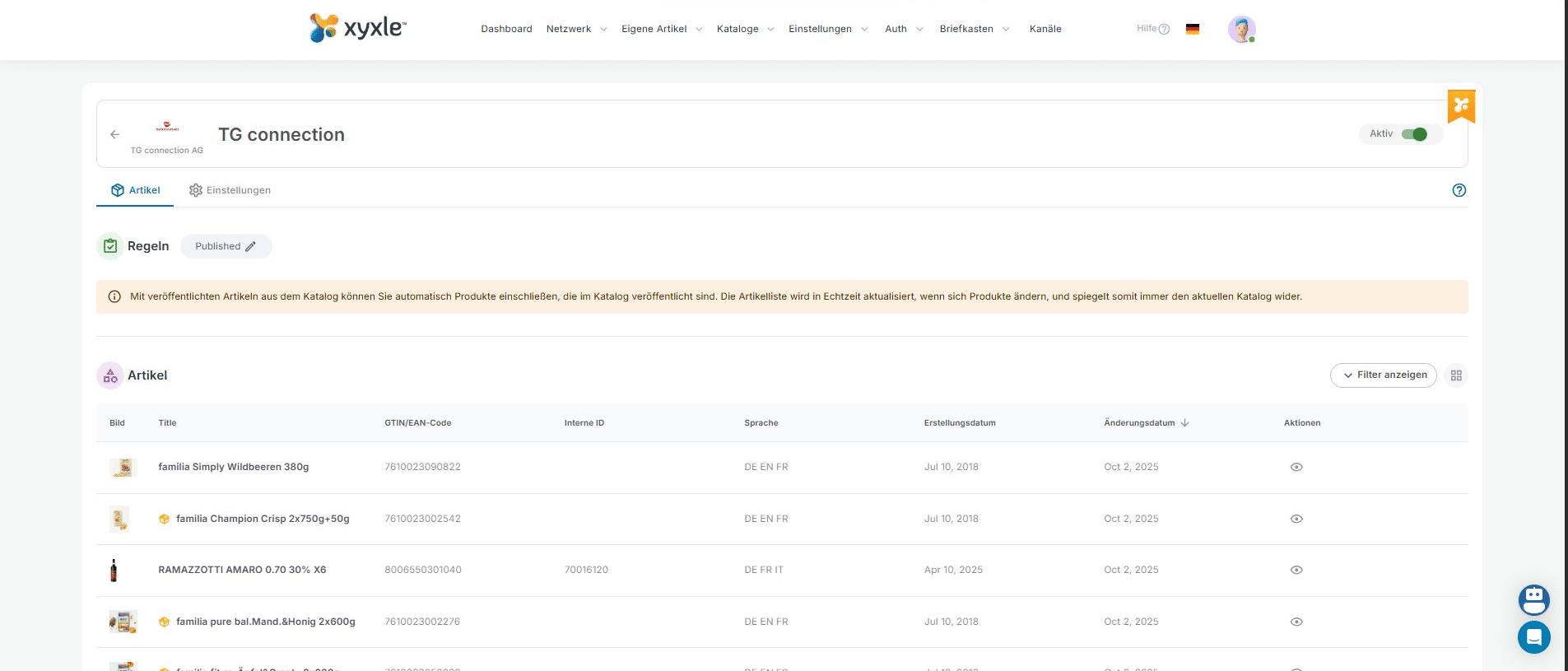
Another example would be the Static list. For this you will need to click this button.
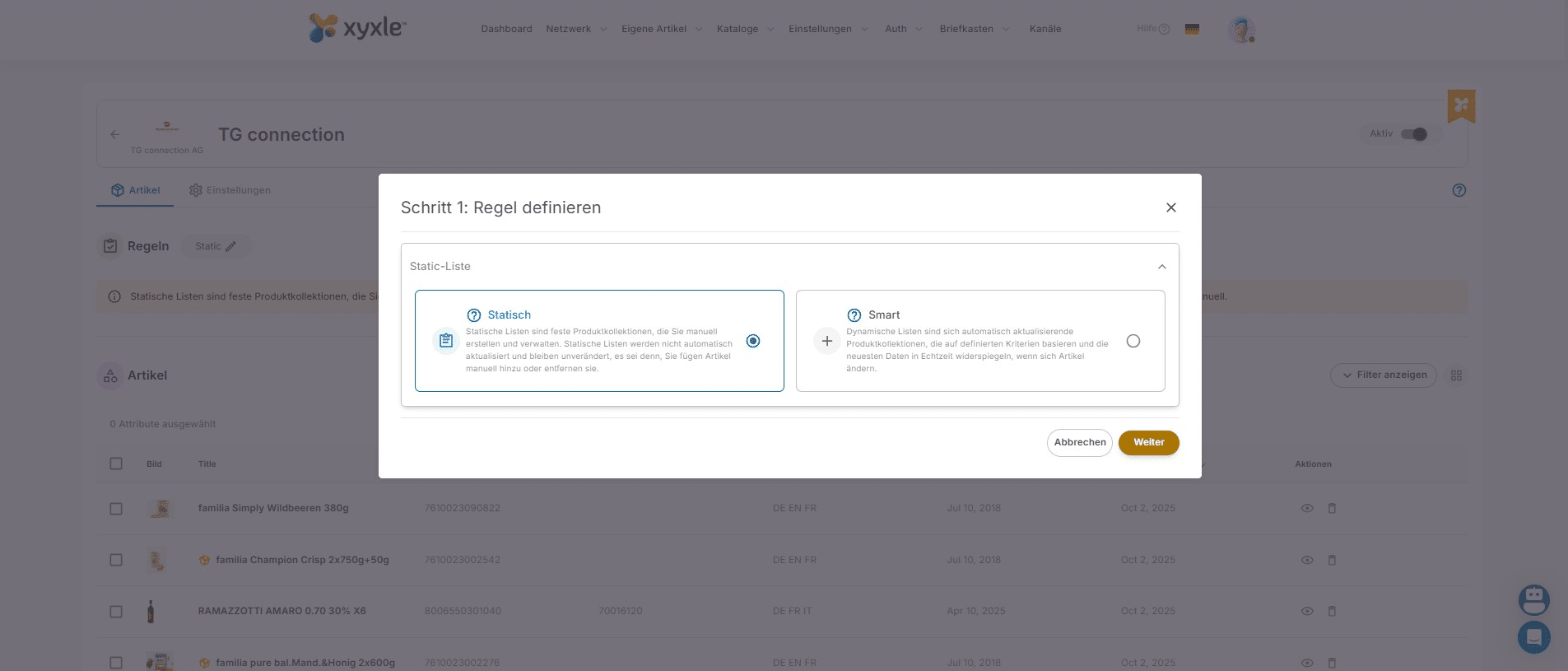
Click on "Statisch" then "Weiter".
Here you can search a GTIN and publish just this one, you can also see which articles have been publish by checking the marked articles.
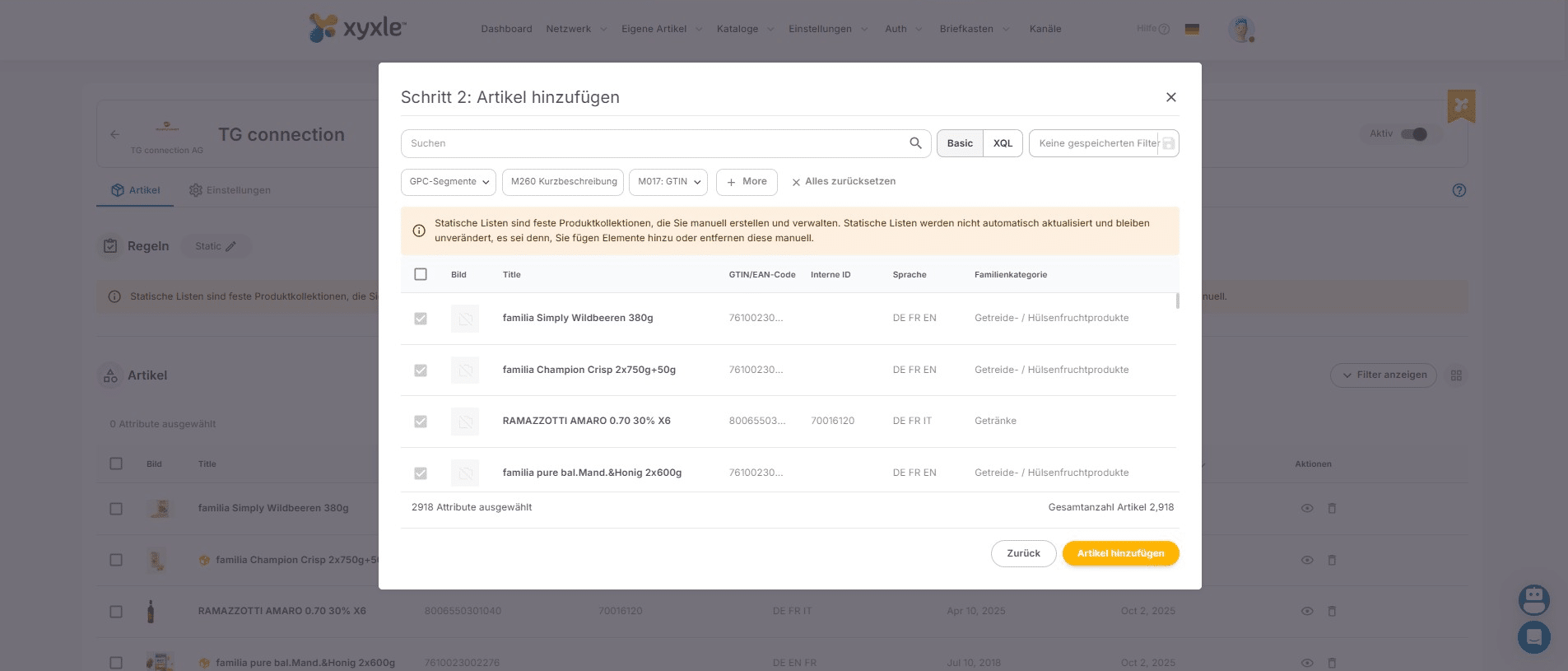
For this example we can see this GTIN was already published, because it's already marked.
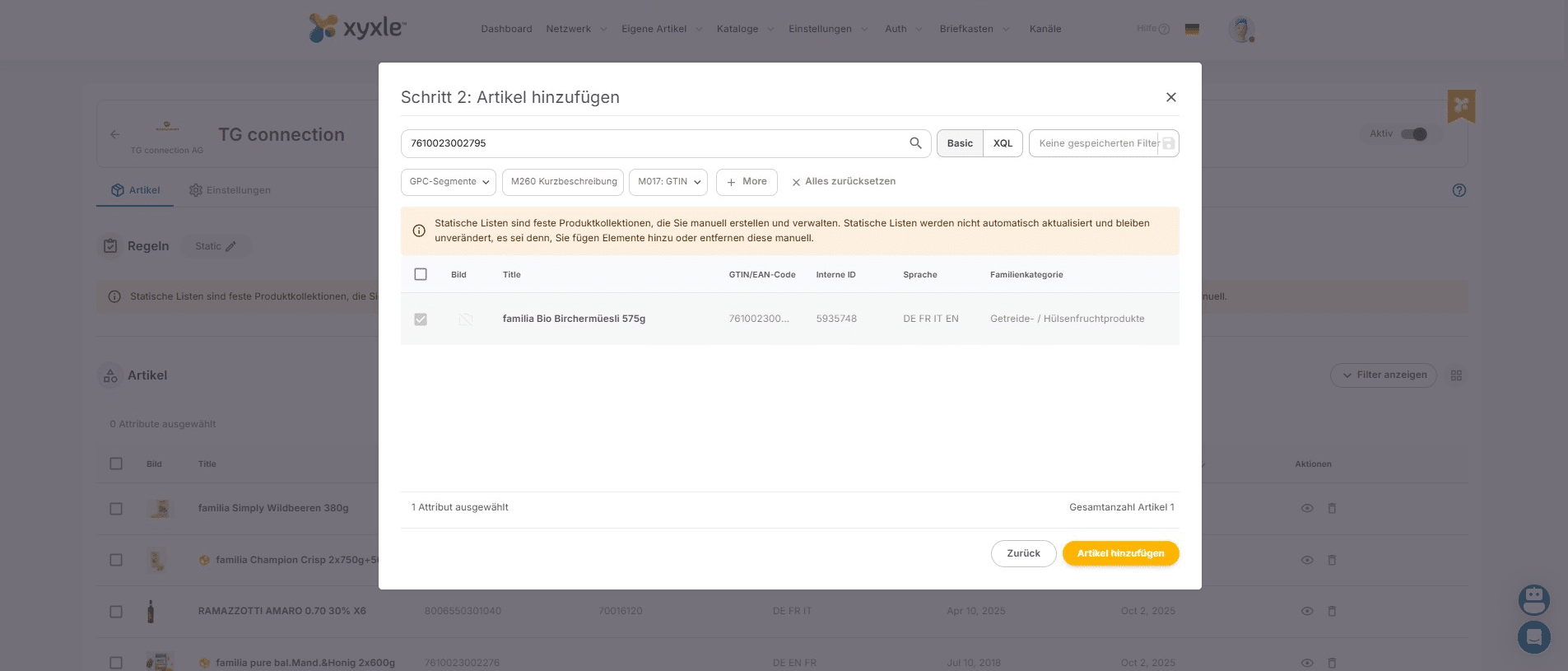
But if you have another article you need to publish you will need to select one then click on "Artikel Hinzufugen".
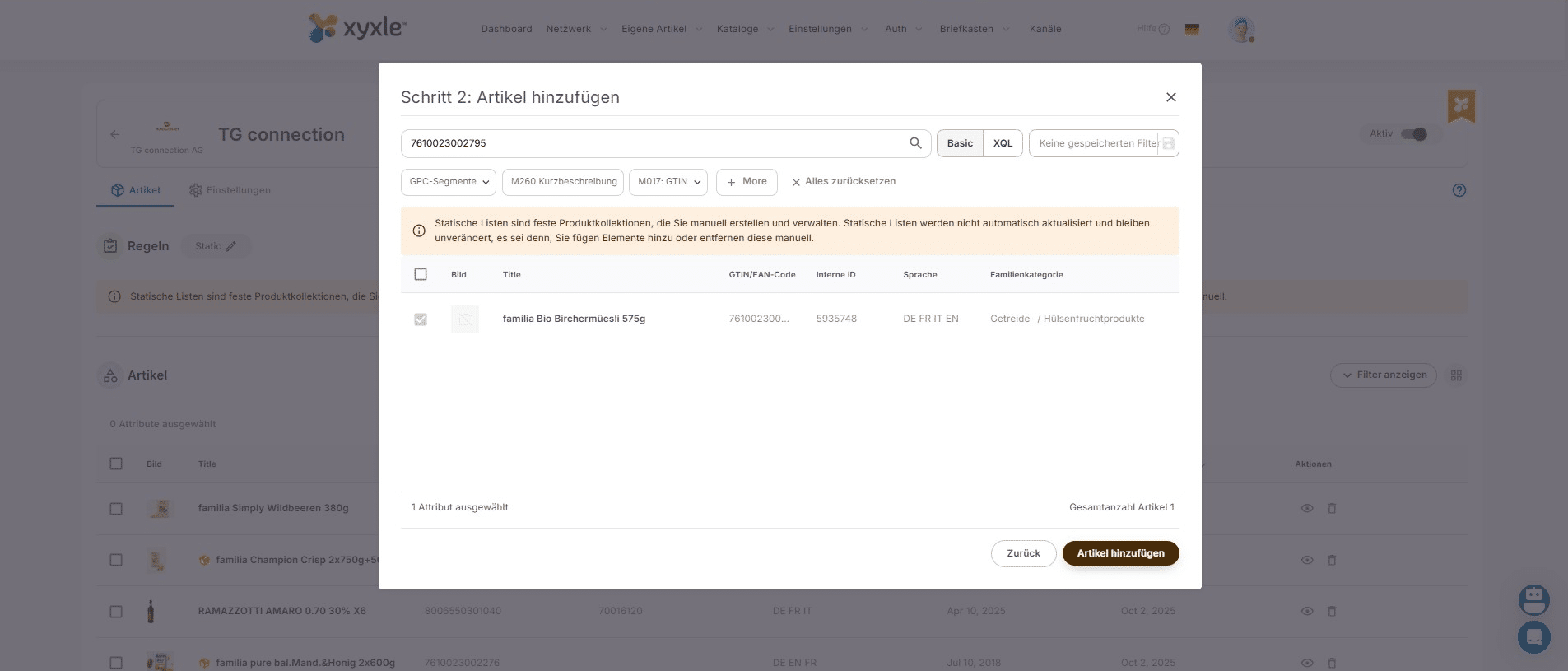
Done 🚀 Now in your Article list below you can see all articles published in this specific channel.