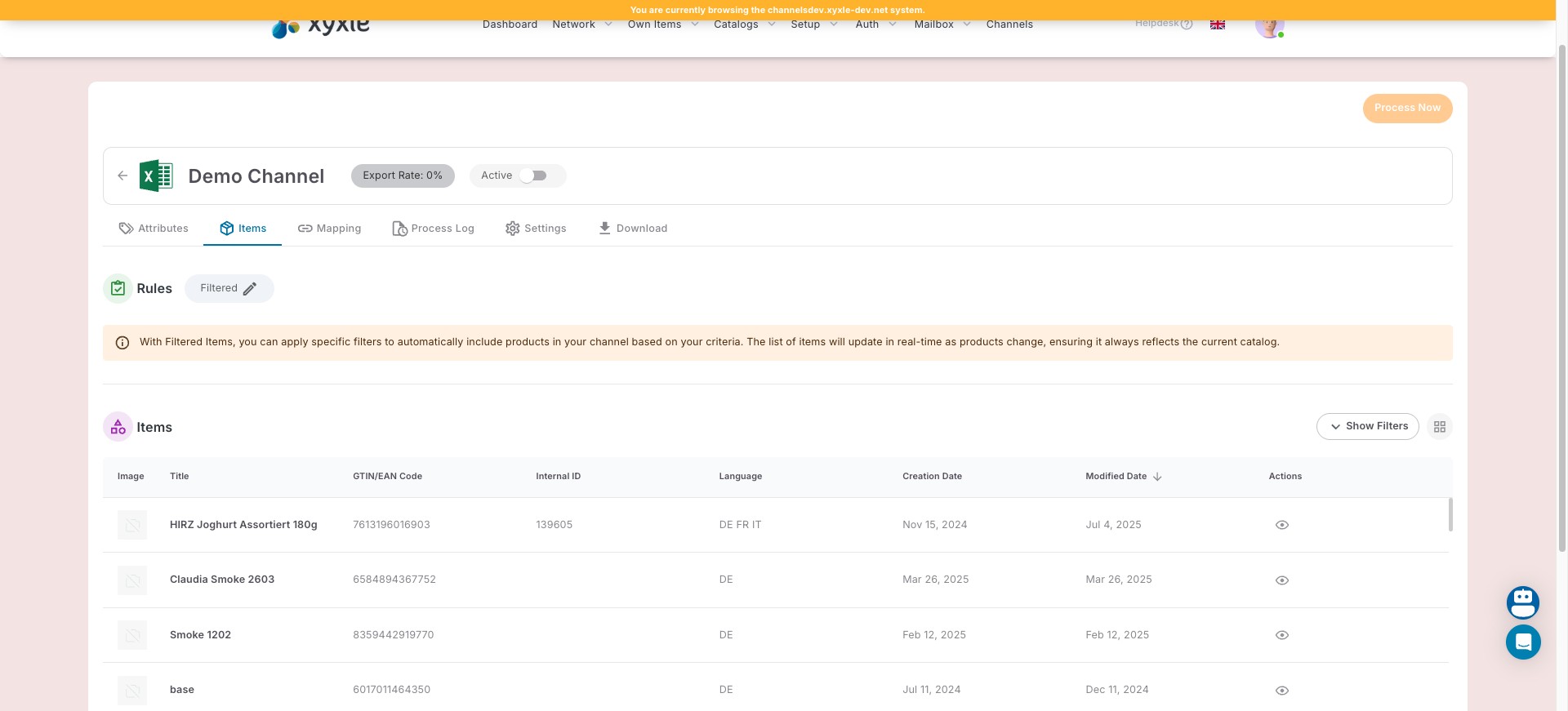
Items - Smart list
This guide explains how to define rules for a smart list of items and save the applied configurations.
Aug 04, 2025●
1
Navigate to the Channels section.
2
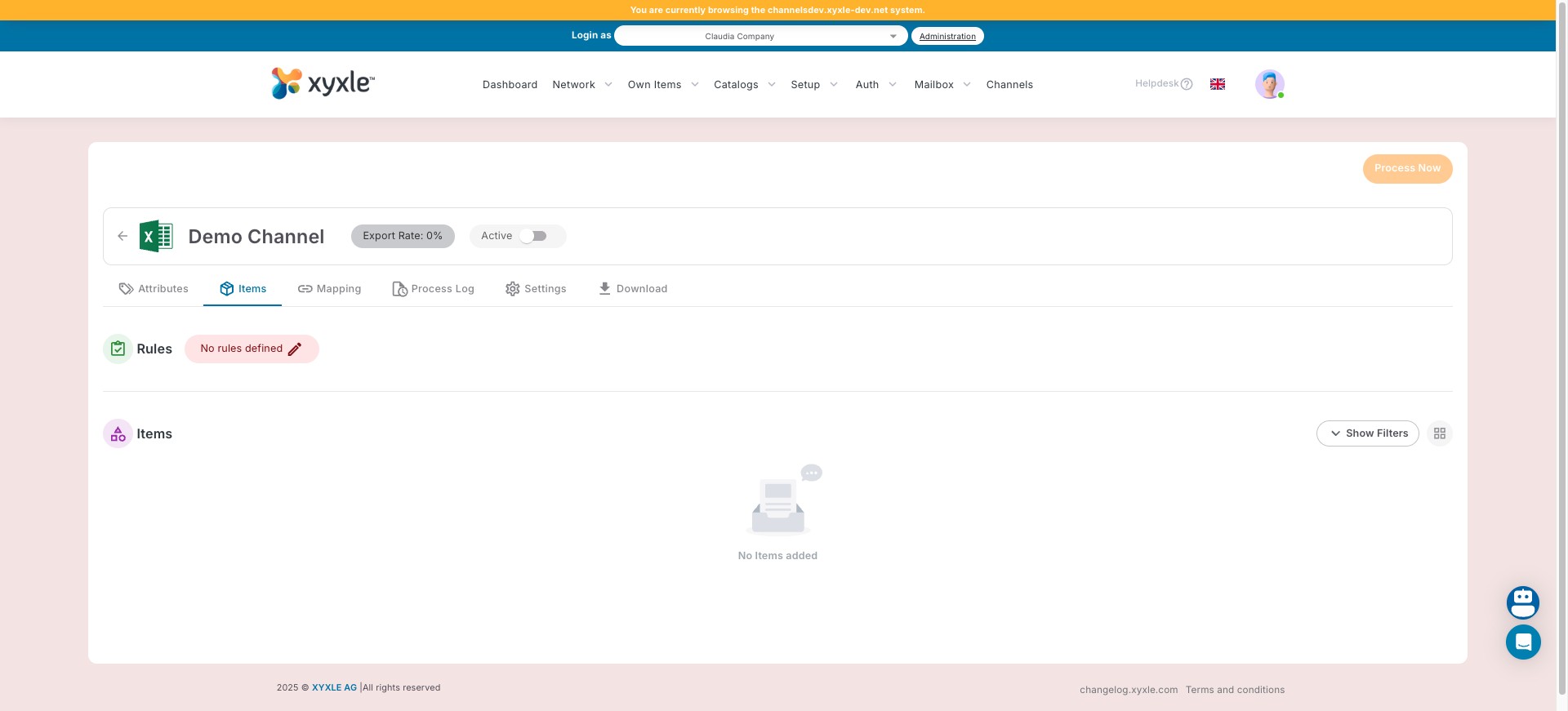
Go to yout desired channel then click on "No rules defined".
3
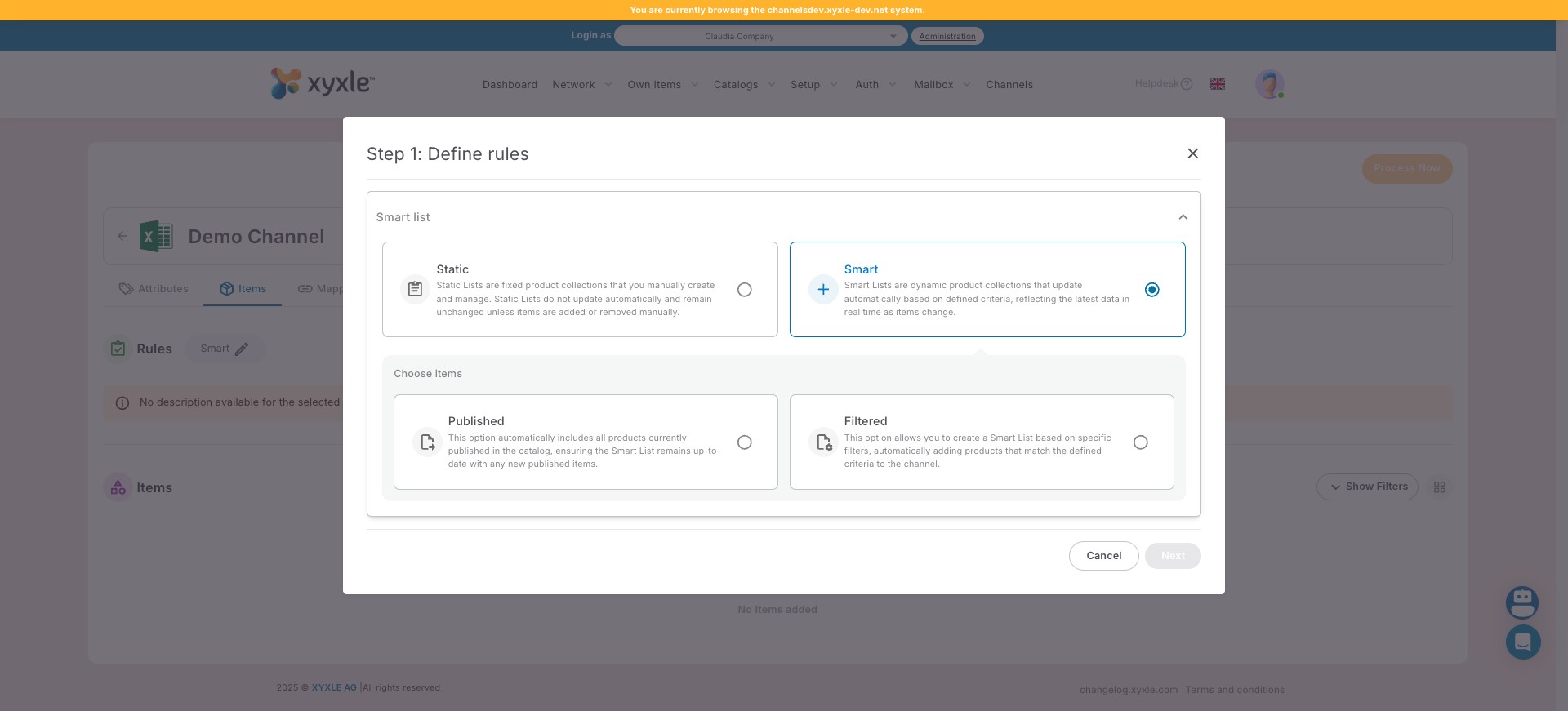
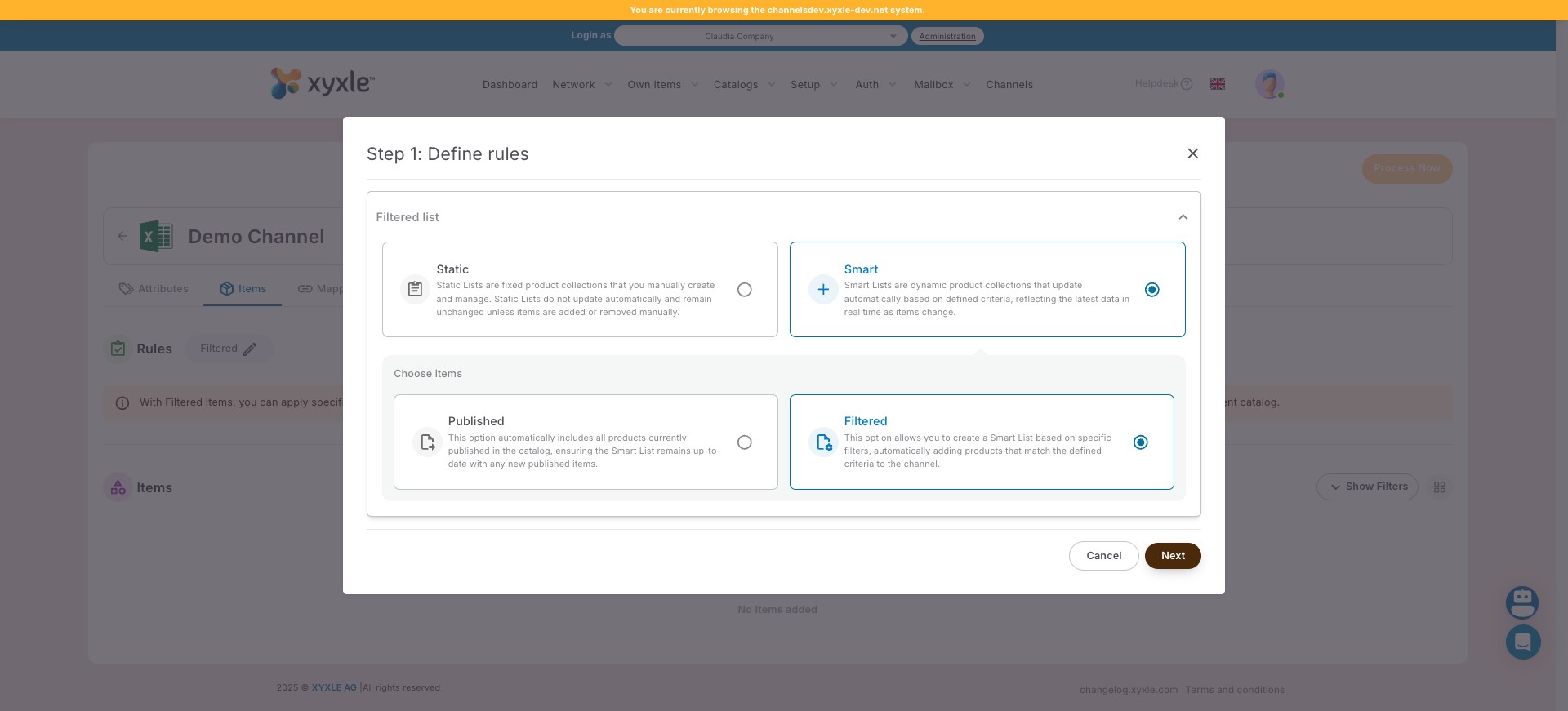
Click on the Smart list.
4
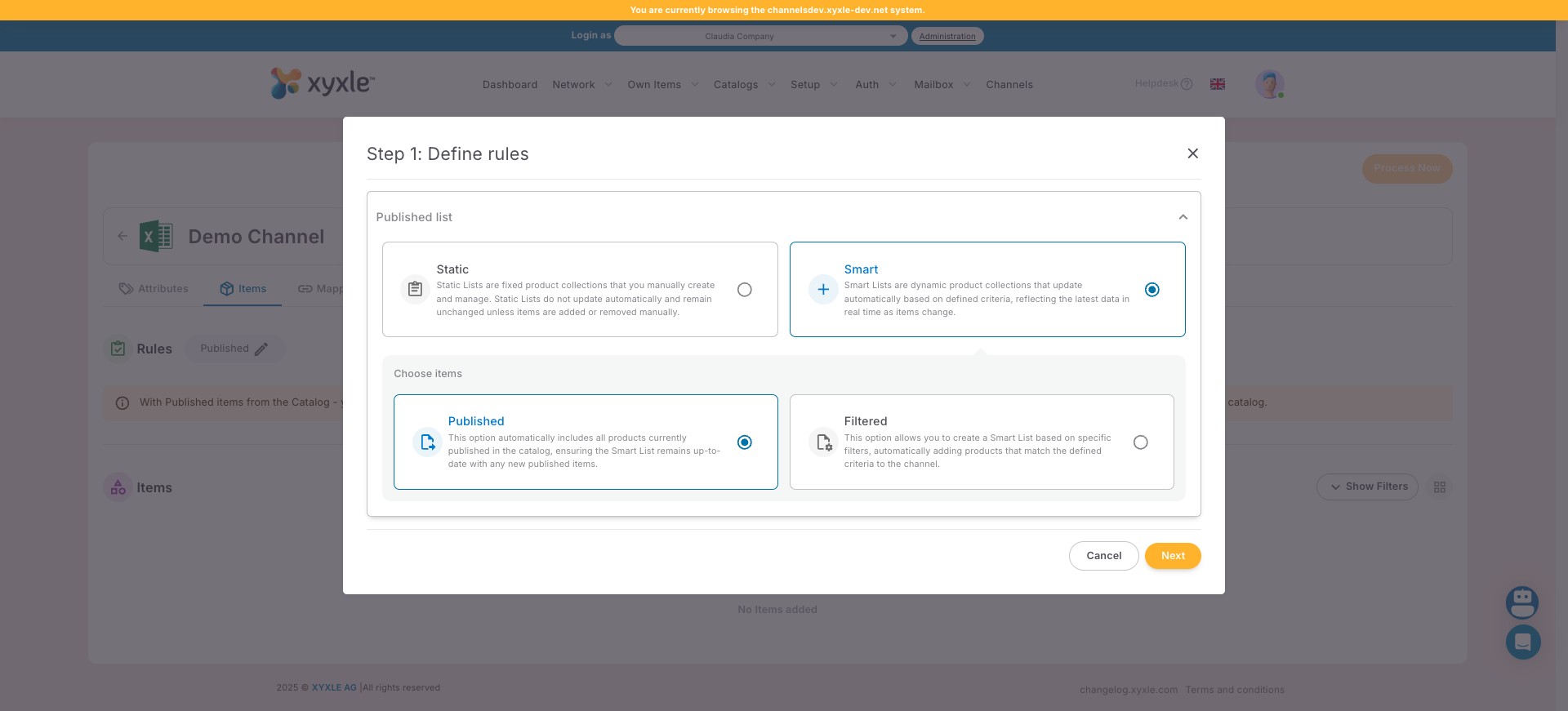
Click on the Published items. More details about this in our documentation.
5
Or click the Filtered selection. More details about this in our documentation.
6
For this example we have selected the Filtered option.
7
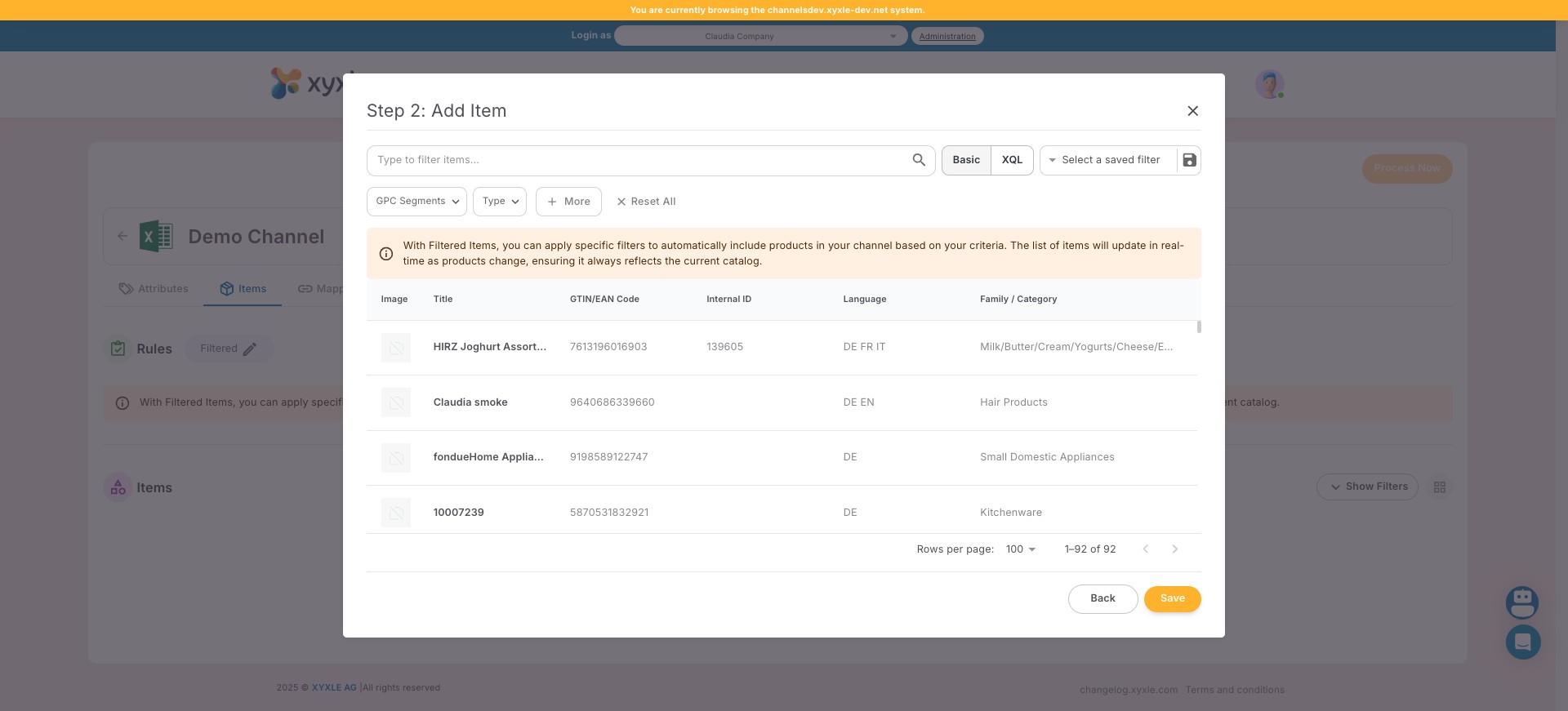
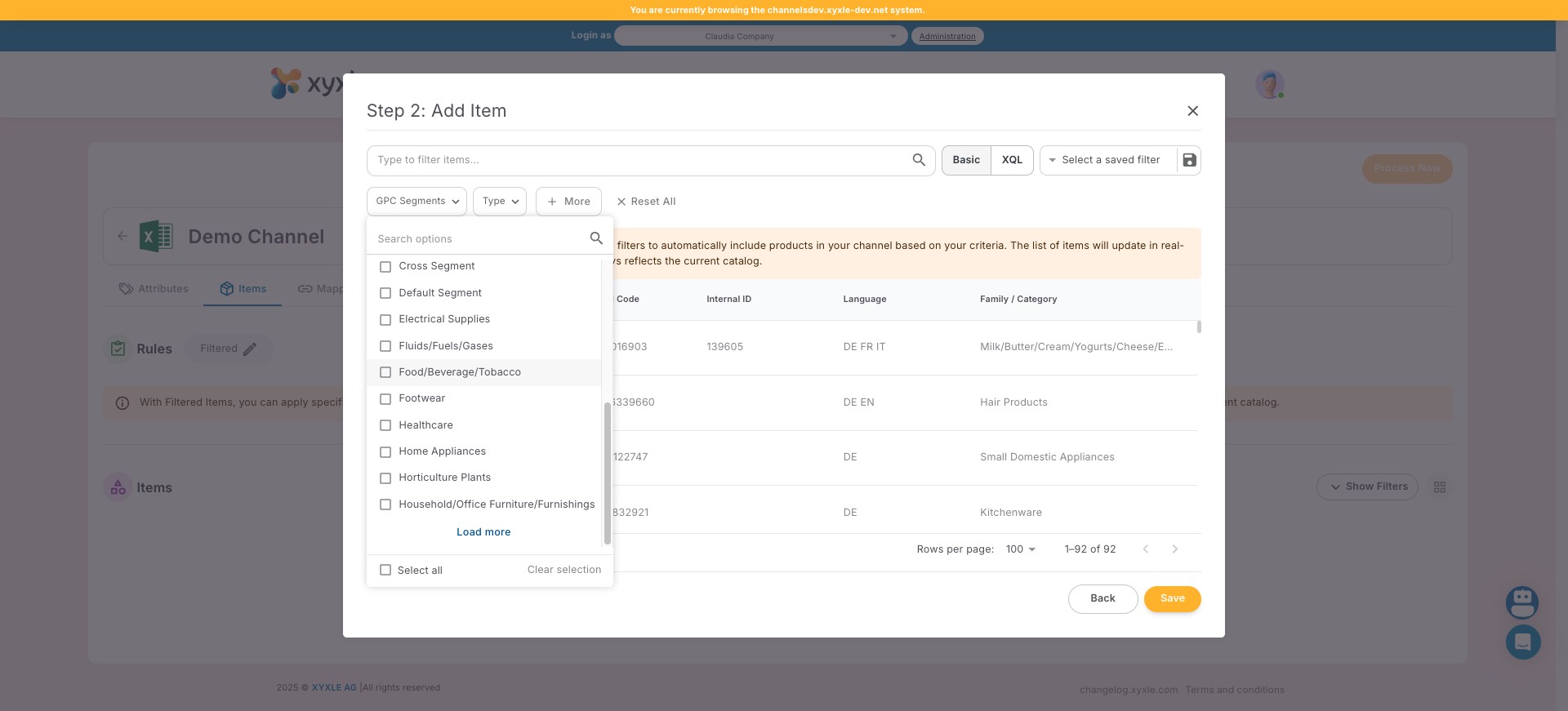
Click on "GPC Segments" and filter the required articles.
8
For this example we have used "Food/Beverage/Tobacco".
9
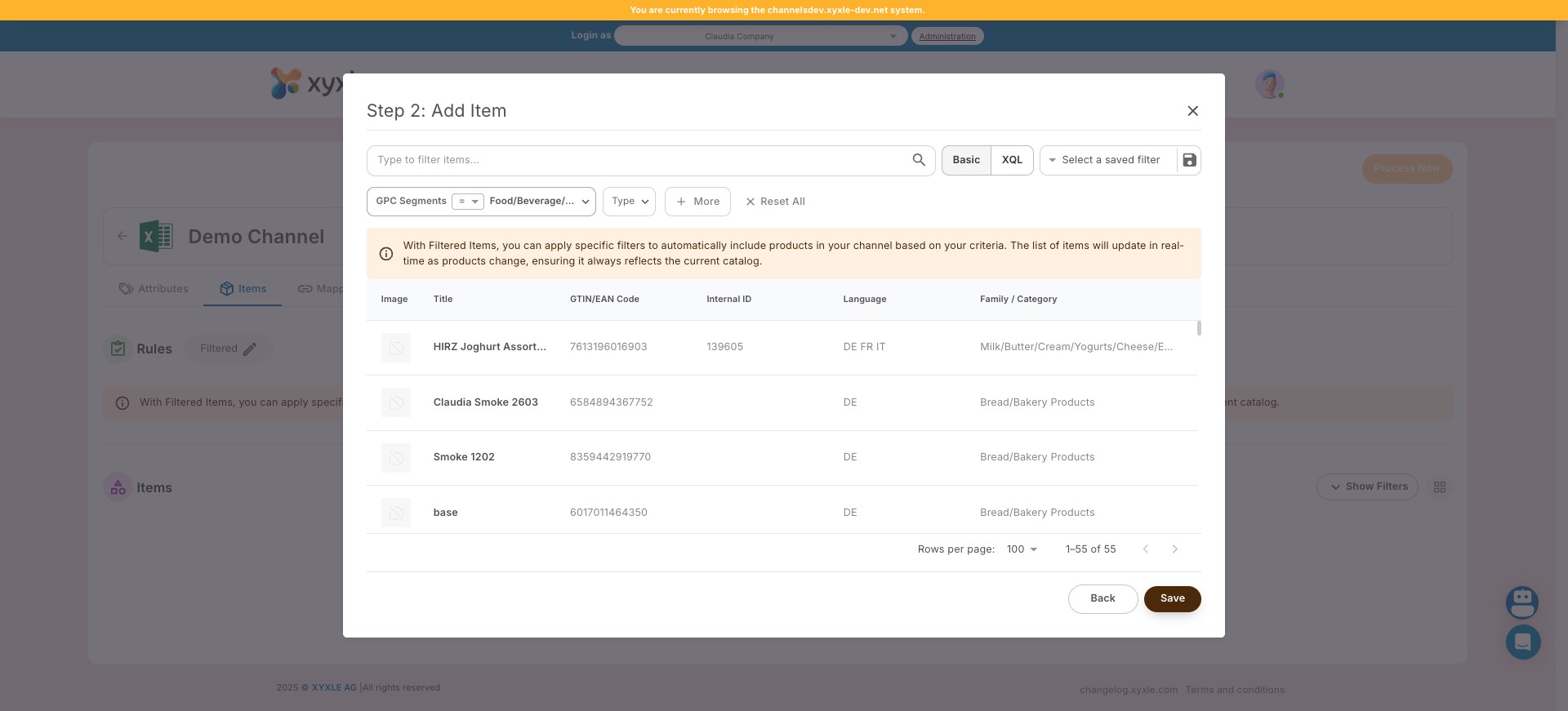
Click on "Save" and every articles for the selected GPC Segment will be added to this channel.
10
Done 🚀