Channels - functions
Aug 04, 2025●
1
Navigate to Channels section.
2
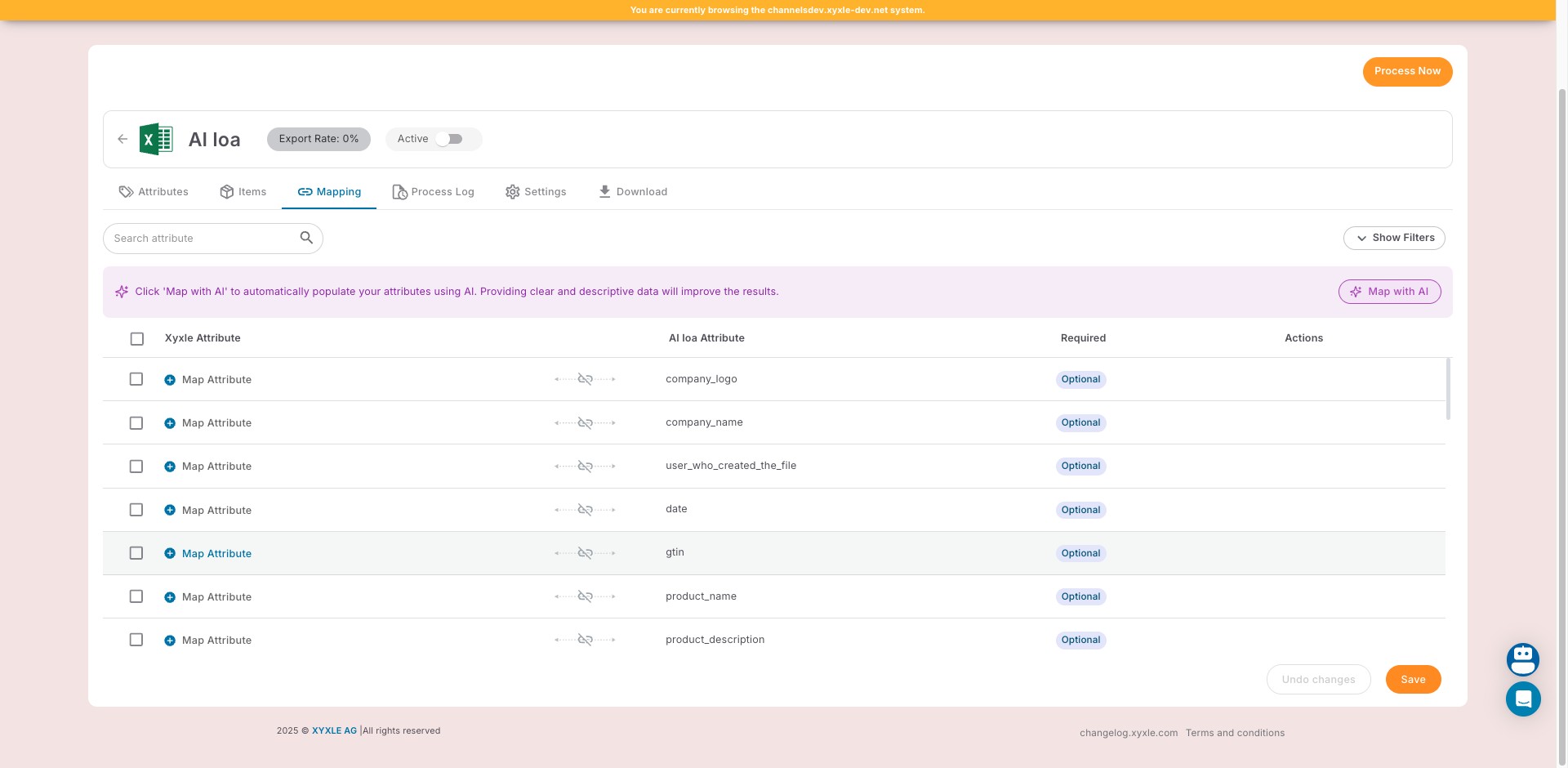
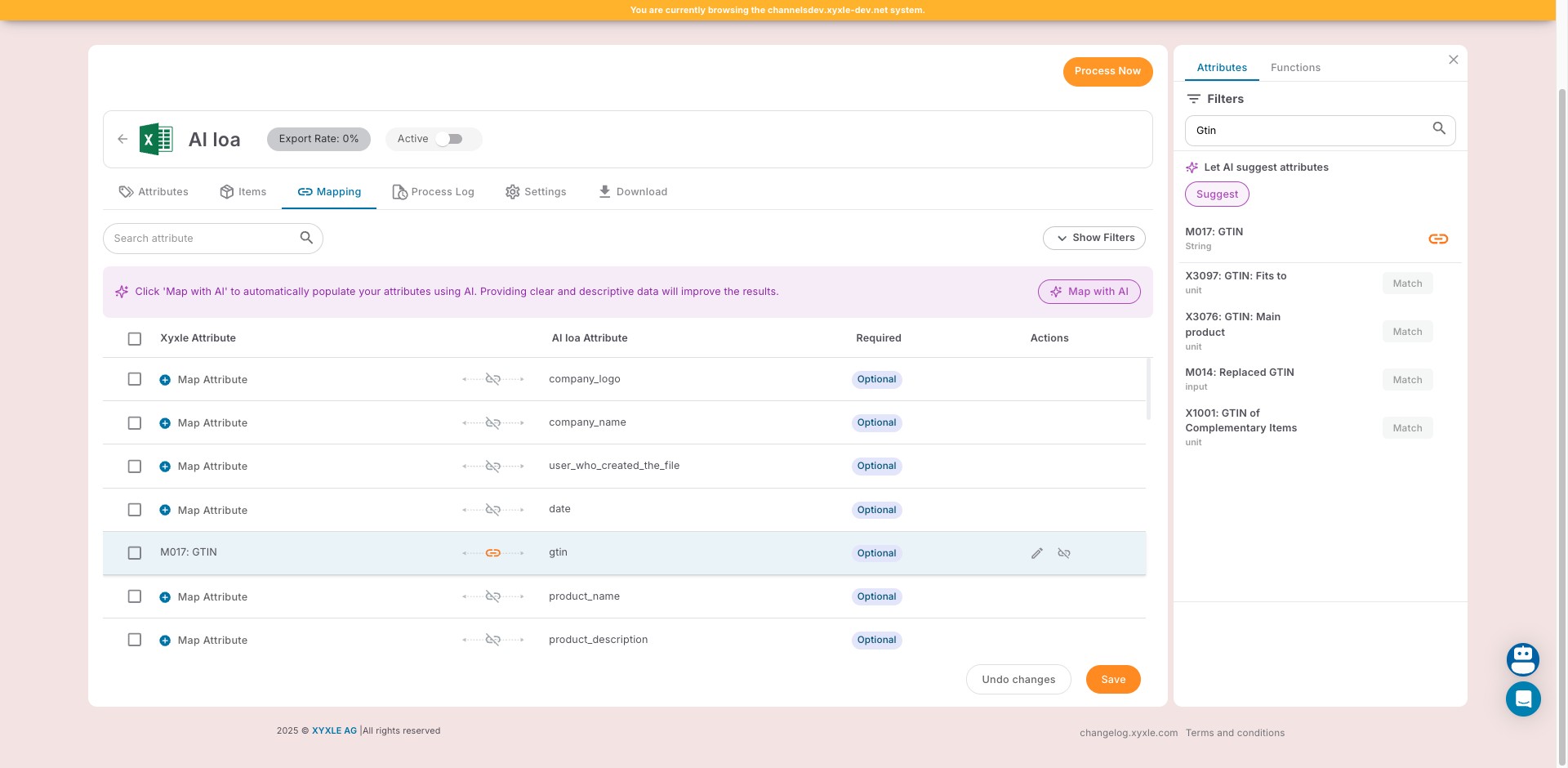
Go to the Mapping section, then select an attribute and click Map Attribute.
3
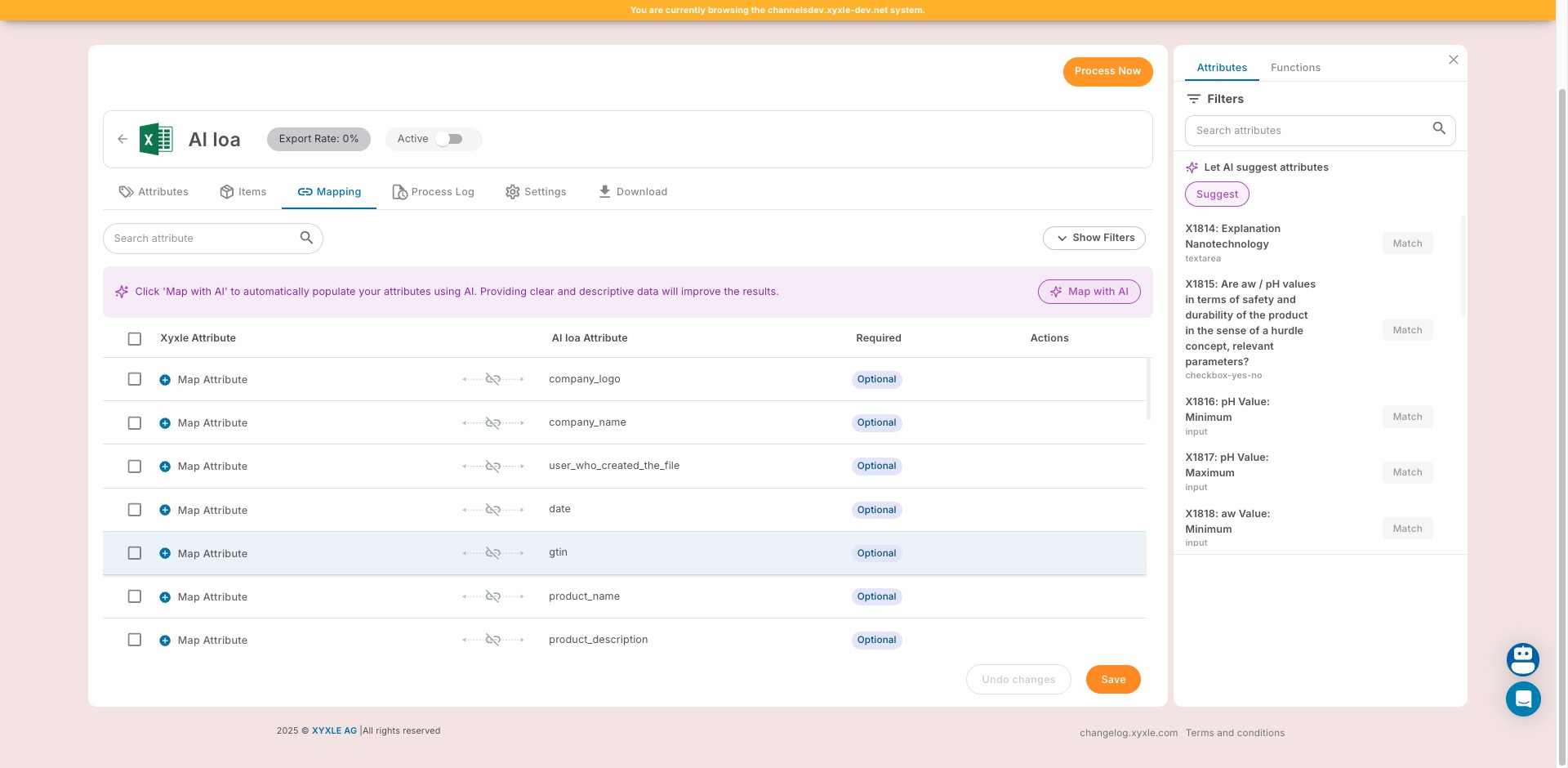
Manually search for an Attribute here.
4
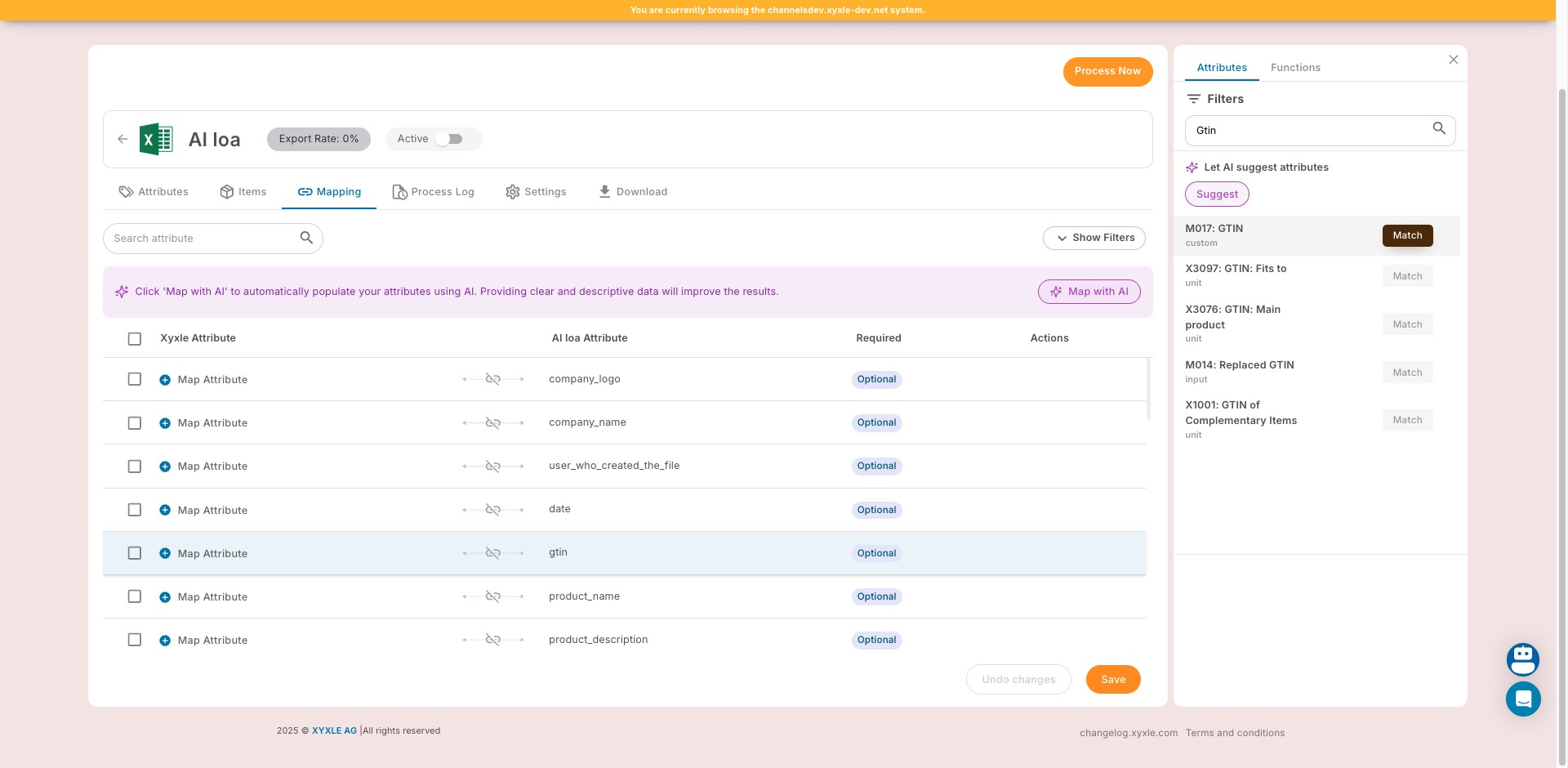
Click on "Match" after you have selected the one you think it's fit to match.
5
Click on "Save" and the mapping has been made.
6
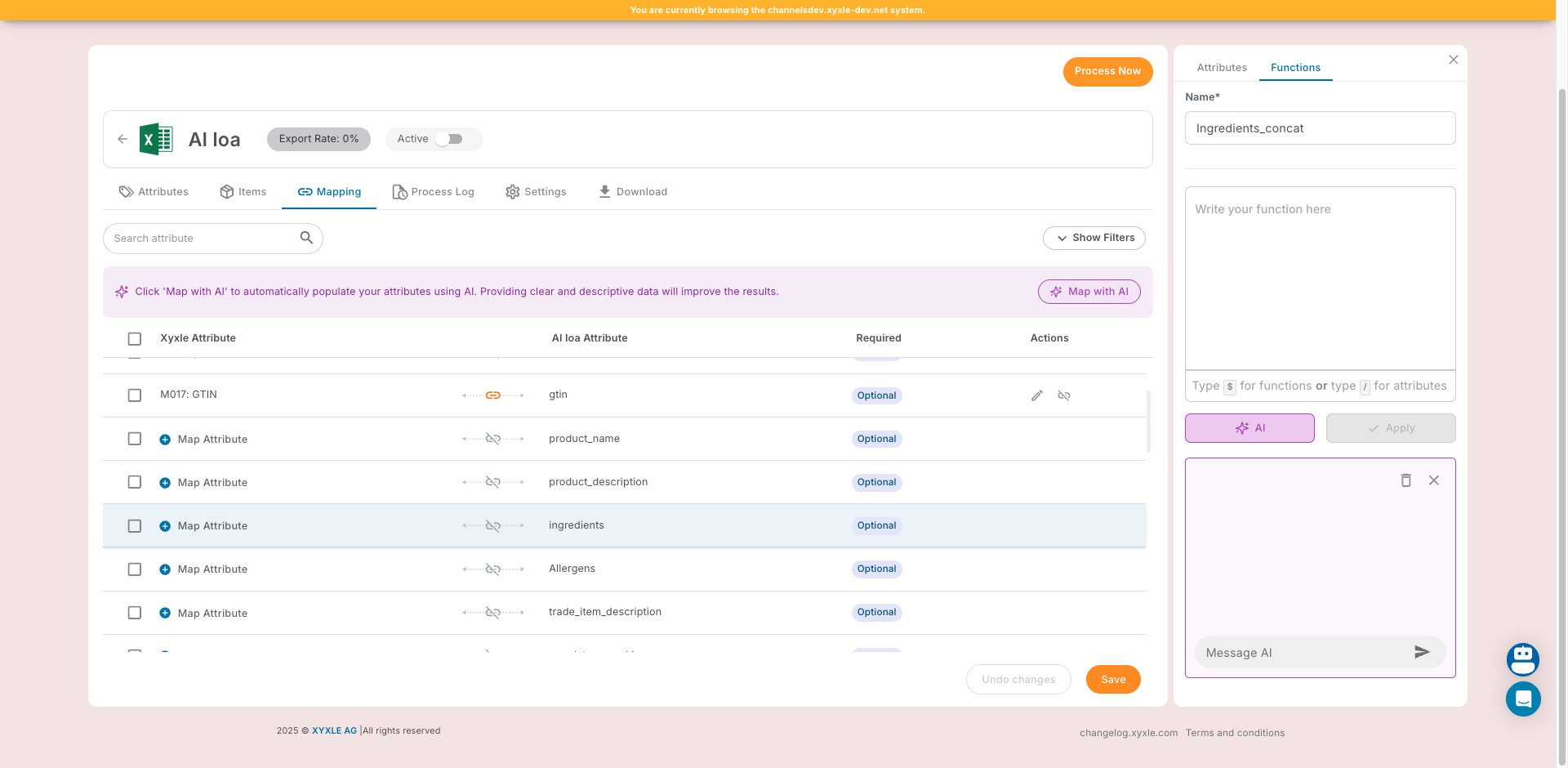
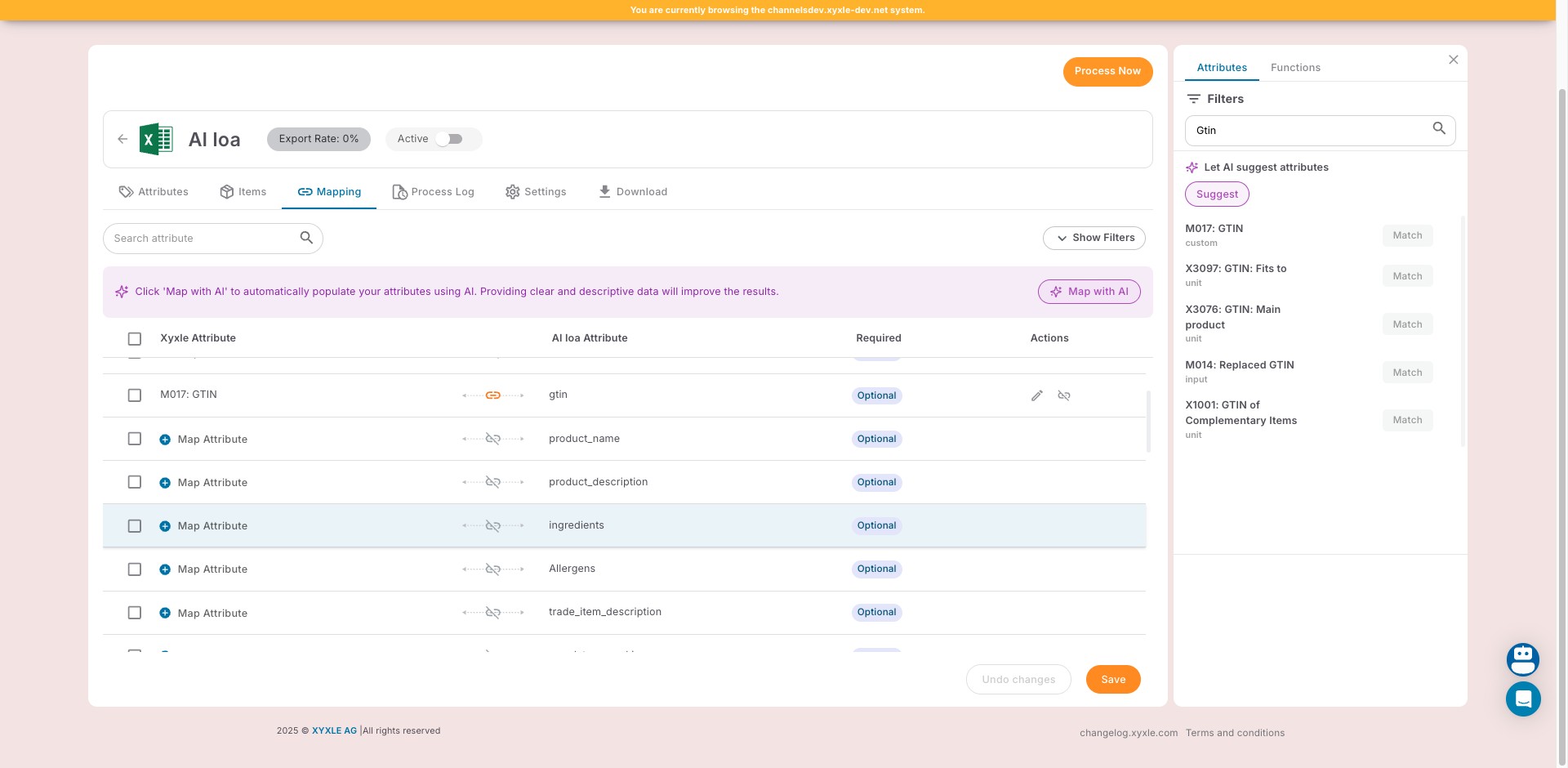
Another option is to click on "Functions".
7
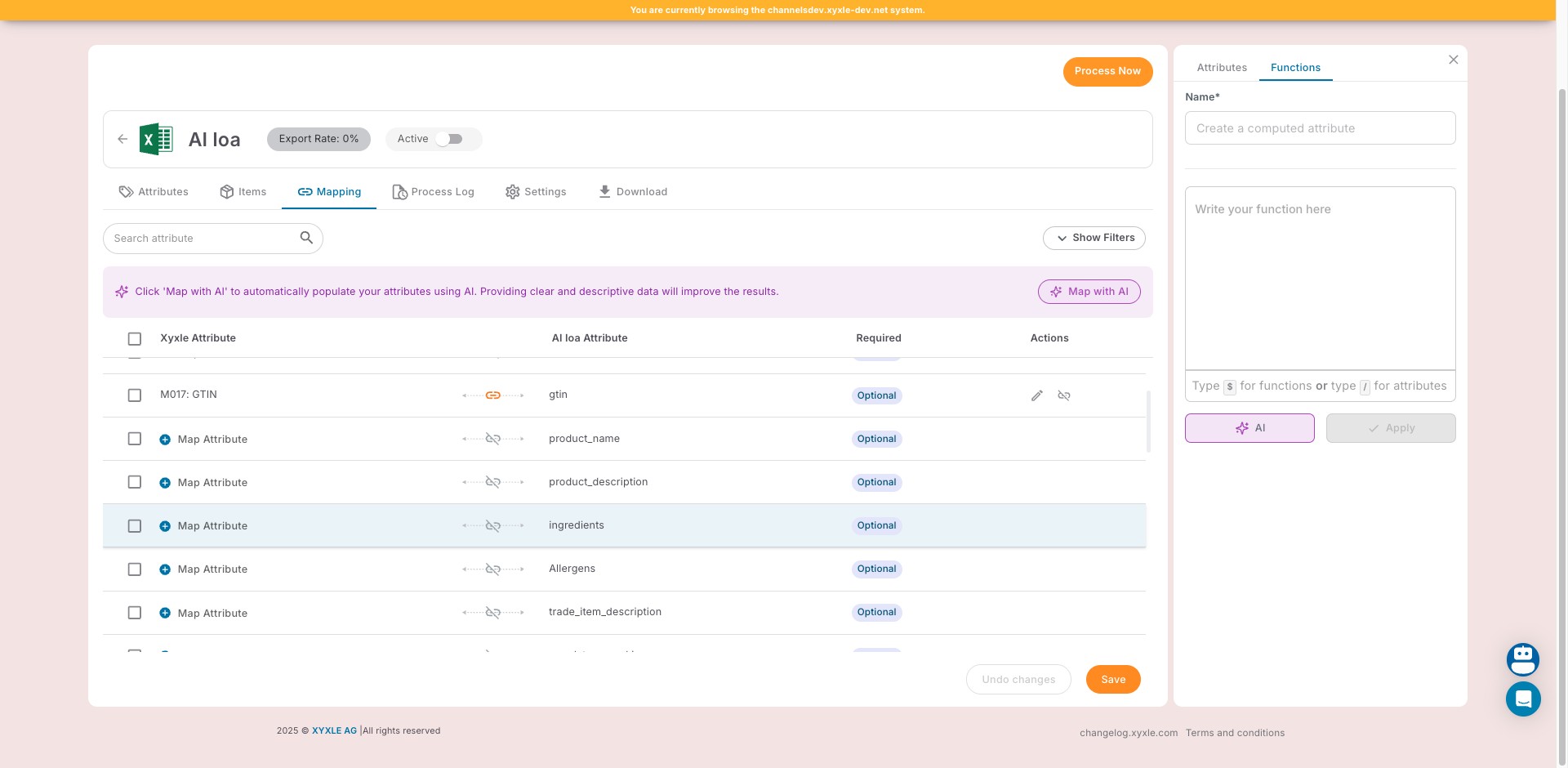
Click here and write your function.
8
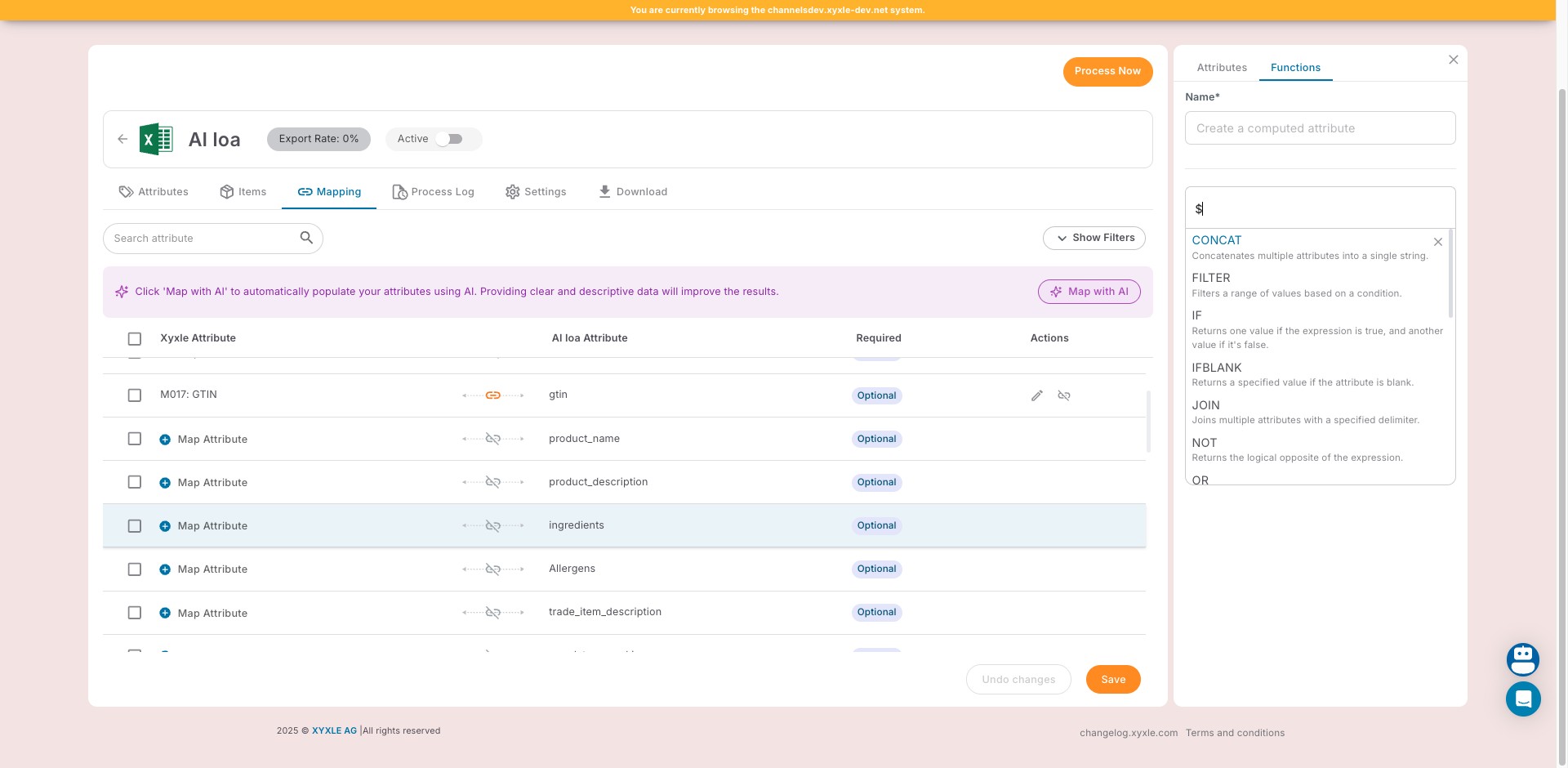
Click on "CONCAT"
9
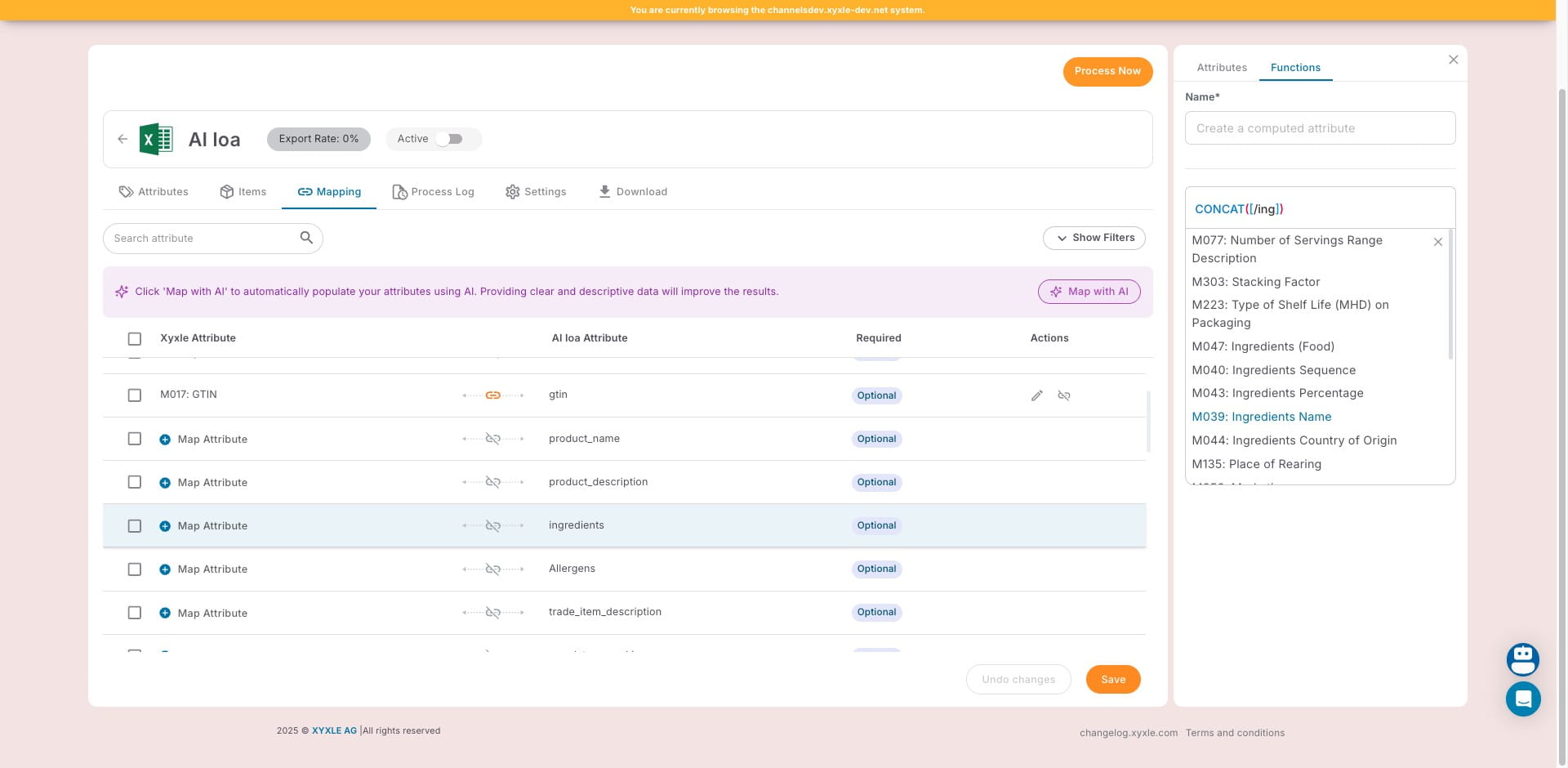
Click on "M039: Ingredients Name" to match this attribute.
10
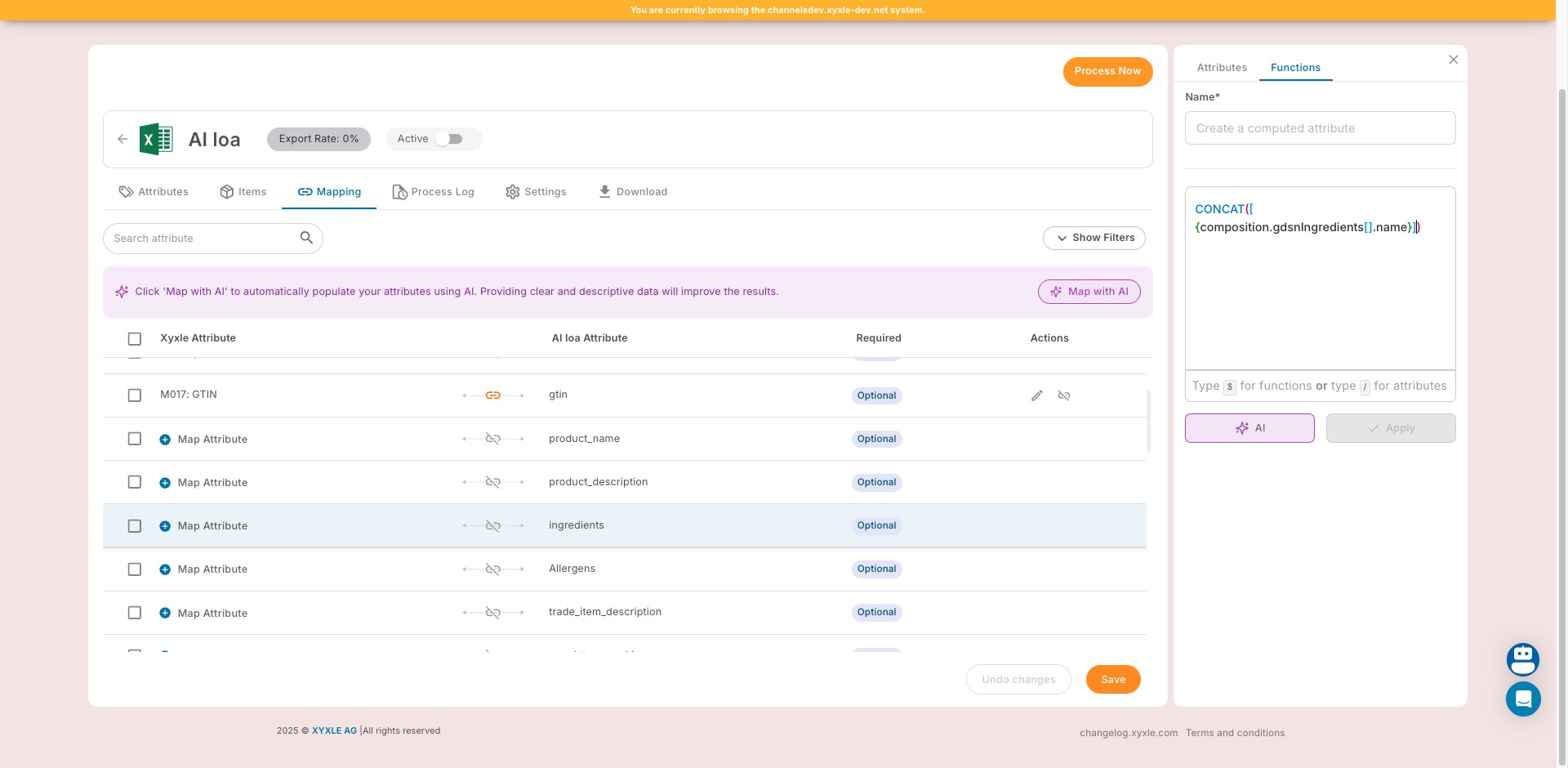
Now you can see the function selected from the list.
11
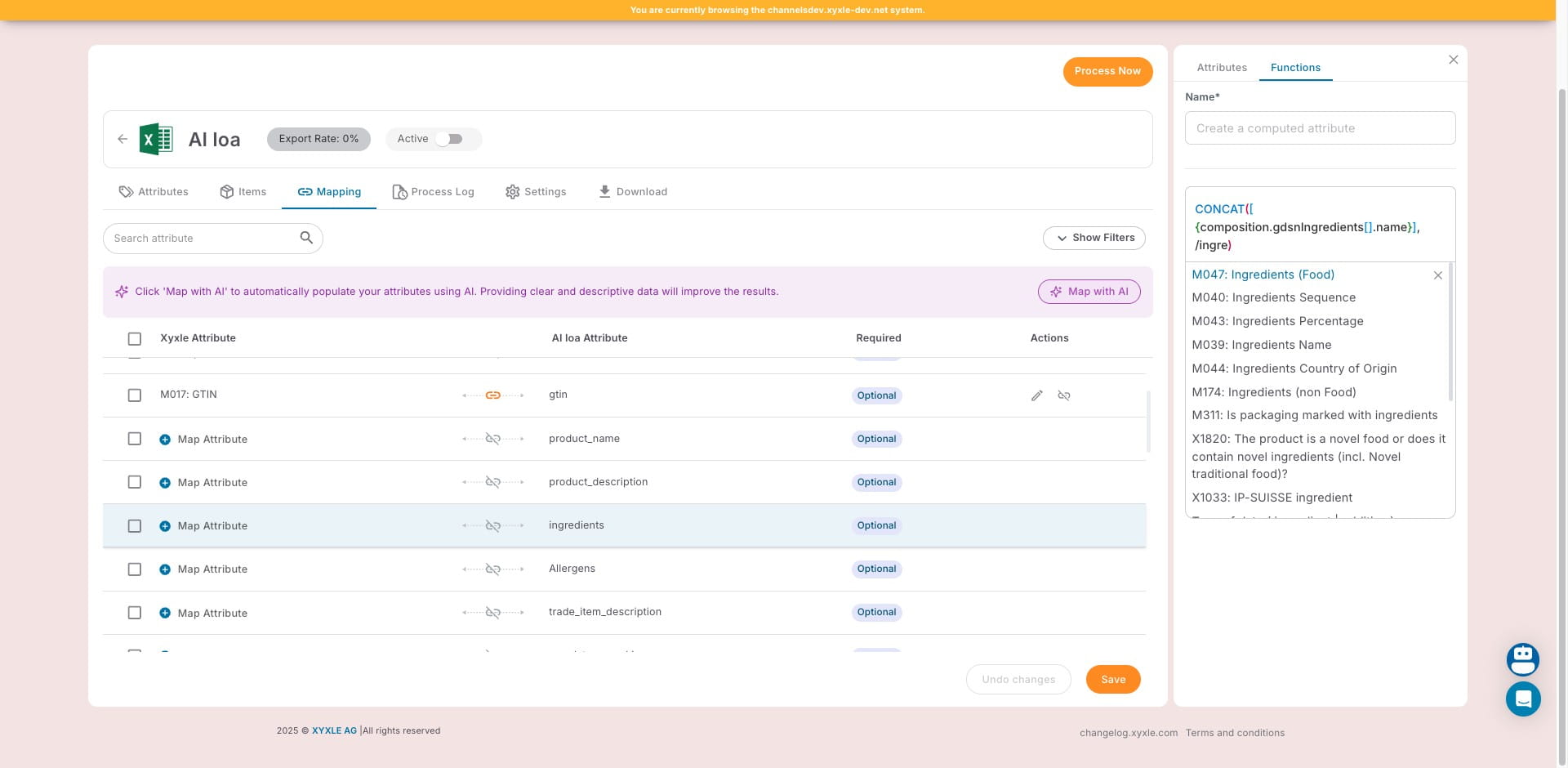
Click on "M047: Ingredients (Food)"
12
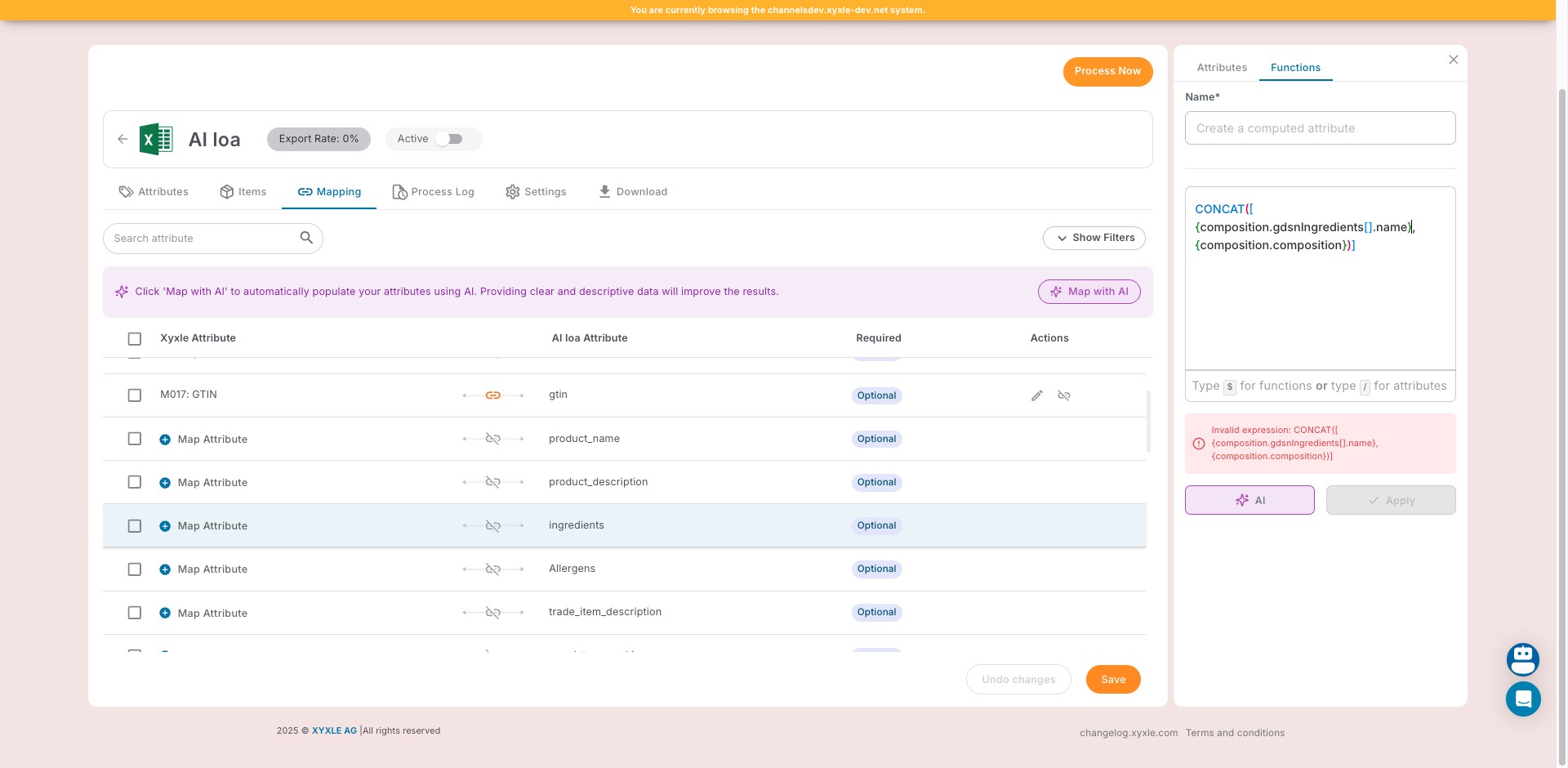
Click here to create a computed attribute.
13
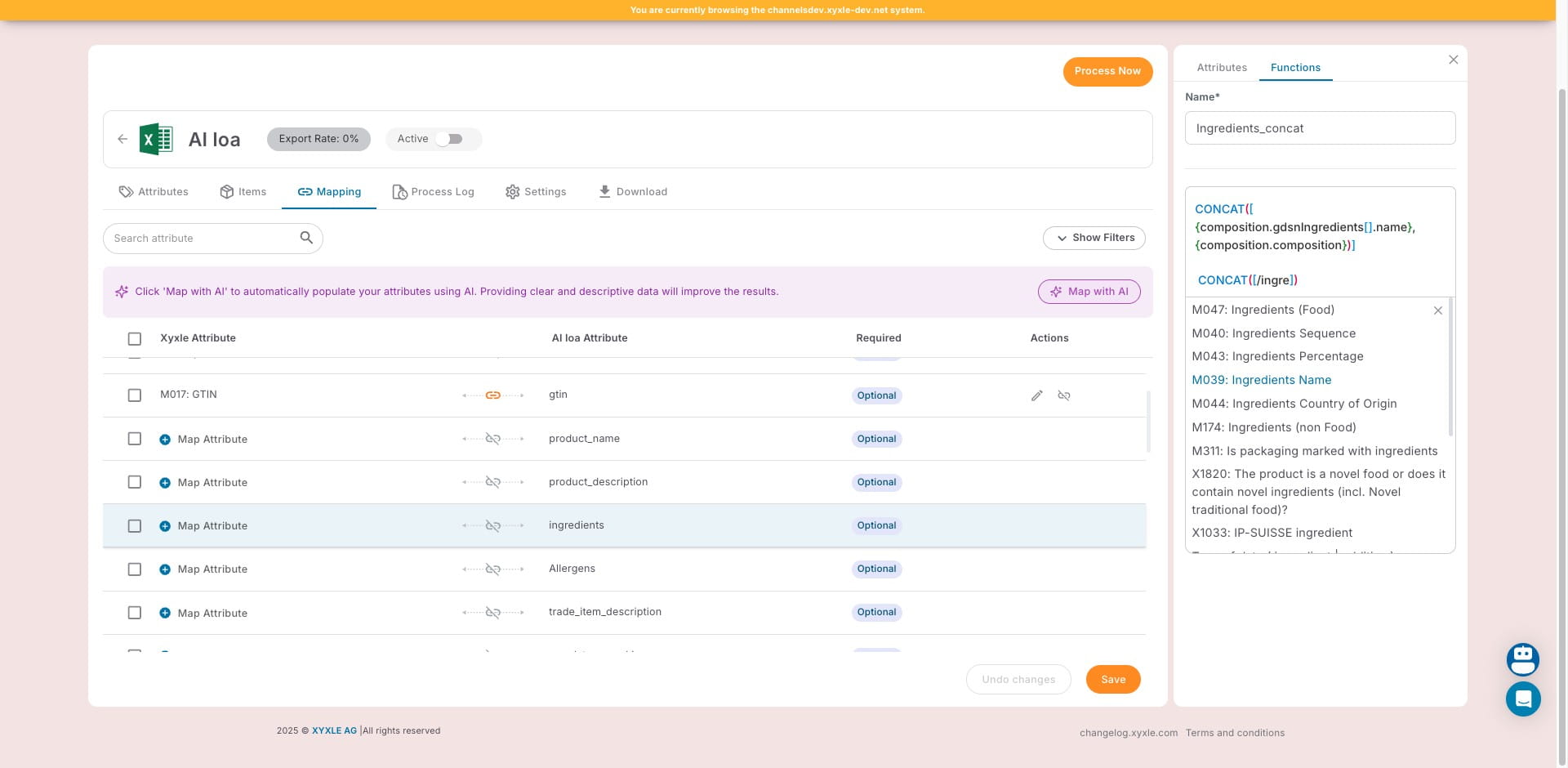
Click on "M039: Ingredients Name"
14
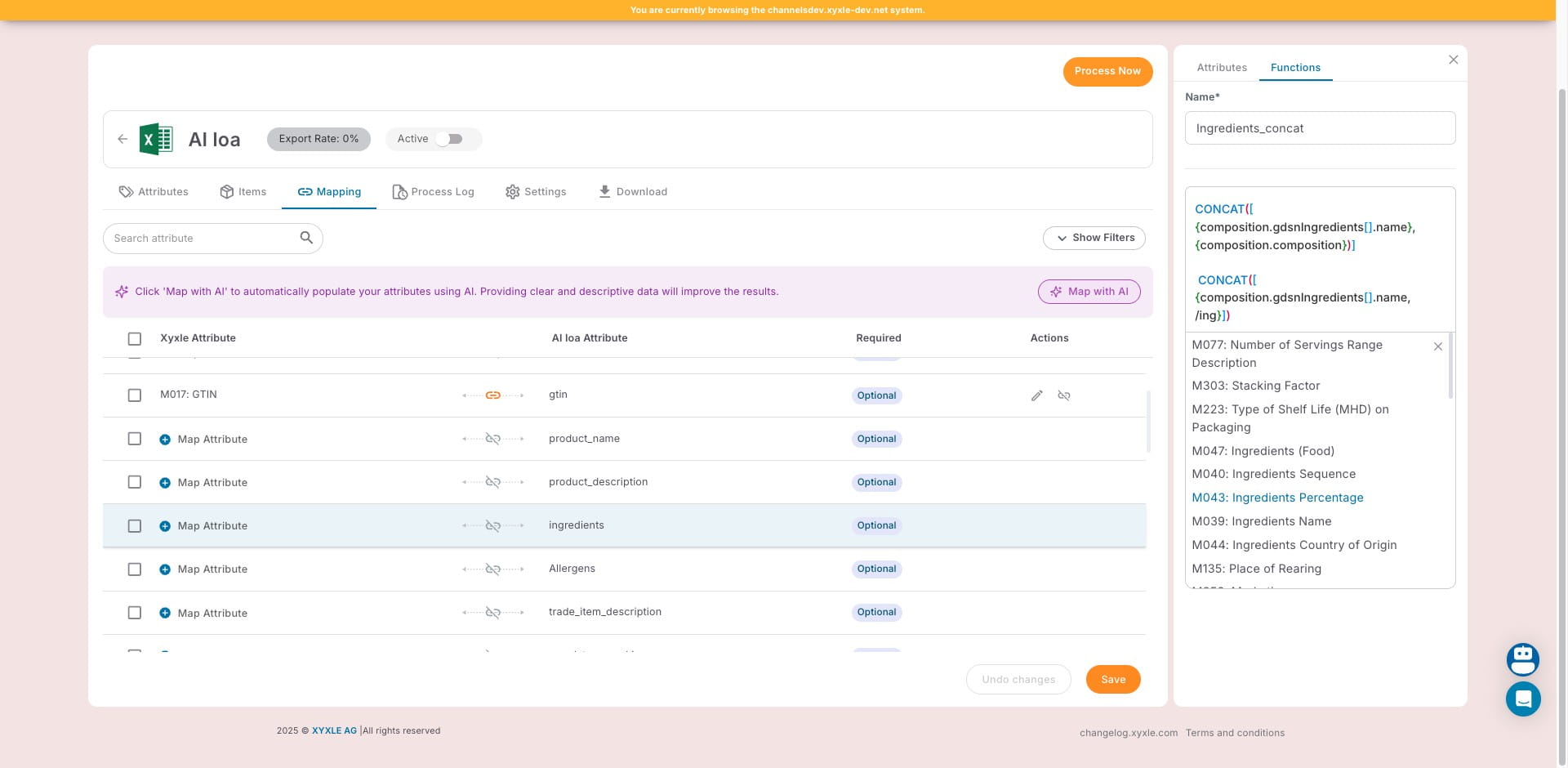
Click on "M043: Ingredients Percentage"
15
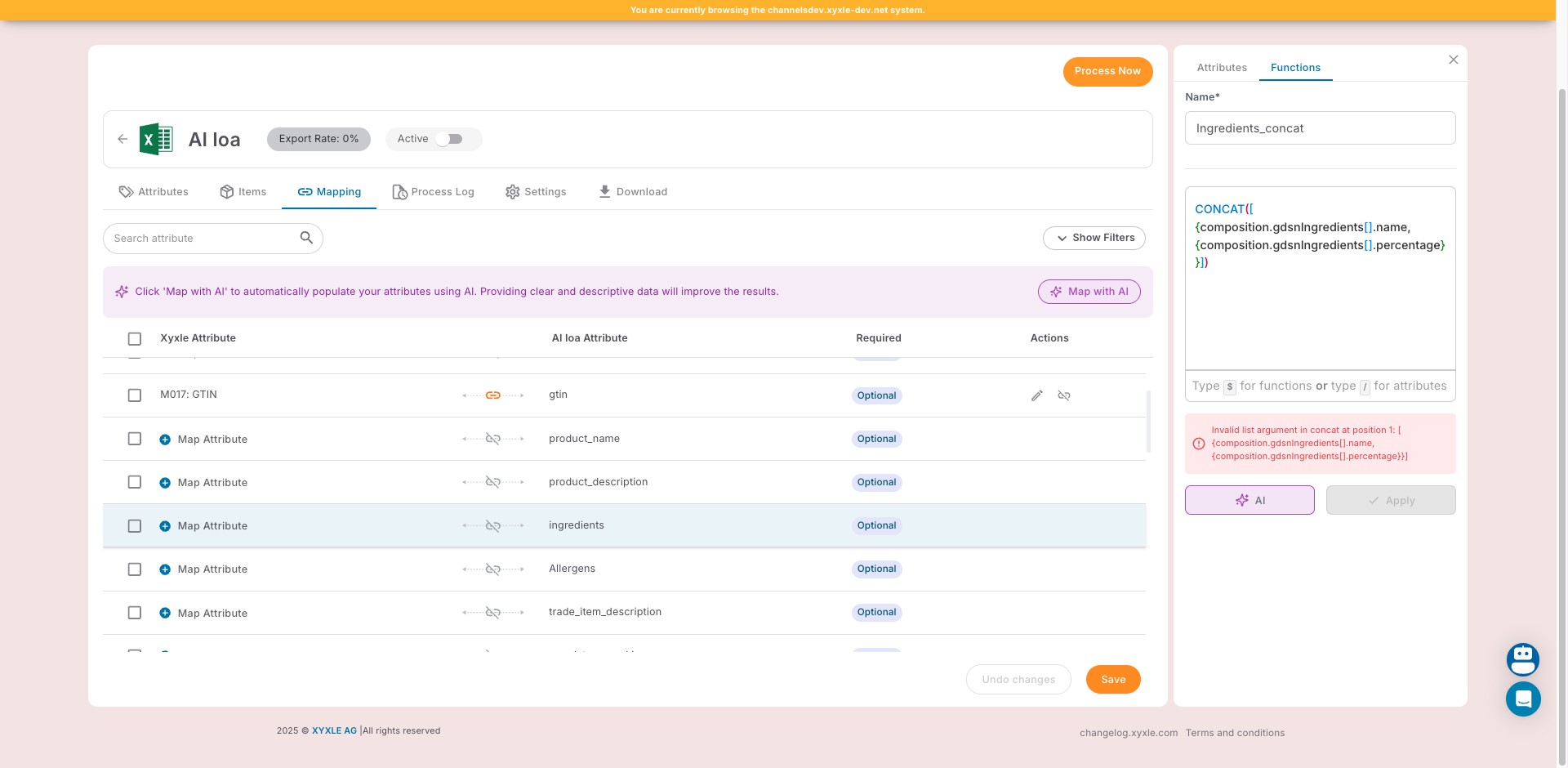
Now you can see that several attributes have been computed.
16
The other option would be to create a function with AI.