Mapping-manual pick
Sep 24, 2025●
1
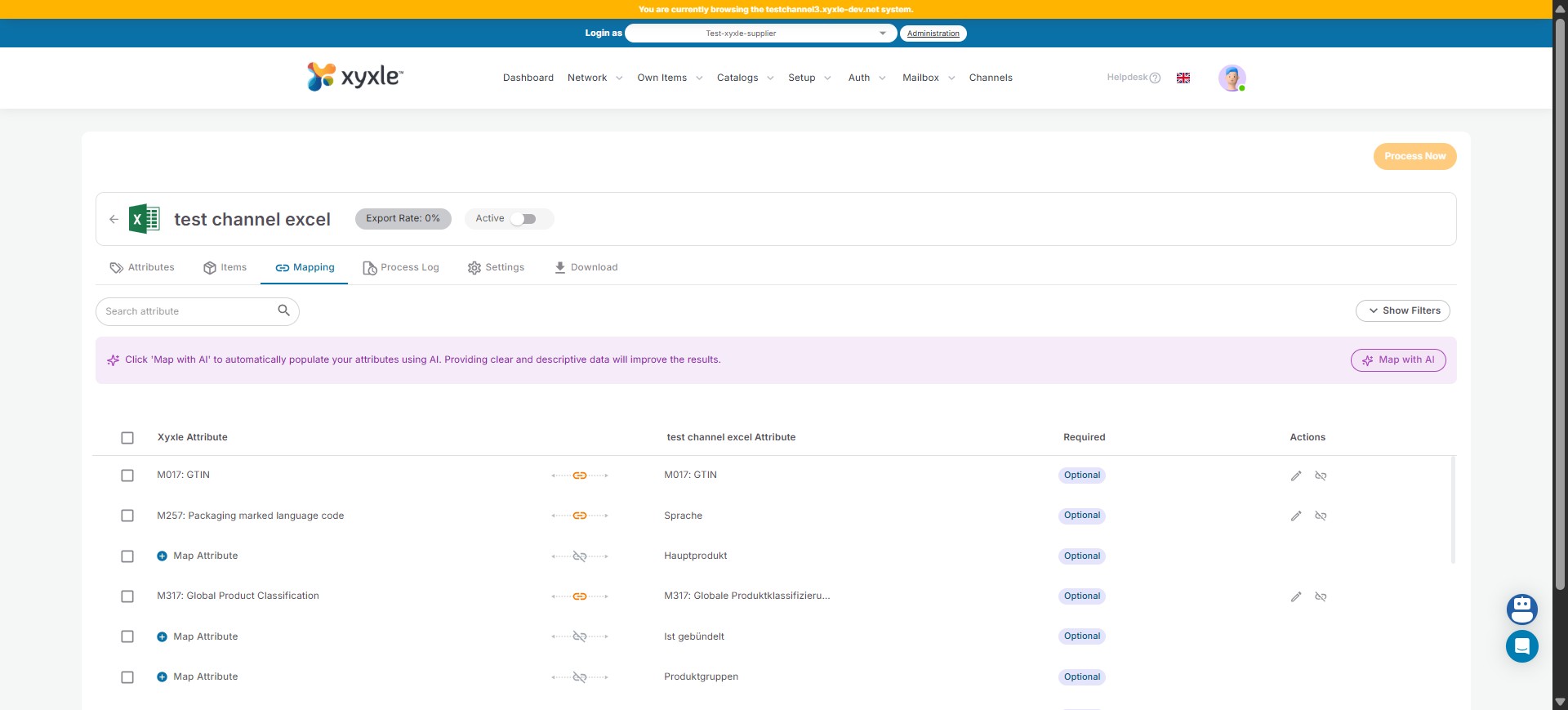
Navigate to Channels section.
2
Click on the Mapping section.
3
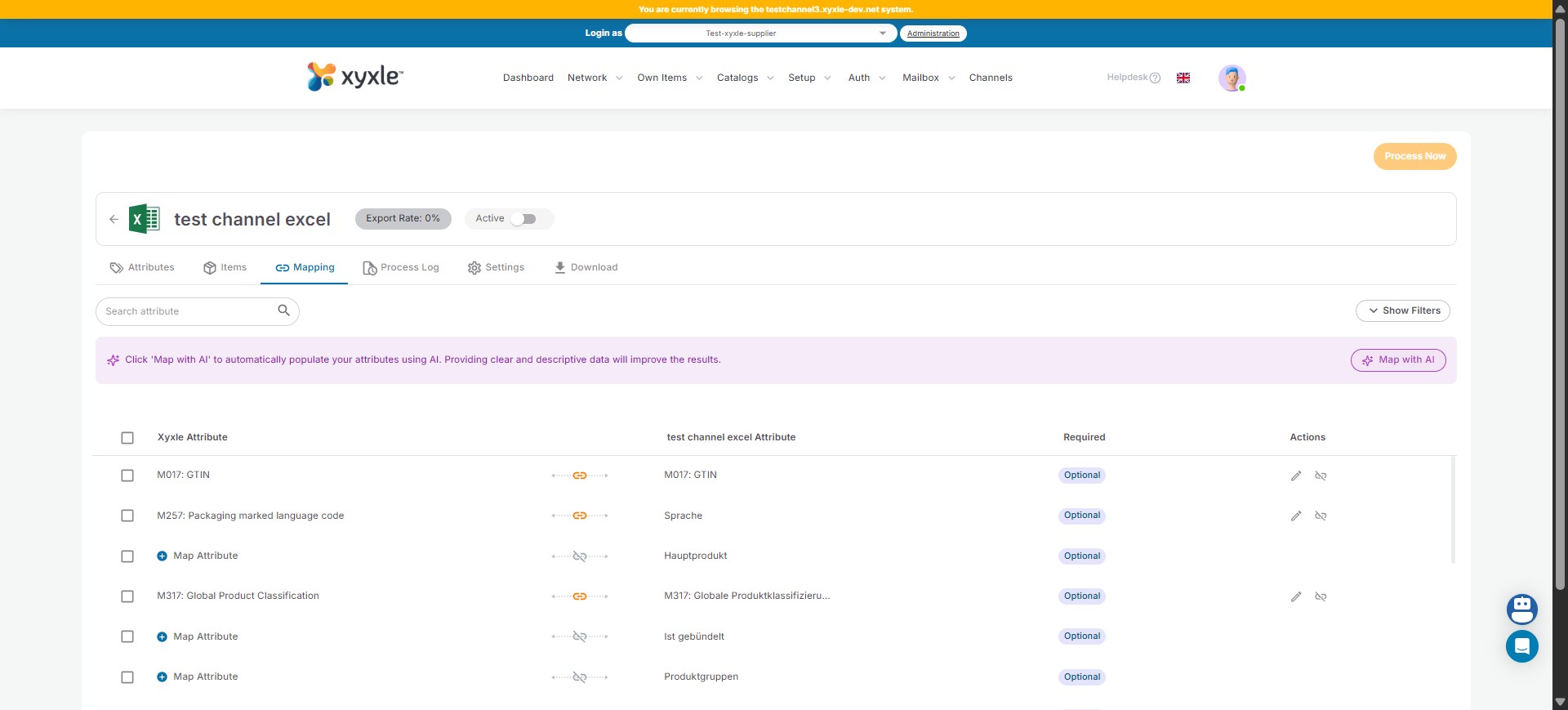
Click on the Map Attribute icon.
4
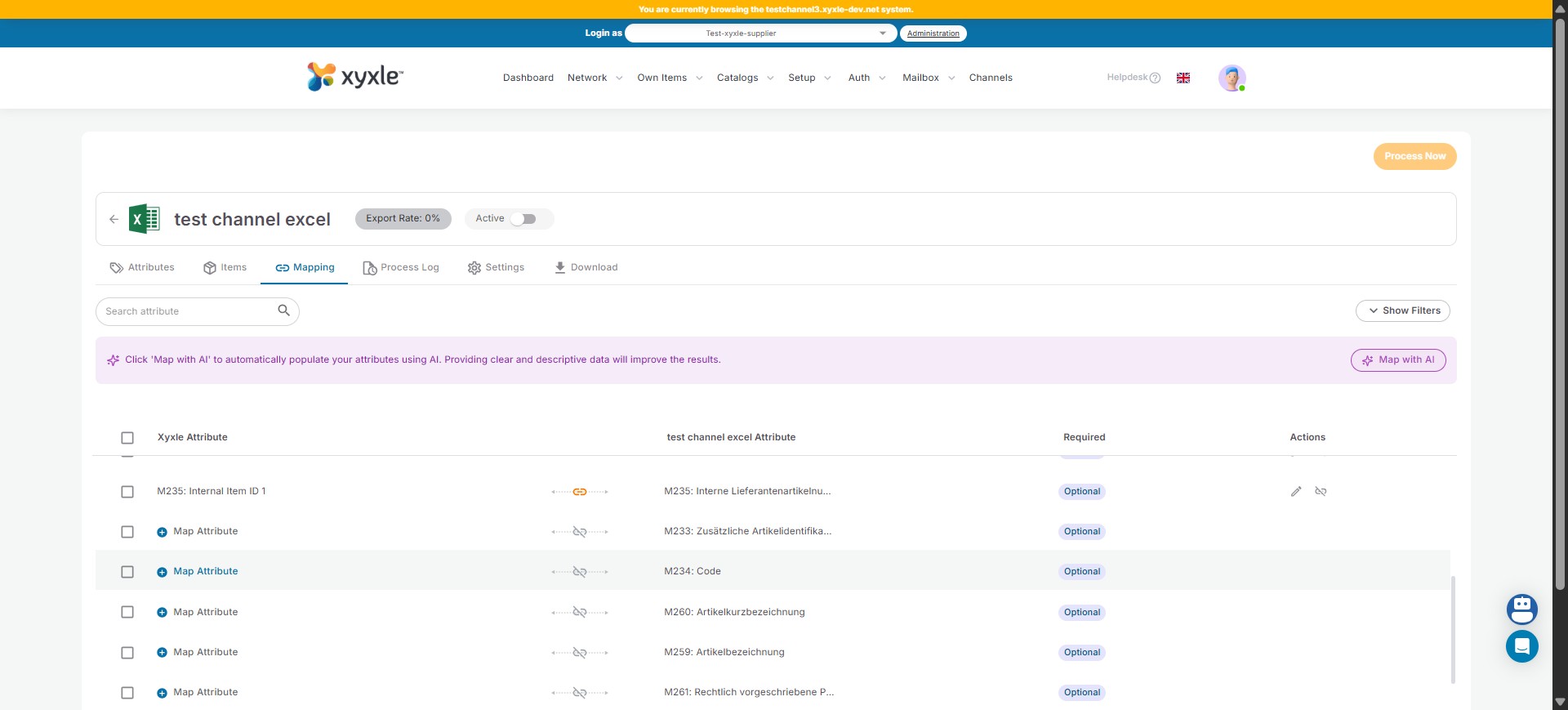
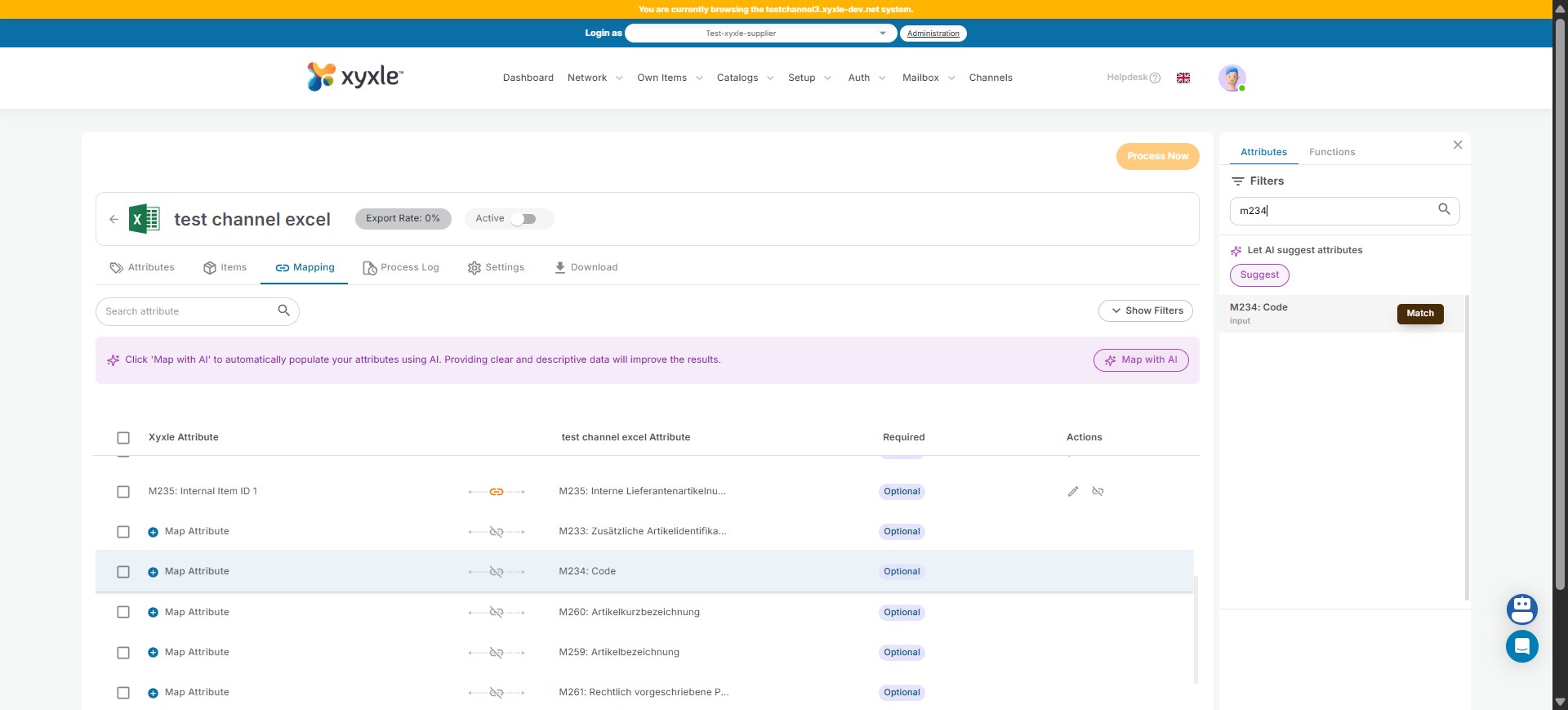
Click here to search the desired attribute
5
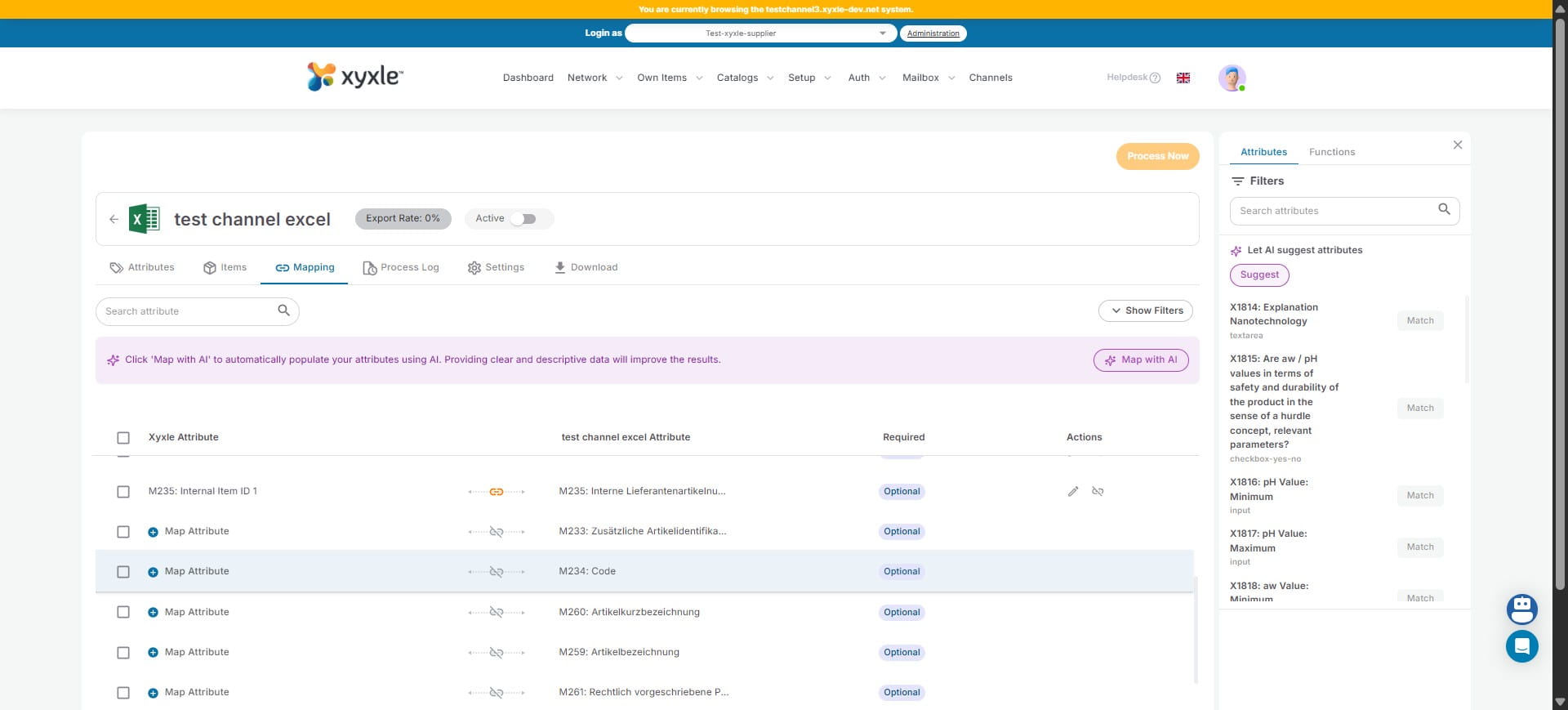
Click on "Match".
6
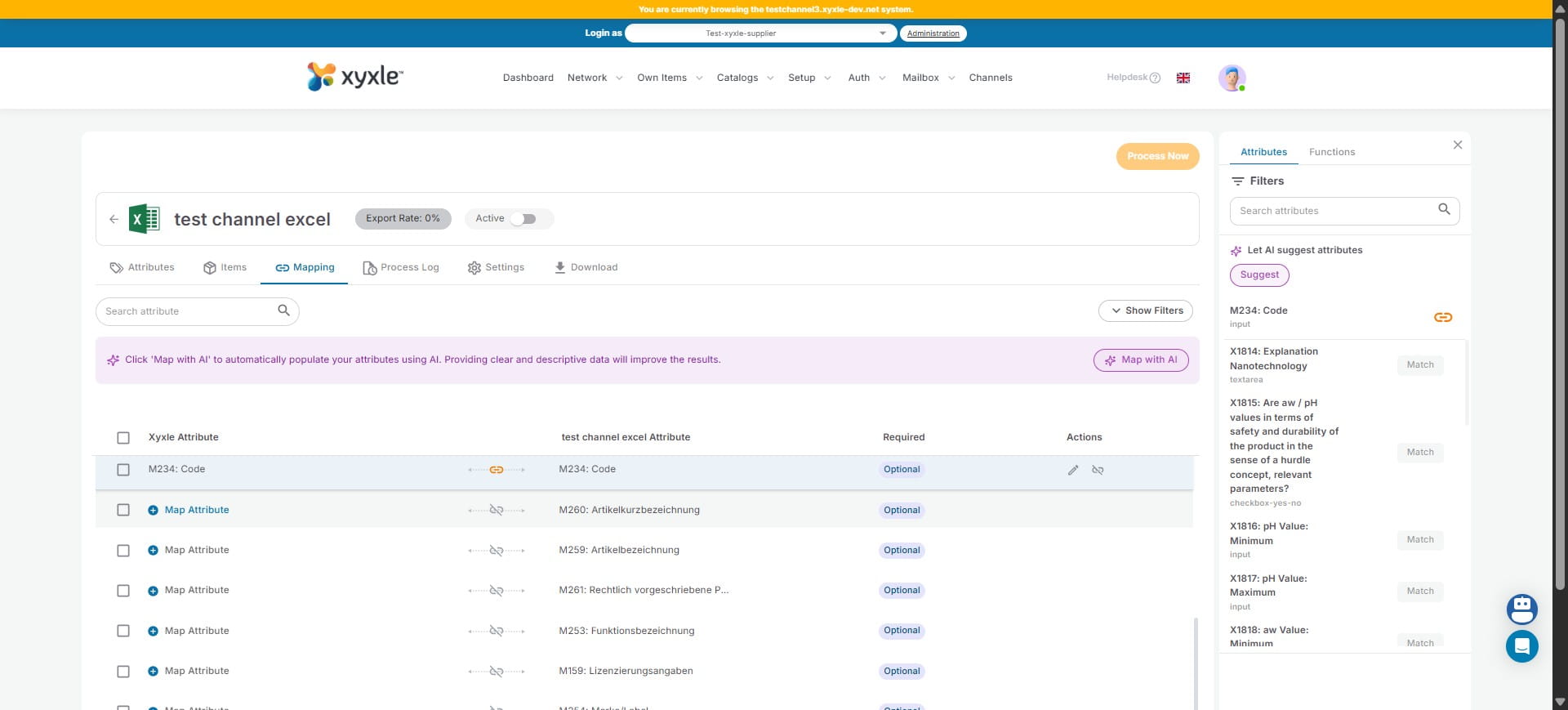
Click on Map attribute for another attribute.
7
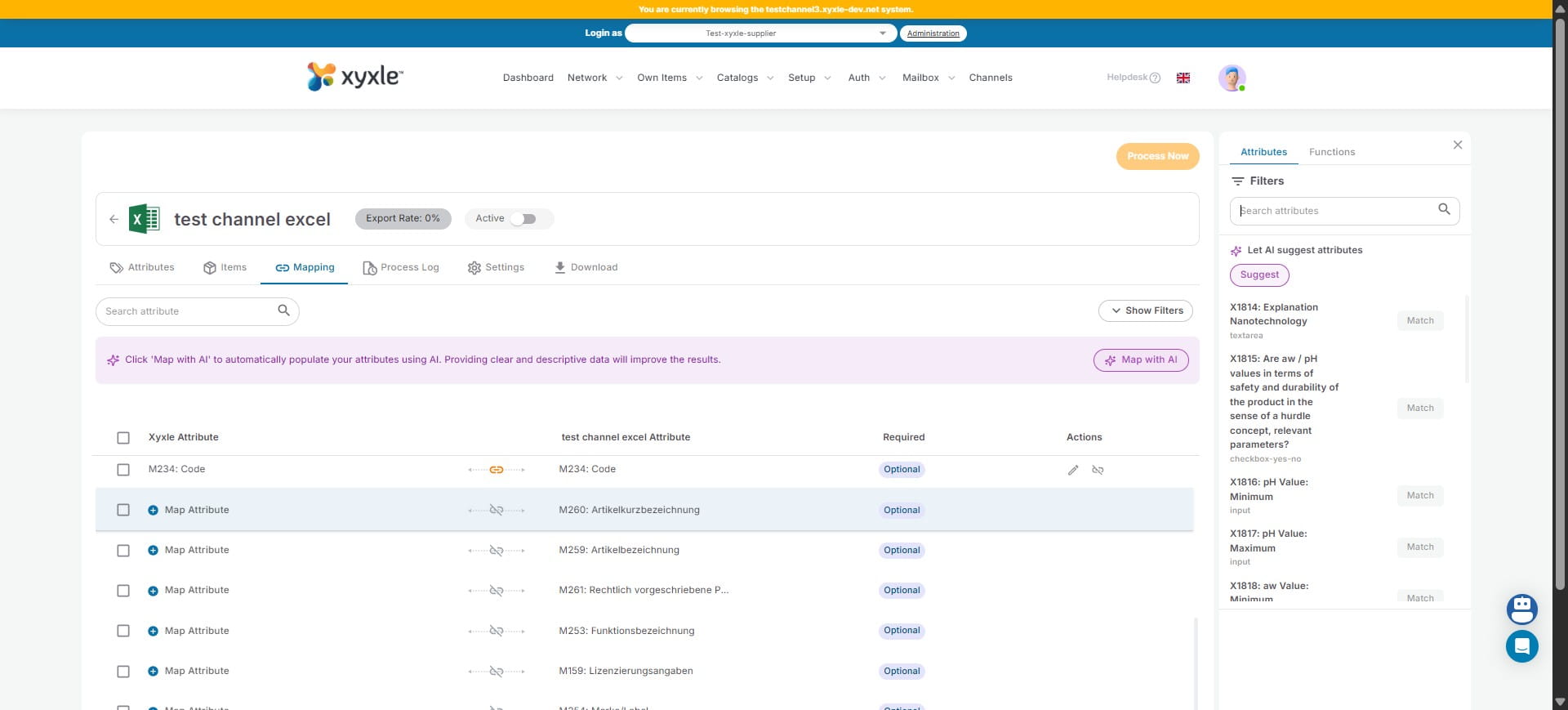
Click here to search the desired attribute.
8
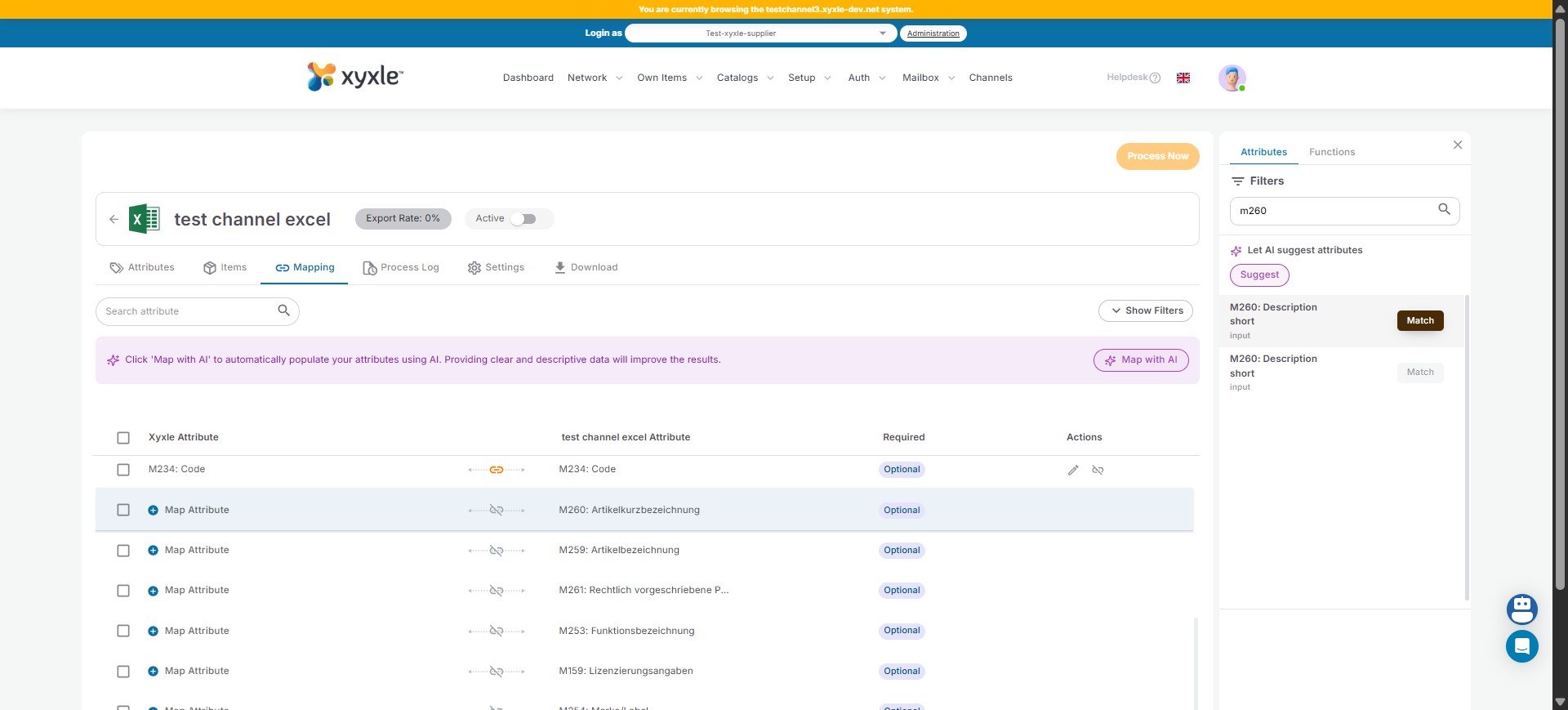
Click on "Match".
9
Click on Map attribute for another attribute.
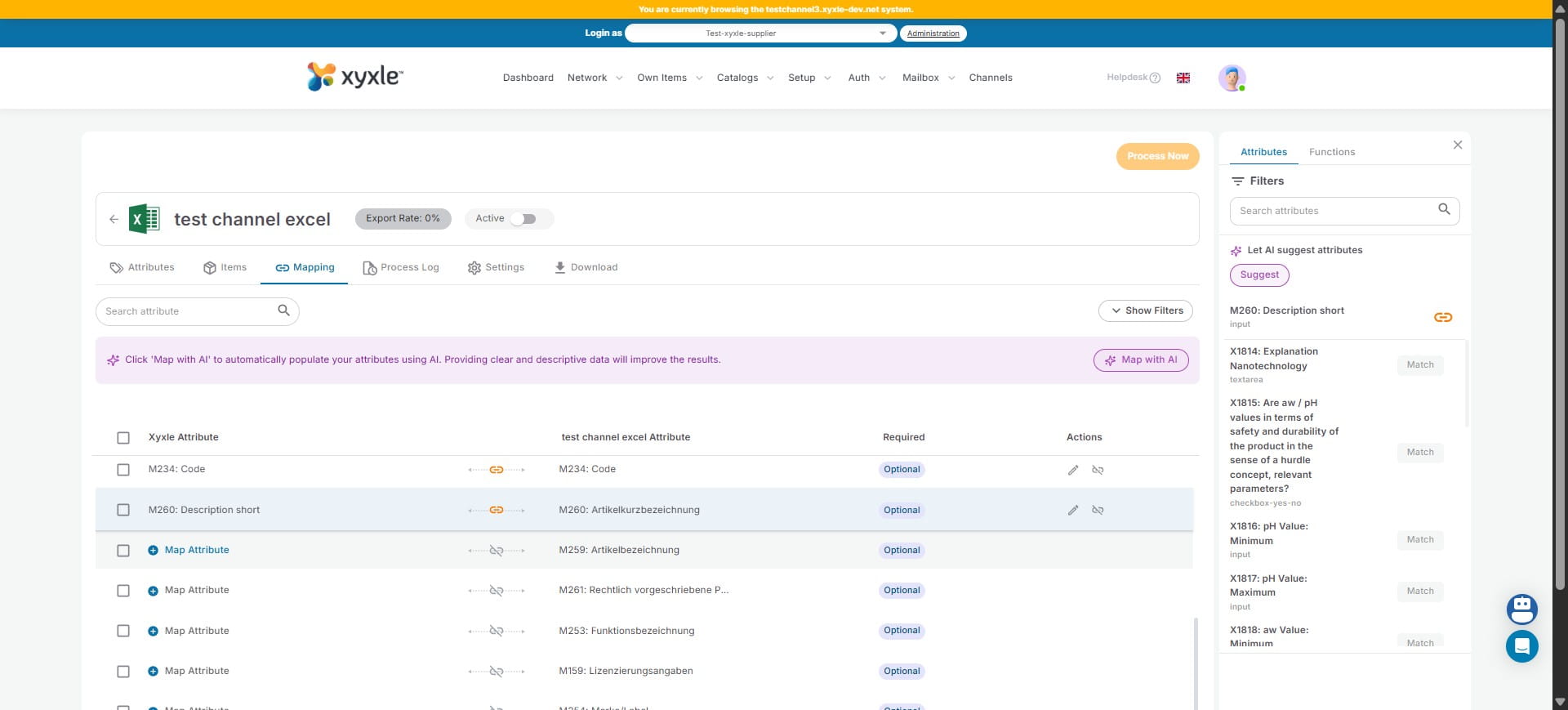
10
Click here to search the desired Attribute.
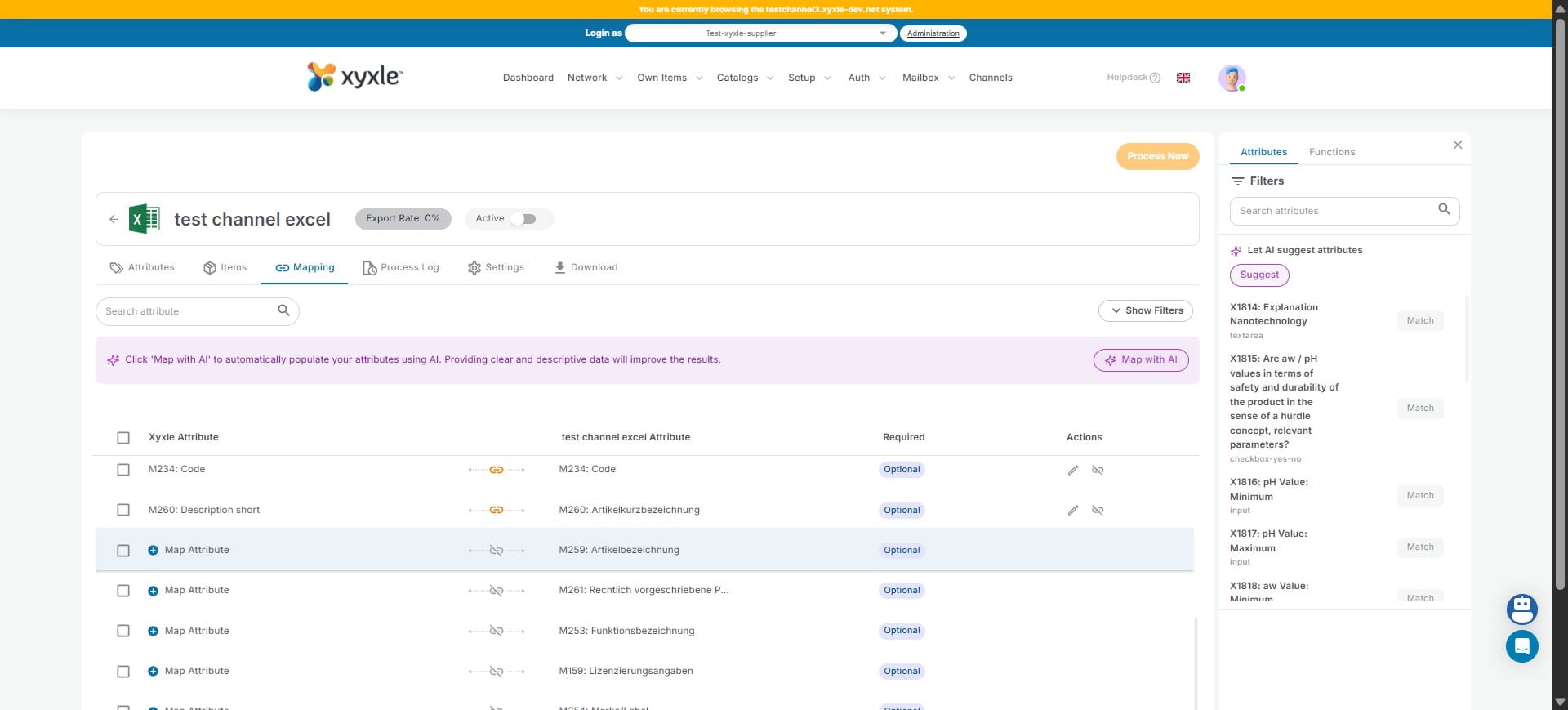
11
Click on "Match".
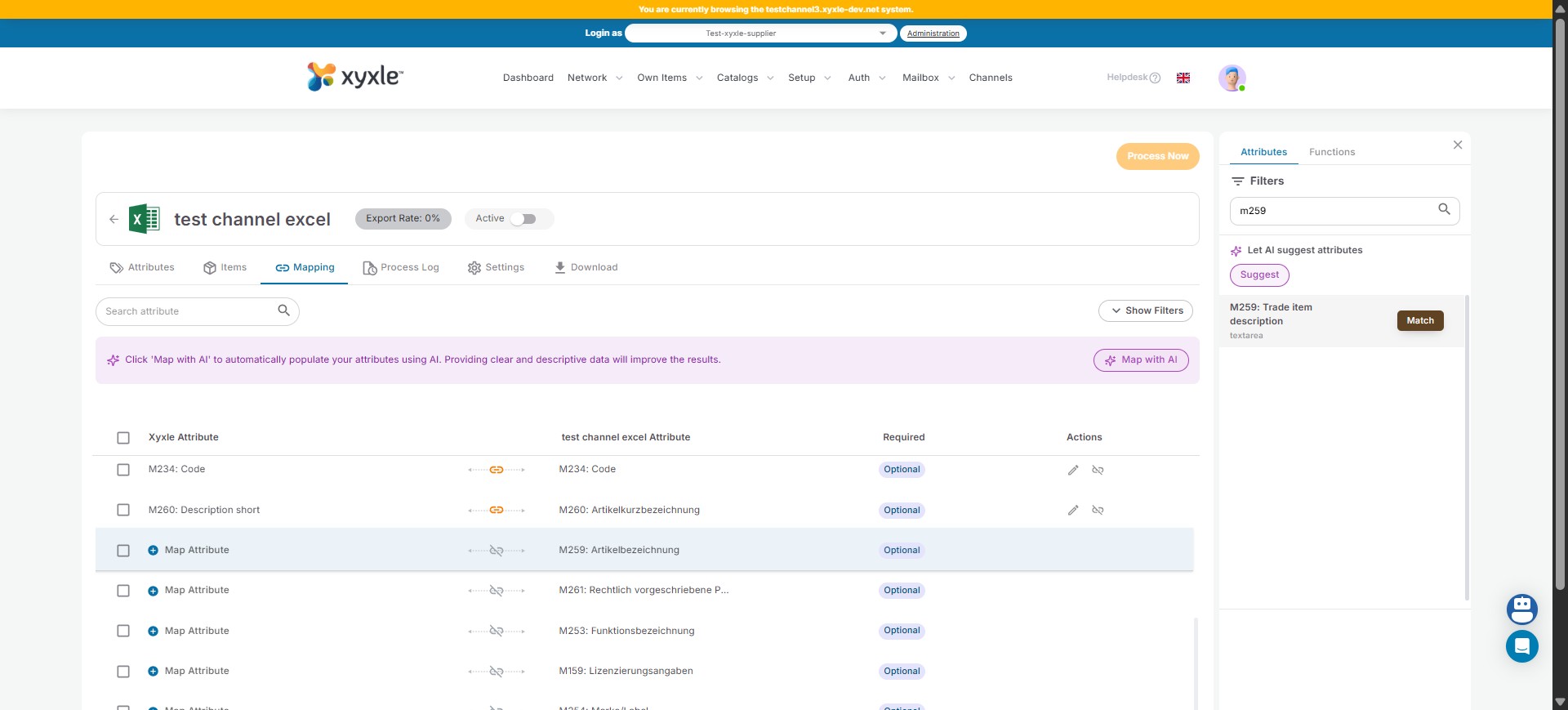
12
Click on "Save".
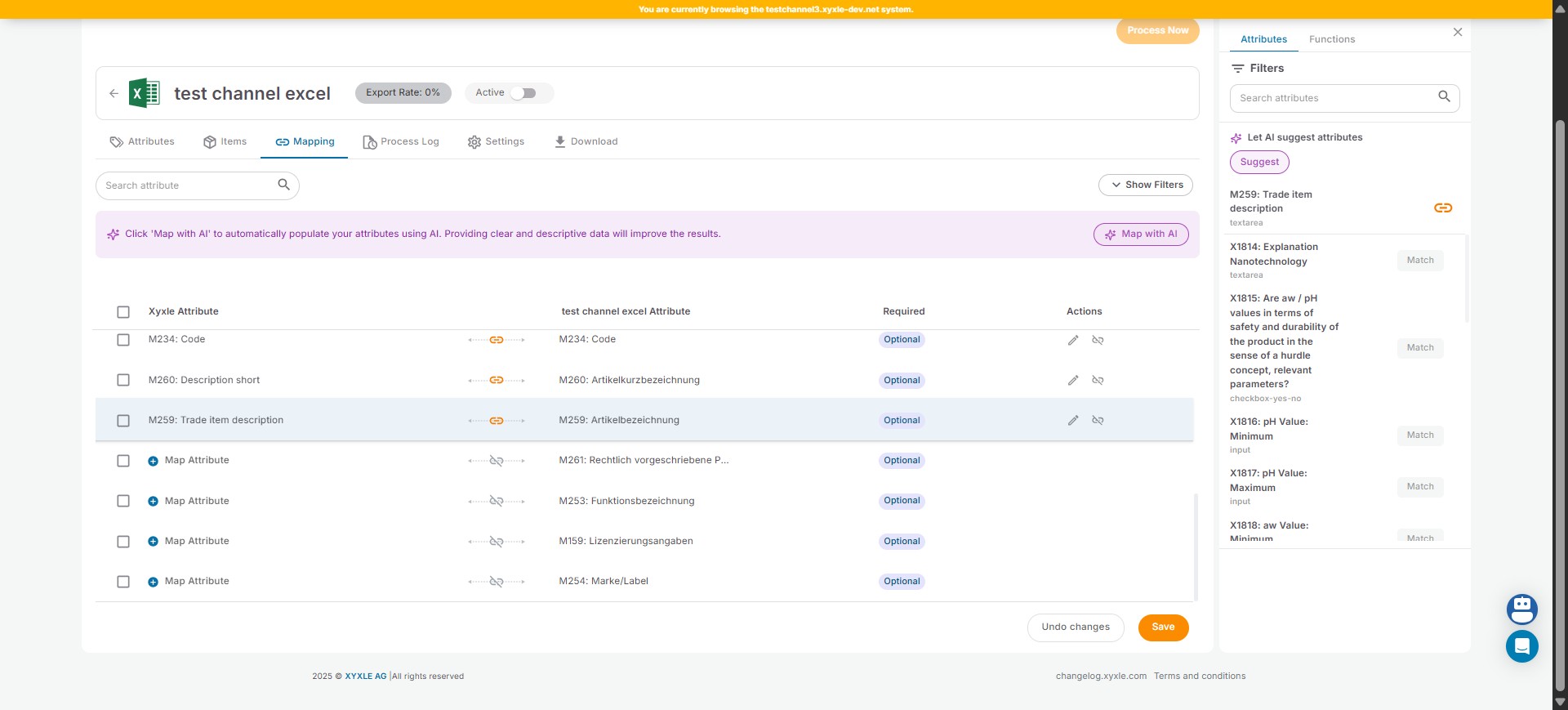
13
Done 🚀