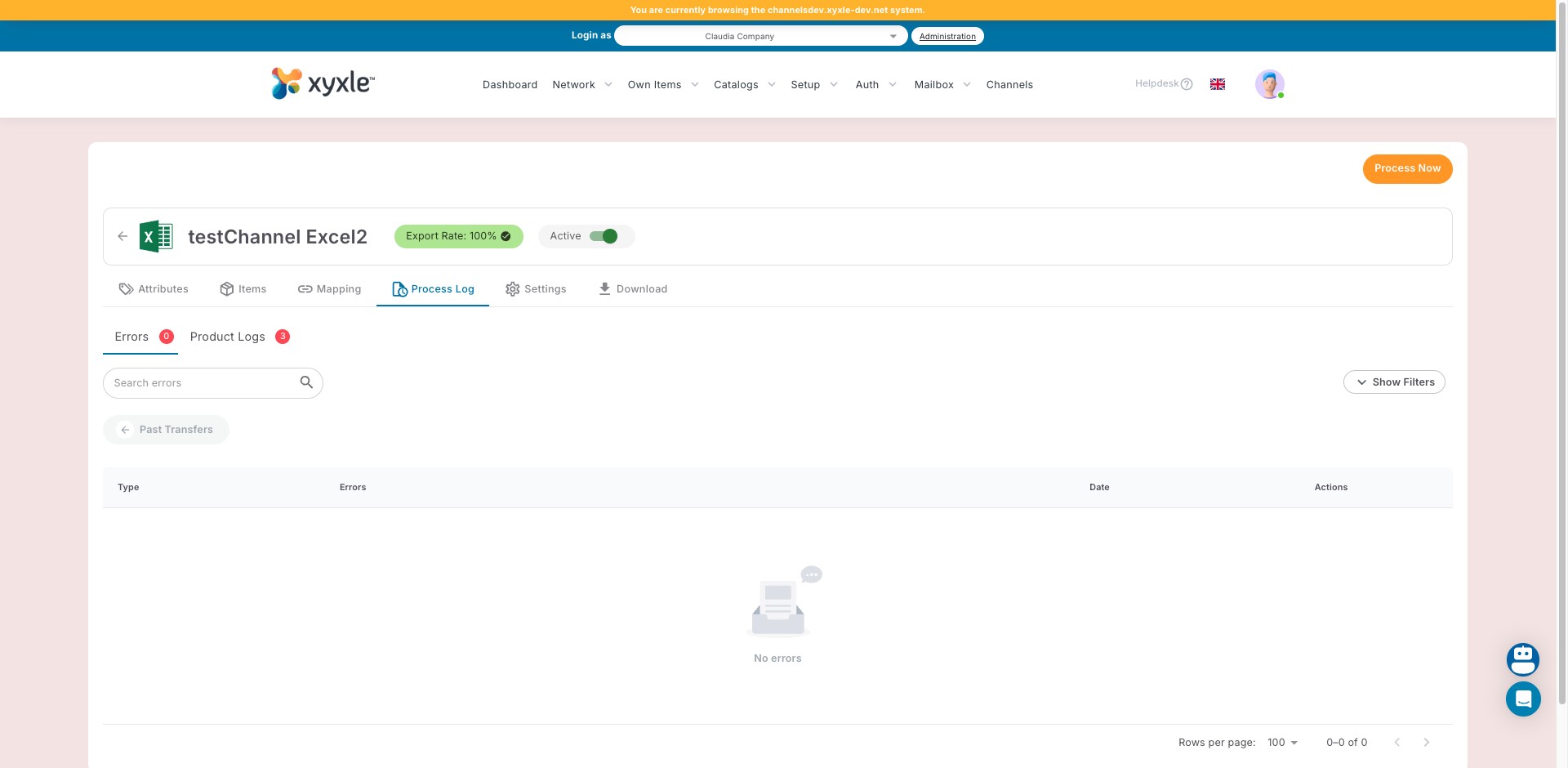
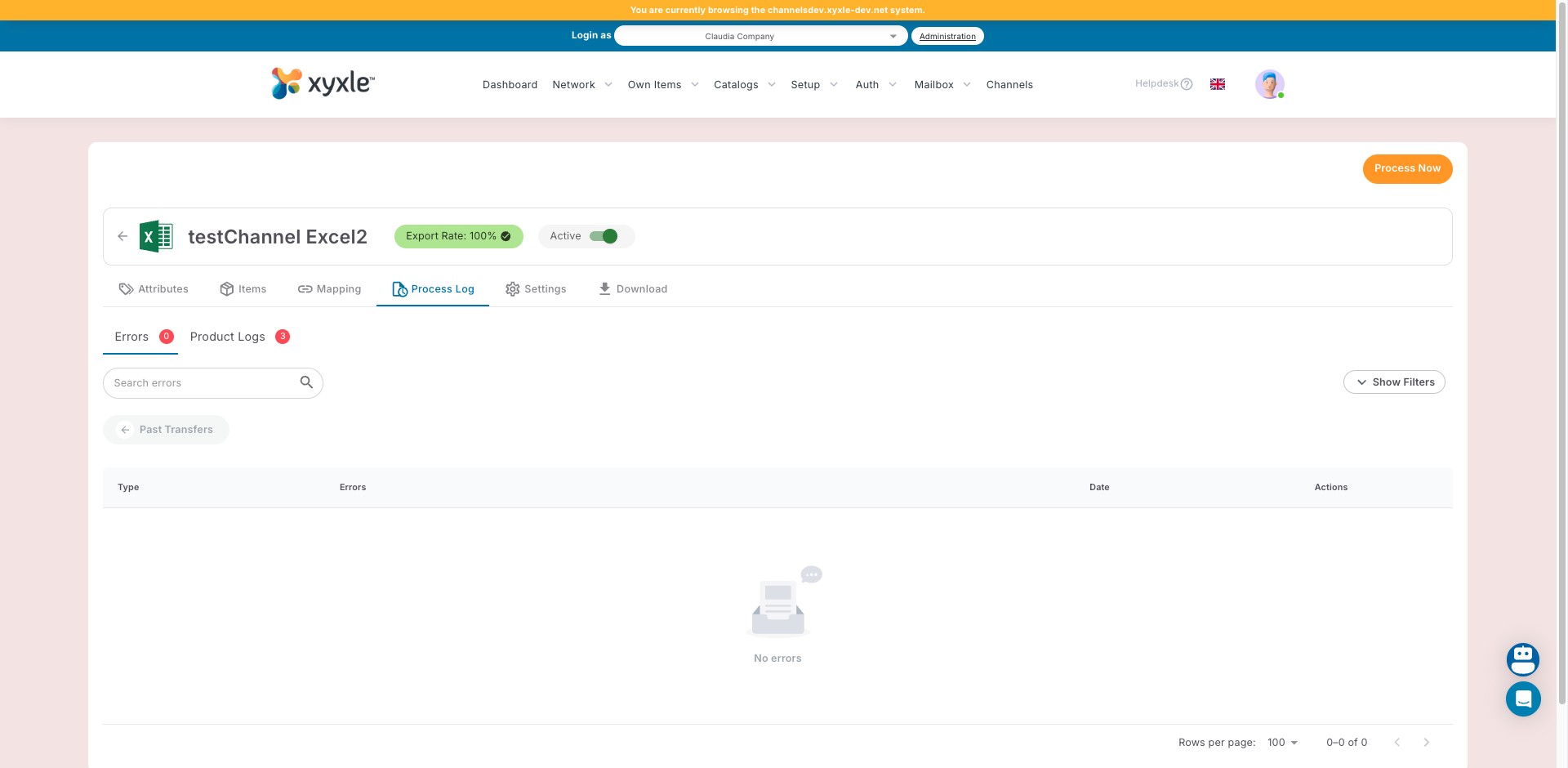
Process log - no errors
Aug 06, 2025●
1
Navigate to the desired Channel in the Channels section.
2
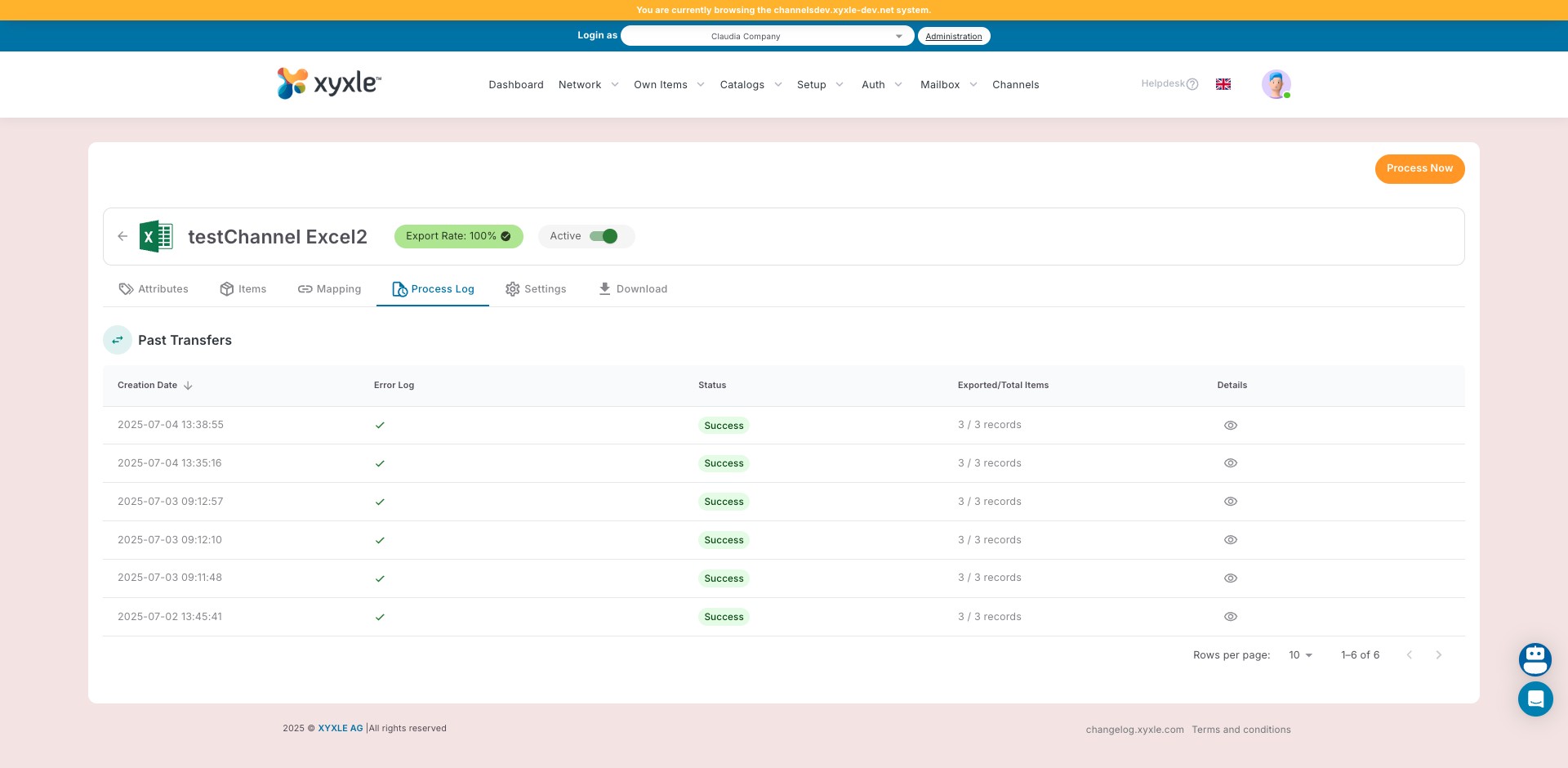
Click on Process Log tab.
3
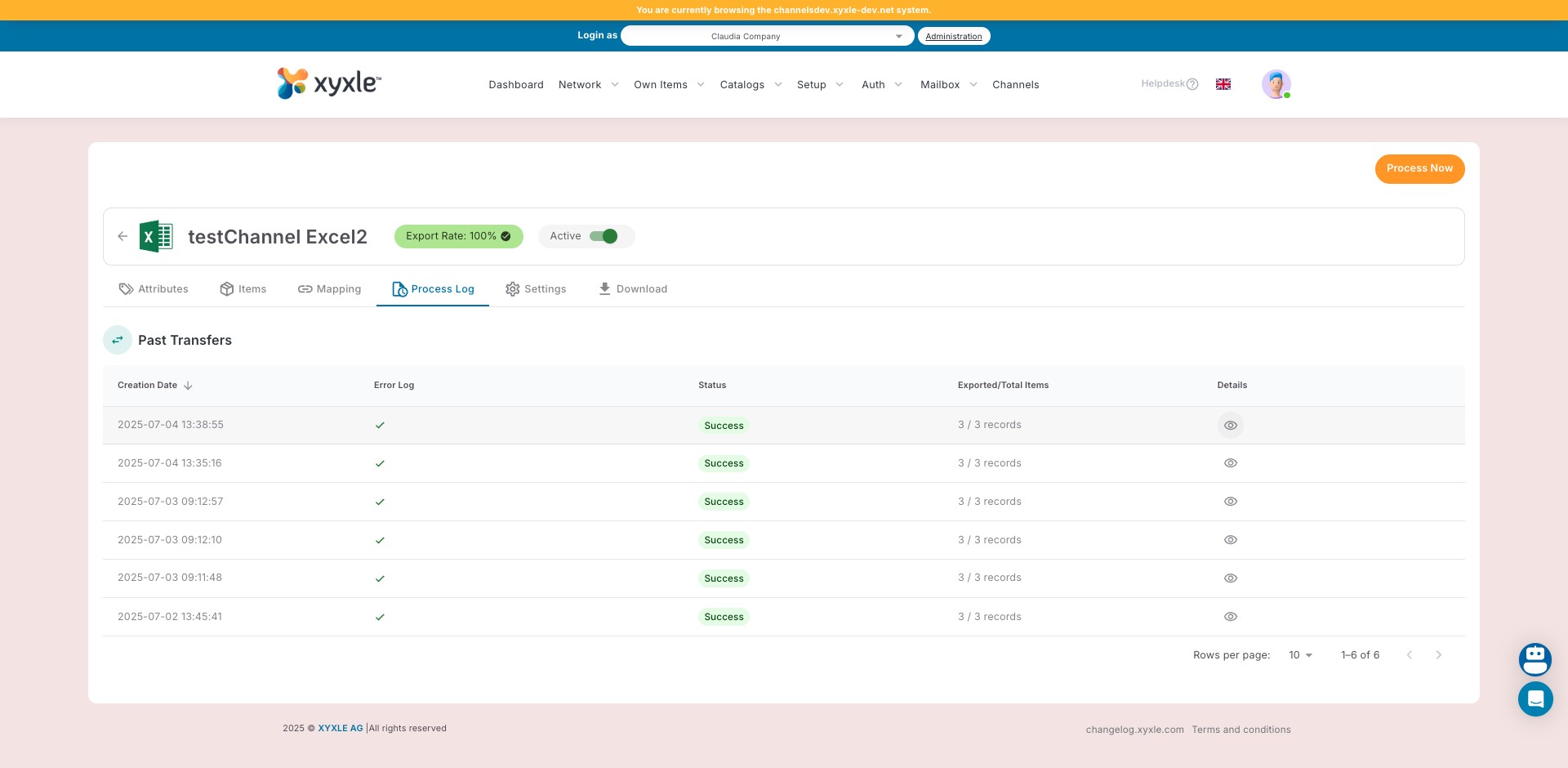
Click on View Details icon.
4
Click on "Product Logs" sub-tab.
5
Click here to go back and see all Past Transfers.
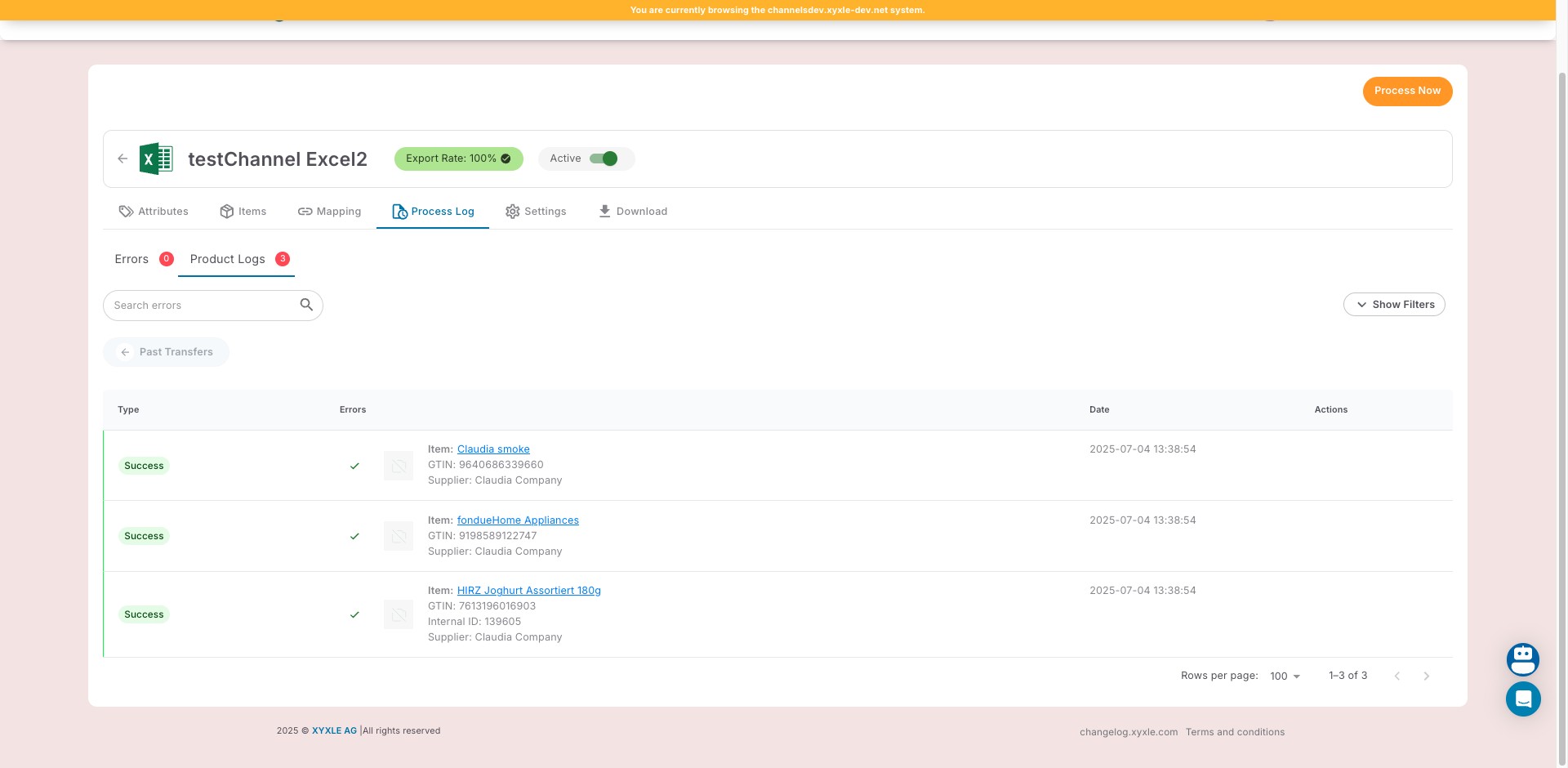
6
Click here to View Details from that transfer.
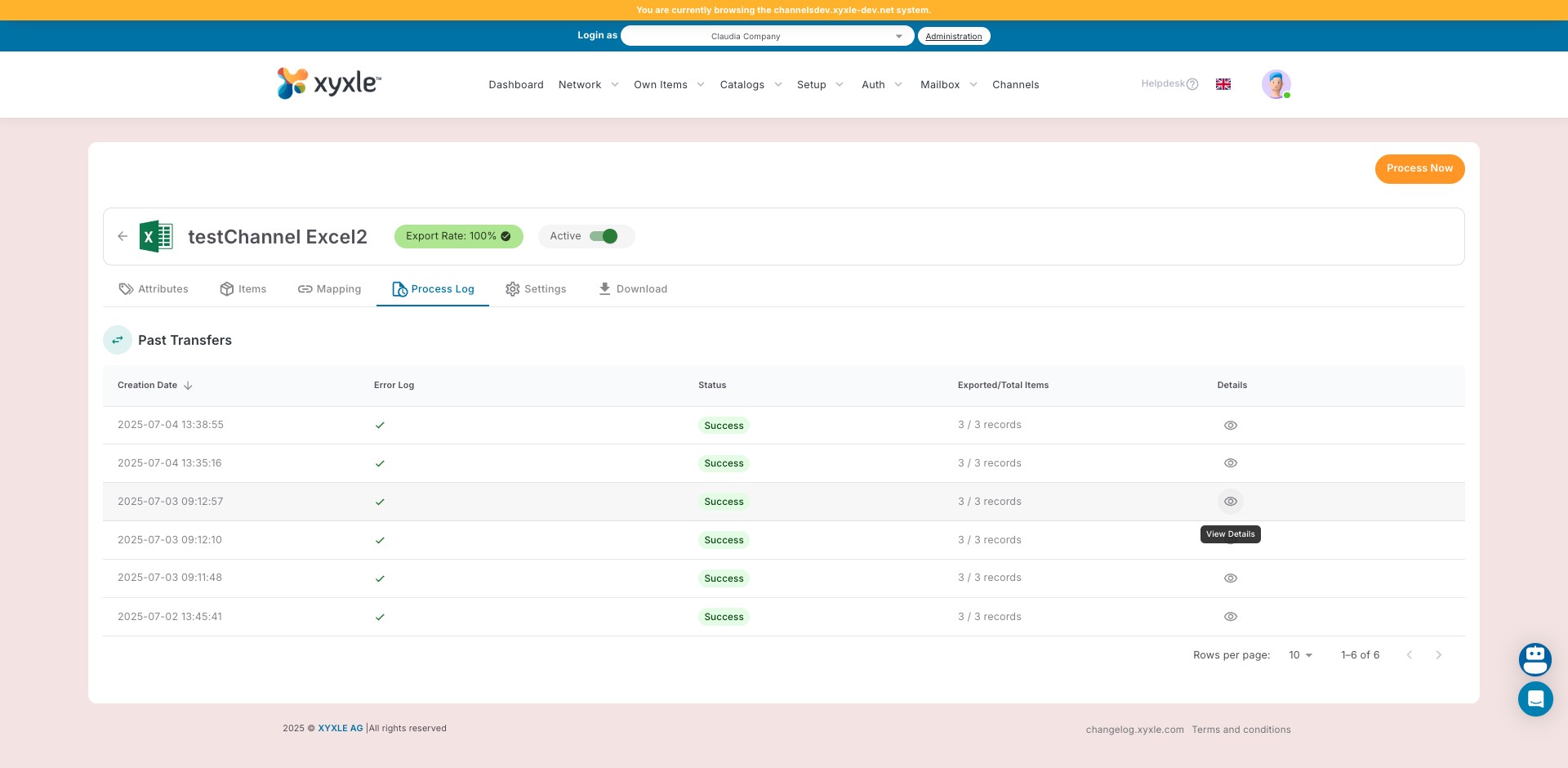
7
Done 🚀