Download the Excel file
Aug 04, 2025●
1
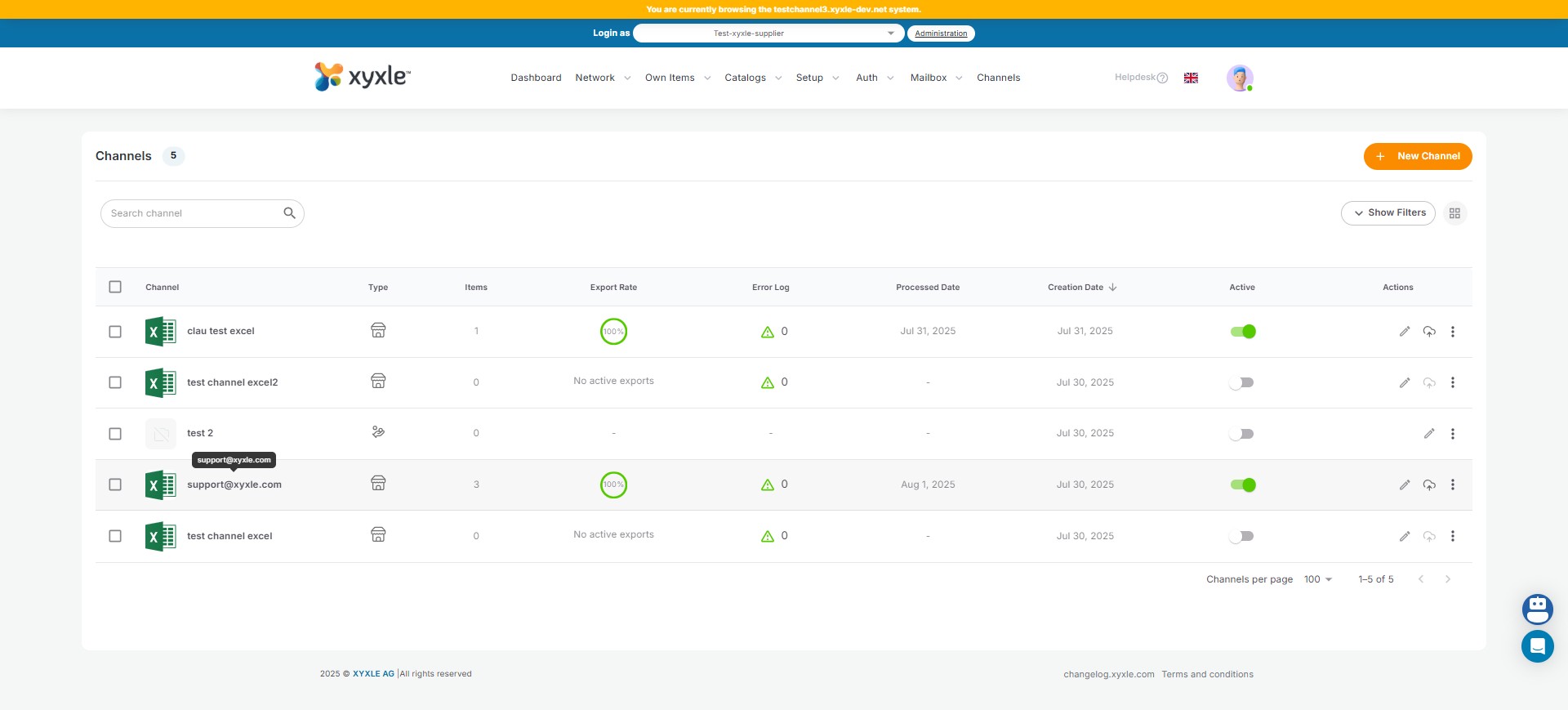
Navigate to Channels Dashboard.
2
Click on a created and Active channel.
3
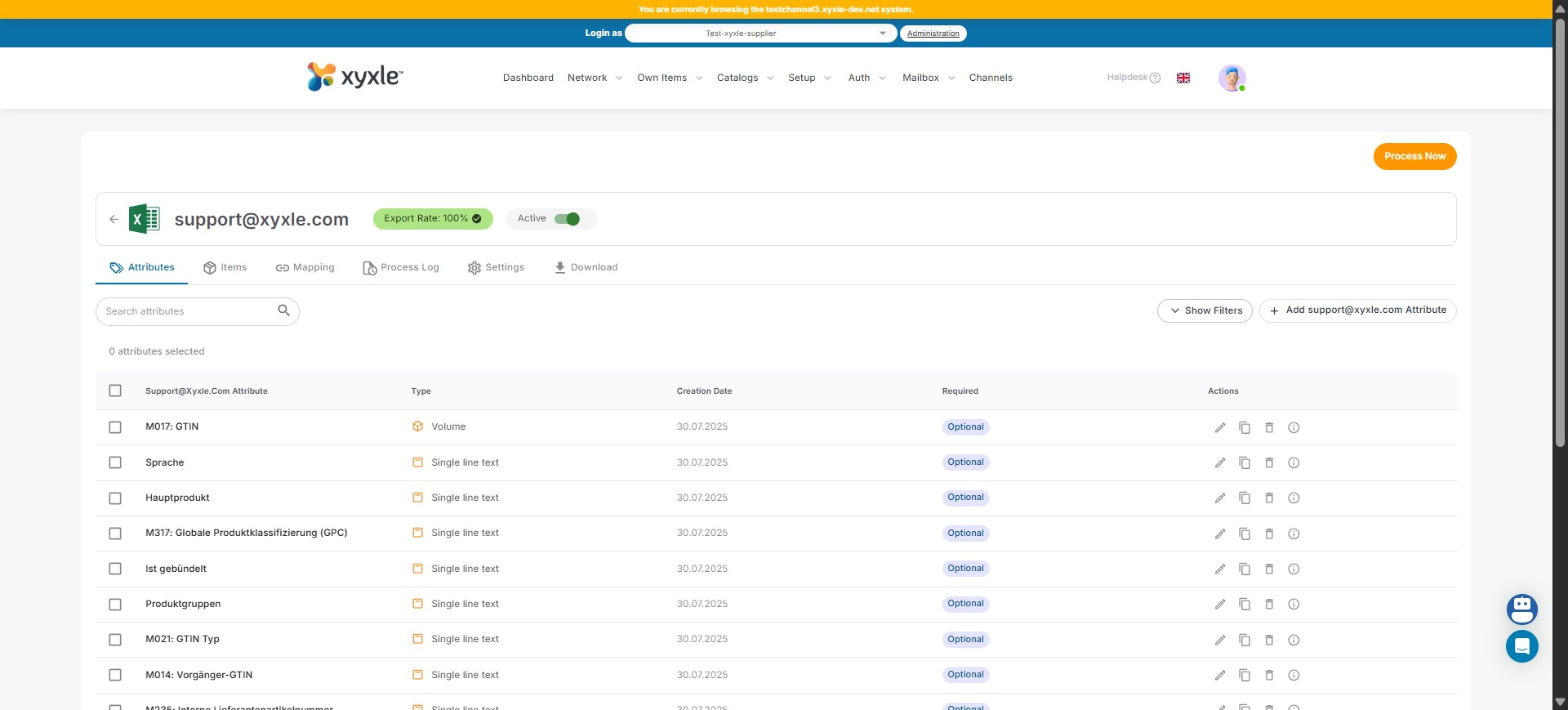
Click on the Download tab.
4
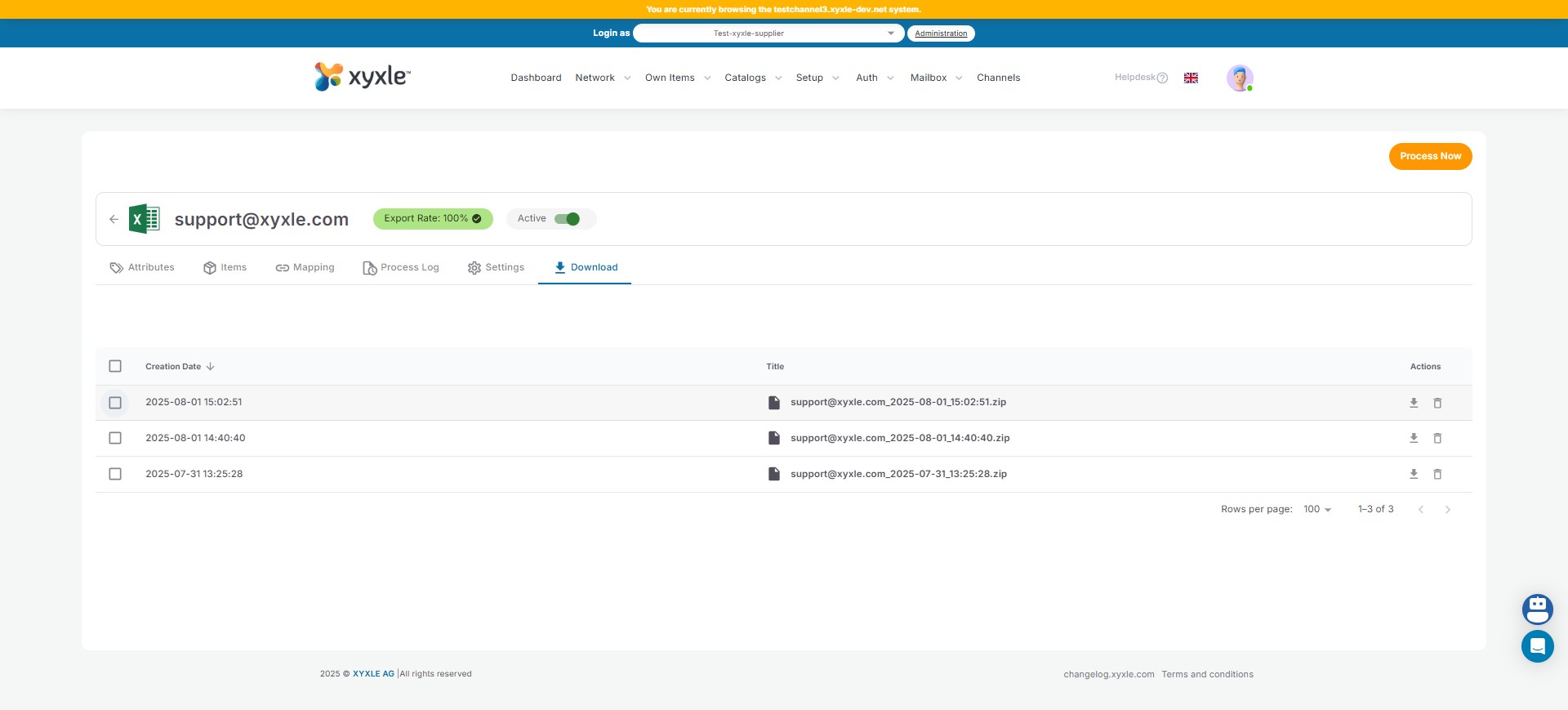
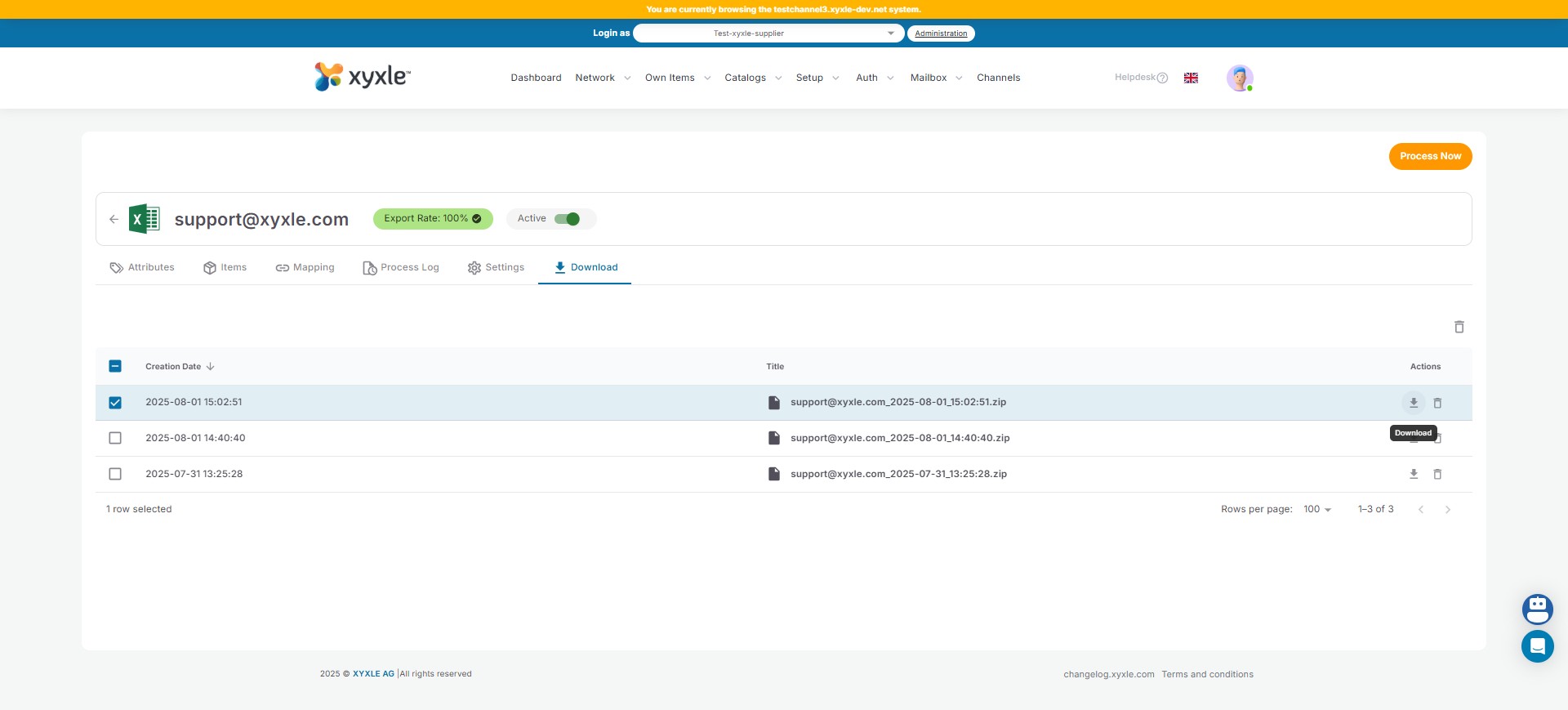
Click to pick one excel file.
5
Click to download the selected Excel file.
6
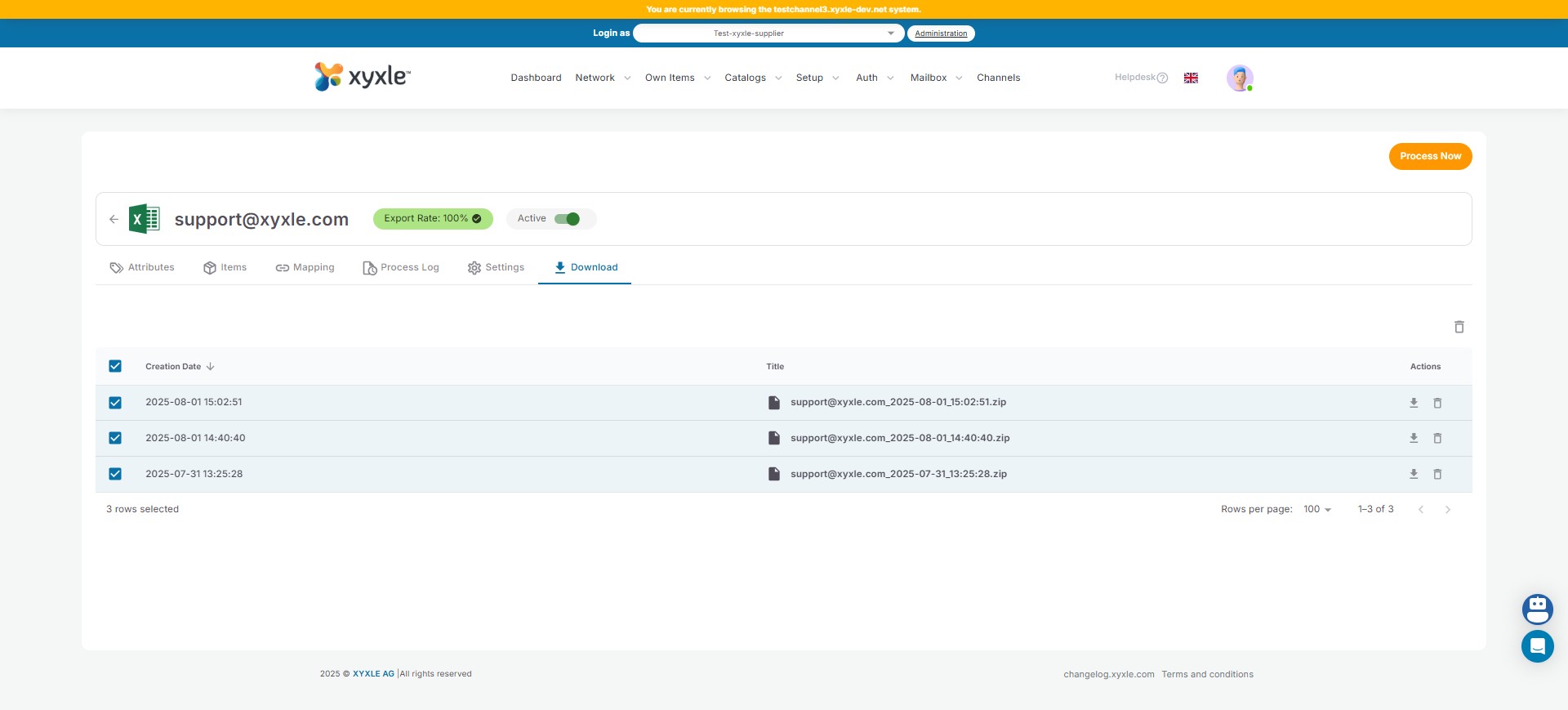
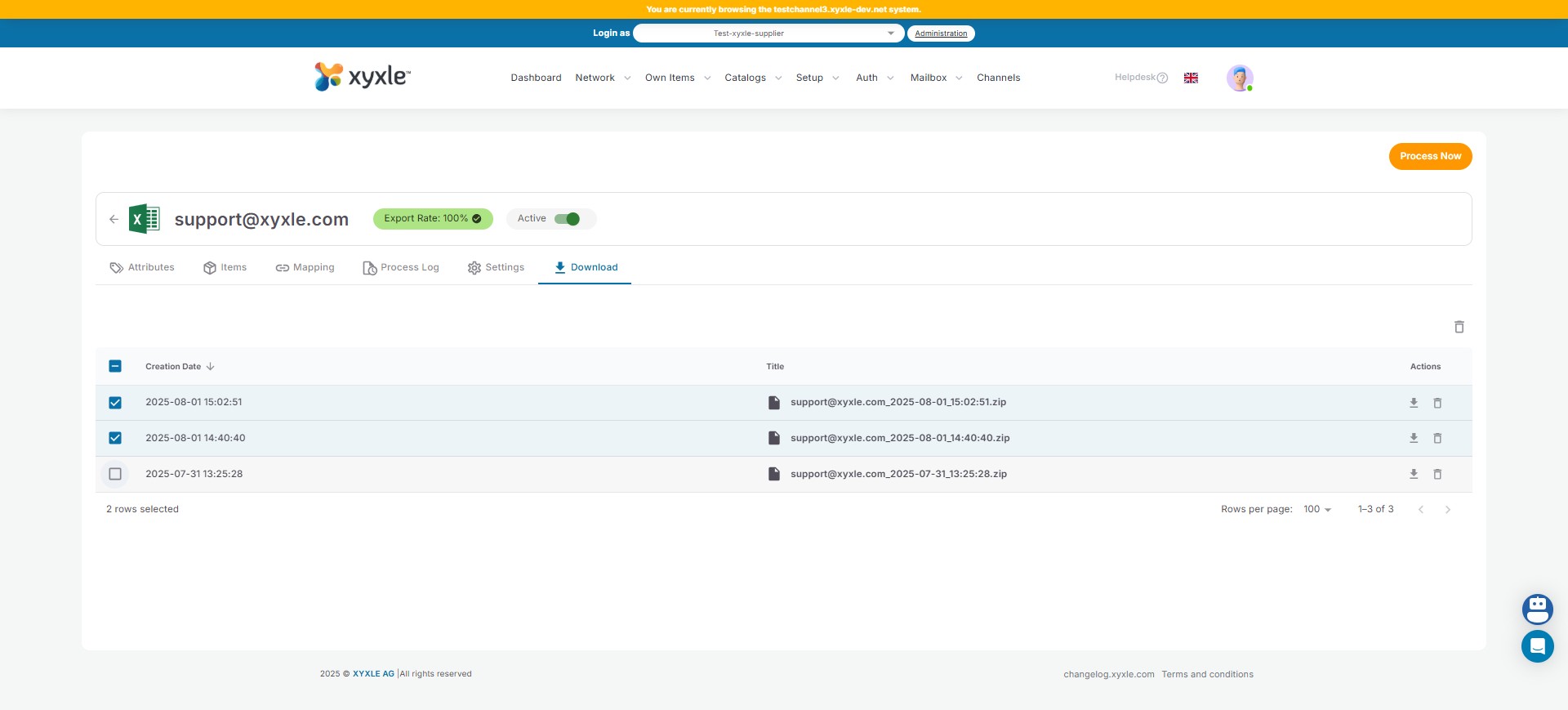
Either you can select multiple Excel files.
7
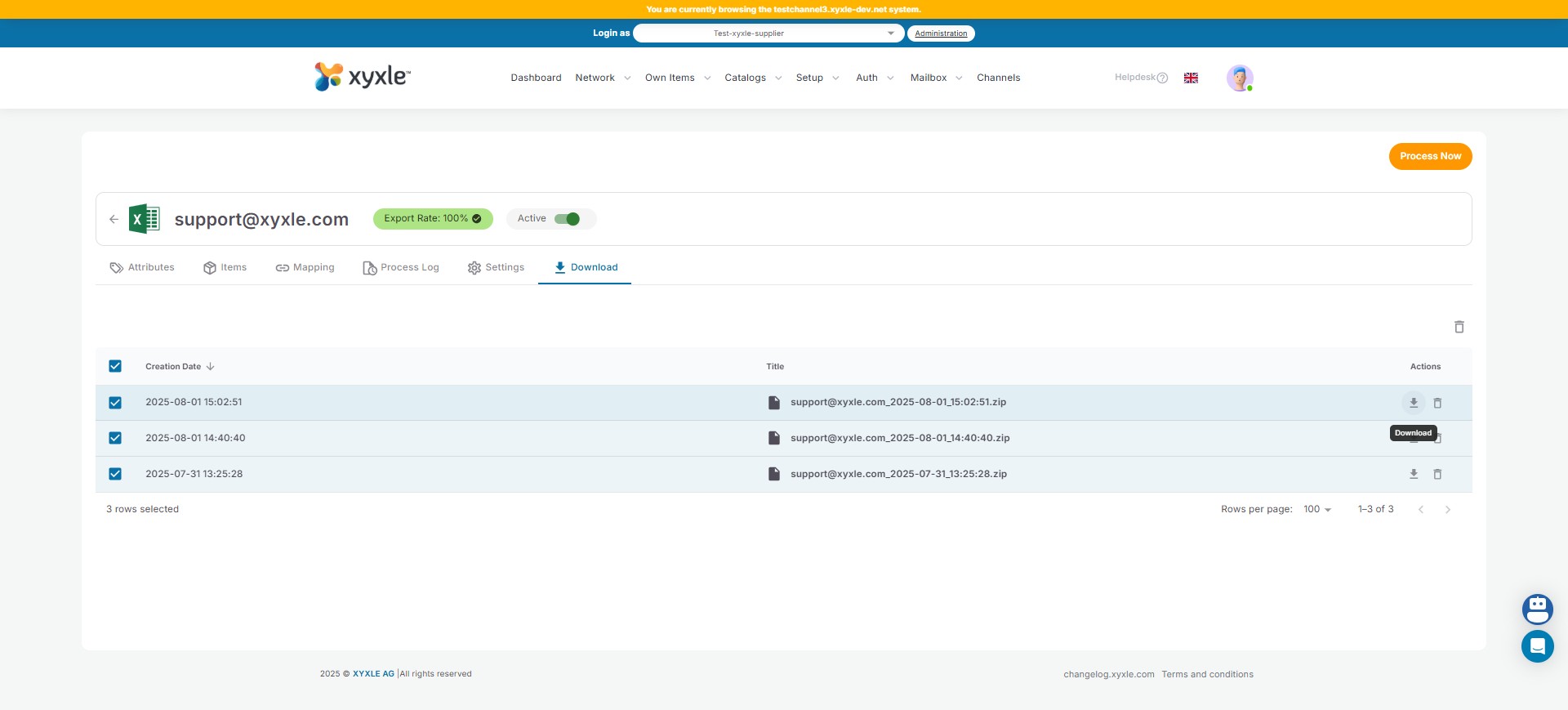
Click and download all the Excel files in one folder.
8
Done 🚀